
ChatExcel
BusinessChatExcel is an AI-powered smart office tool that uses natural language processing technology to let users process Excel spreadsheets and perform data analysis through chat. Users do not need to write complex functions or use professional BI tools, and can easily carry out data cleaning, analysis, visualization, and more.
About
Overview
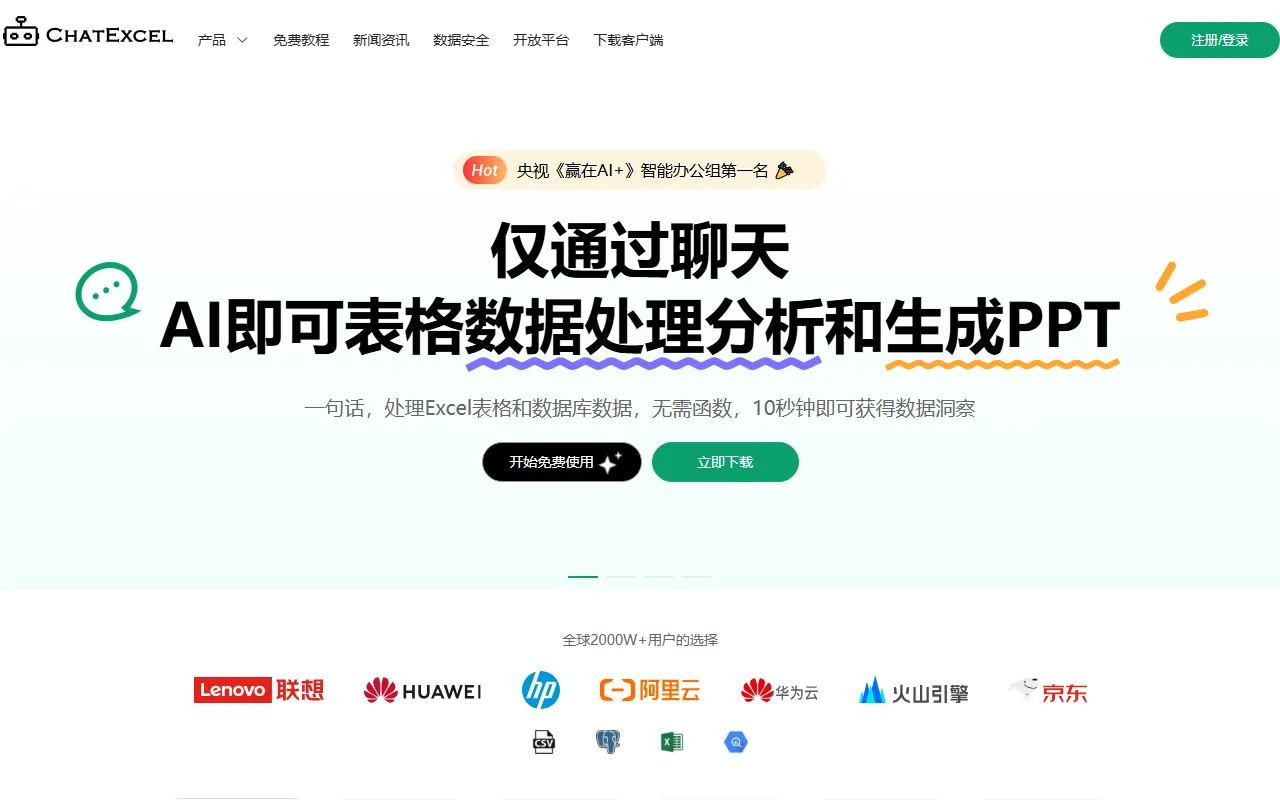
ChatExcel is an AI spreadsheet data processing tool designed for office and data processing scenarios. Through natural language interaction, it allows users to complete Excel spreadsheet organization, data analysis, chart generation, and some report output tasks as if chatting, lowering the barrier to using formulas, functions, and professional BI tools.
ChatExcel supports common spreadsheet formats such as CSV, XLS, and XLSX, and also provides extended capabilities such as PDF to Excel, image to Excel, AI PPT, data dashboards, and database analysis. It is suitable for individuals and teams that need to process spreadsheets efficiently and quickly gain insights from data results.
Main Features
-
Natural language spreadsheet processing
- Complete data cleaning, filtering, summarization, querying, and batch processing by entering text instructions
- Reduce complex formulas and manual operations
-
Excel automation processing
- Supports multi-sheet merging, worksheet splitting, data cleaning, and advanced queries
- Suitable for common repetitive spreadsheet workflows
-
Intelligent data analysis
- Supports tasks such as comparative analysis, statistical analysis, cross analysis, and correlation analysis
- Can be used to quickly extract business conclusions and key metrics
-
Charts and visualization
- Supports generating more than 100 chart types, such as bar charts, line charts, scatter plots, pie charts, etc.
- Suitable for creating presentation charts and data display content
-
Document to Excel
- Supports converting files such as PDF, PNG, JPG, and JPEG into Excel
- Can be used for structured extraction of content such as receipts, reports, and screenshot tables
-
AI PPT generation
- After entering a topic and requirements, it can automatically generate a complete presentation
- Suitable for data reporting and proposal presentation scenarios
-
Database and dashboard capabilities
- Provides ChatDB and intelligent data dashboard features
- Supports connecting to databases or Excel, generating visual reports, and presenting data
Product Pricing
According to public information, ChatExcel offers the following membership plans:
-
Monthly plan: 25.90 yuan
- 30 Pro conversations per day
- 10 Max conversations per day
- 50M file space
- 10 pages of PDF/image to Excel conversion benefits
-
Annual plan: 99.00 yuan
- 100 Pro conversations per day
- 50 Max conversations per day
- 200M file space
- 120 pages of PDF/image to Excel conversion benefits per year
-
Lifetime VIP: 299 yuan
- 100 Pro conversations per day
- 50 Max conversations per day
- 300M file space
- 120 pages of PDF/image to Excel conversion benefits per year
Specific prices and benefits may be adjusted with official updates. Please refer to the latest page on the official website.
Frequently Asked Questions
Who is ChatExcel suitable for?
It is suitable for finance, operations, human resources, sales, education and training, and government and enterprise data processing personnel. It is also suitable for users who are not familiar with Excel functions but need to quickly complete analysis and chart creation.
What file formats does ChatExcel support?
Currently, public information shows that it supports spreadsheet files such as CSV, XLS, and XLSX, and also supports converting PDF and image files into Excel.
What types of data work can ChatExcel do?
It can be used for office tasks such as data cleaning, merging and splitting, statistical analysis, chart generation, database analysis, data dashboard building, and generating PPT based on analysis results.
Does ChatExcel require knowing how to write formulas or code?
Not necessarily. Its core feature is completing most spreadsheet processing and analysis operations through natural language, which can significantly lower the barrier to using formulas and code.
Related Tools
View allQatalog is a work operating system for team collaboration, used to centrally manage people, processes, and knowledge, helping organizations advance projects and operations in a unified space.
PolyAI is a company that provides enterprise-grade voice assistant solutions, focusing on handling customer calls through natural conversational AI to help businesses improve phone service efficiency and automation.
Procys is a data extraction tool for invoice and bill processing that uses machine learning to automatically identify and extract key information, reducing manual entry and organization work.
ProposalGenie is an AI proposal generation tool for freelancers that can quickly write customized proposals for job platforms such as Upwork, helping save time on repetitive writing.
Instantly is a project that helps you reply to emails faster and increase revenue. Through unlimited email sending accounts, unlimited warmup time, and smart AI, you can easily scale your marketing campaigns. No matter what you are doing, Instantly can help you complete tasks more efficiently, making your work more productive and your returns greater.
One AI is a language AI capability platform that supports integrating text, audio, and video processing capabilities into products, and can be used for analysis, transcription, summarization, and building customized language processing functions.