
About
Overview
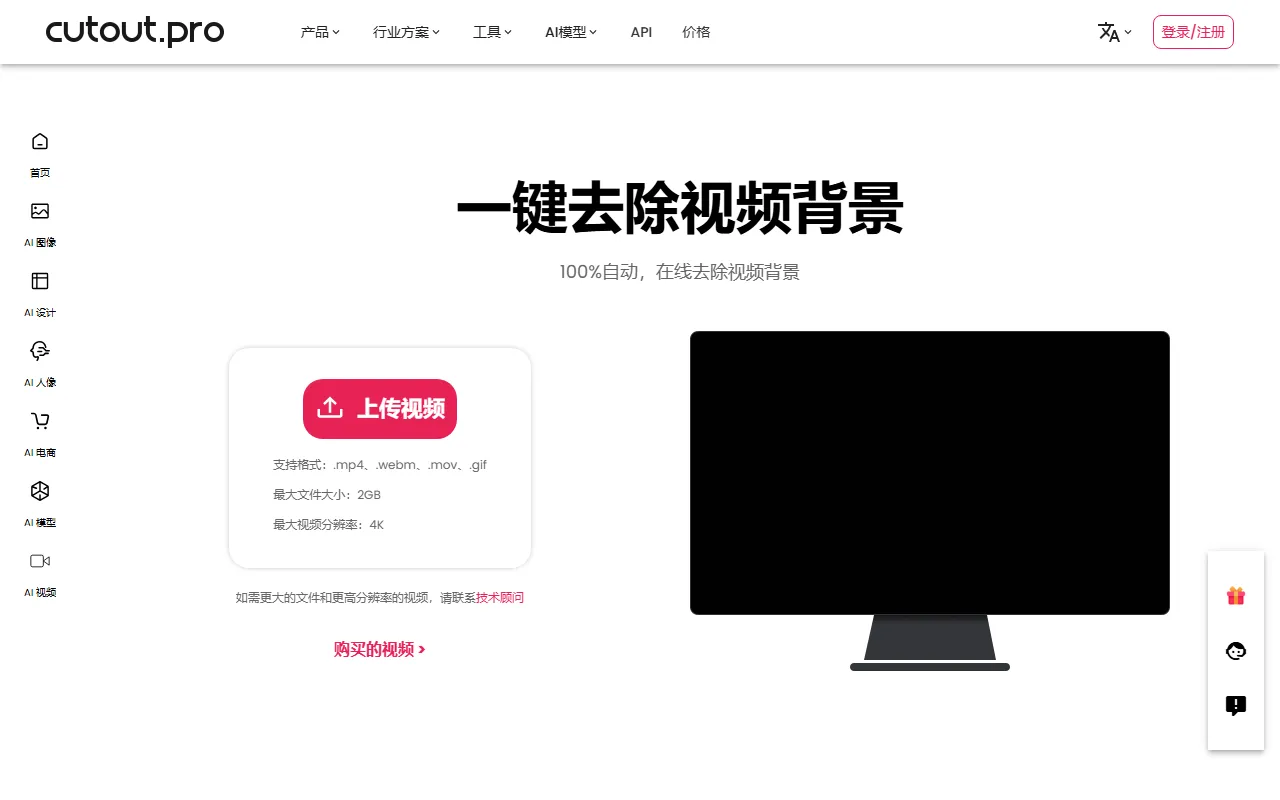
Cutout.Pro's Video Background Removal is an AI video processing tool designed for online use cases, featuring the automatic removal of video backgrounds without a green screen, without chroma keying, and without complex post-production. Users can upload video footage directly, and the system automatically identifies people or subjects, generating videos with a transparent background or a background-free effect. It is suitable for use cases such as e-commerce displays, short video production, advertising asset processing, character clipping, and more.
Based on the information on the official website, this feature emphasizes fully automatic processing and ease of use, making it especially suitable for users without professional editing experience. Compared with traditional workflows that rely on green screen shooting and post-production keying software, Cutout.Pro is more oriented toward an online experience of "upload and process."
Key Features
-
AI automatically removes video backgrounds
No need for frame-by-frame manual keying; the system can automatically identify the video subject and remove the background. -
No green screen shooting required
It does not rely on a green screen or a professional lighting setup, and ordinary footage can also be processed directly. -
Online video processing
Background removal can be completed in the browser without installing complex local software. -
Suitable for character video keying
The official website description shows that its core capability focuses on erasing the background from filmed footage while preserving the subject content. -
Lowers the barrier to post-production
Compared with traditional chroma keying and professional non-linear editing tools, it is easier to operate and suitable for fast output. -
Supports high-quality background removal results
The official statement emphasizes maintaining good output quality as much as possible while removing backgrounds, making it suitable for content creation and asset processing.
Product Pricing
According to the currently captured information, the official website navigation provides an entry to a Pricing page, but this content does not show detailed plans, free quotas, or billing standards for the video background removal feature.
For the latest pricing, it is recommended to visit the official website: https://www.cutout.pro/zh-CN/remove-video-background
FAQ
-
Do I need a green screen to use it?
No. The official website clearly states that this feature can automatically remove video backgrounds without a green screen. -
Is manual frame-by-frame processing required?
Based on the official description, the product focuses on fully automatic processing, with no need for manual frame-by-frame keying. -
What users is it suitable for?
It is suitable for short video creators, e-commerce practitioners, marketing designers, and ordinary users who want to quickly complete portrait video keying. -
Is software installation required?
This page emphasizes online background removal, indicating that processing can be completed directly through the web page. -
Can the processing results replace professional post-production?
Cutout.Pro is more suitable for use cases that prioritize efficiency and convenience; for high-difficulty shots or film-grade retouching needs, it is still recommended to combine it with professional post-production tools for further processing.
Related Tools
View allWondershare Filmora 2023 is a domestic video editing software that is easy to use and feature-rich, supporting one-click import of SRT subtitles, with a simple and stylish interface, flexible timeline editing functions, and abundant resource effects.
MyVocal.ai is a tool that provides voice synchronization and voice cloning features. Users can synchronize their own voice with popular music and complete voice cloning in a relatively short time.
Pod Genie is an AI podcast tool that can convert RSS feeds into personalized podcast content, and provides customized news broadcasts, newsletters, and summary services, making it convenient for users to access audio information based on their interests.
Lovo is an AI voice generation and text-to-speech tool that supports converting text into natural speech, suitable for audio content production, voiceover, and various creative scenarios, helping reduce manual recording costs and time investment.
YouWhisper is a community Hugging Face Space for audio and video transcription, using Whisper-style speech-to-text workflows to create transcripts.
Mubert is an AI music generation tool that provides royalty-free tracks for content creators and app developers, and can generate music by style, mood, use case, and duration.