
GistReader
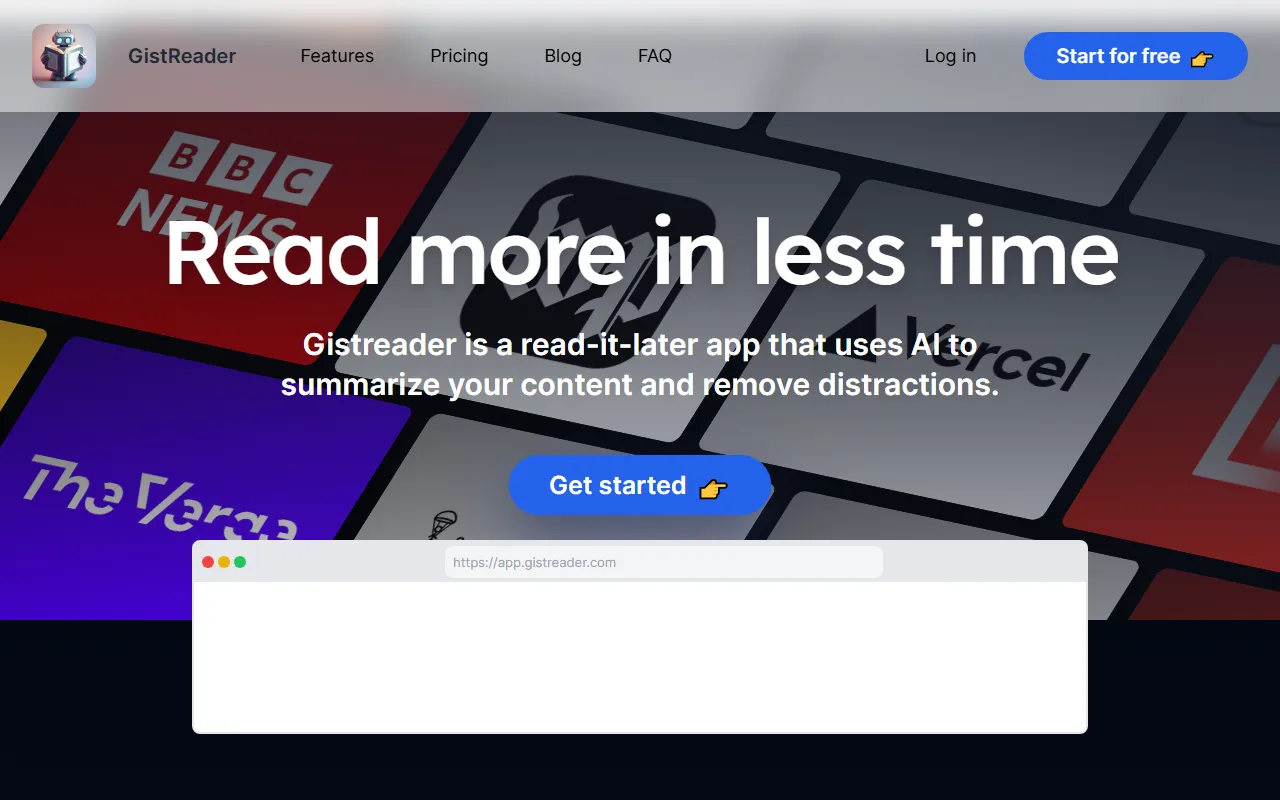
EducationGistReader is an AI-powered RSS reader that offers automatic article summaries and text-to-speech features, helping users obtain information more efficiently and save reading time.
About
Overview
GistReader is an AI-enhanced web reader designed for high-frequency information reading scenarios, combining read-it-later and RSS reading capabilities. Its core goal is to help users process news, blogs, industry updates, and long-form content more efficiently without being distracted by complex operations.
Compared with traditional reading tools, GistReader emphasizes using AI to automatically extract key points from articles and convert web content into a cleaner, easier-to-read layout, reducing interference from ads and irrelevant elements. For users who need to continuously track large volumes of content, such as researchers, content editors, developers, and heavy information readers, these capabilities can effectively reduce the cost of information filtering.
Key Features
-
AI article summaries
- Automatically generates summaries for articles, helping users quickly grasp the core content in a shorter time
- Suitable for quickly browsing RSS subscriptions, long articles, and news updates
-
Distraction-free reading experience
- Converts web pages into a simple, clear reading format
- Automatically removes ads and irrelevant page elements to improve focus
-
Supports RSS and read-it-later
- Not only supports RSS subscription content management, but is also suitable for saving web pages to read later
- Makes it easier to organize scattered content sources in one place
-
Cross-device sync
- Can be used on phones, tablets, laptops, and desktops
- Reading content and personal preferences can be synced across different devices
-
Combines full-text reading with summaries
- Users can view the AI summary first, then decide whether to read the full article
- Balances efficiency with in-depth reading needs
-
Text-to-speech-related capabilities
- Existing descriptions mention support for text-to-speech, suitable for scenarios such as commuting and exercise where it is inconvenient to look at a screen
- The content captured from the official website also mentions AI podcast quotas; specific capabilities may depend on the plan
-
Other supporting features
- Keyboard shortcuts
- Pocket integration
- YouTube support
- OPML import
- Dark mode
- Ad-free
Pricing
According to information captured from the official website, GistReader offers a subscription model with free start and on-demand upgrades, and supports both monthly and annual billing.
-
Bronze
- Price: $5/month
- Includes:
- 100 feeds
- 100 summaries per month
- 5 AI podcasts per month
- Pocket integration
-
Silver
- Price: $8/month
- Shown on the official website as the more popular plan
- The captured content mentions that it includes Unlimited, but the specific scope is not fully displayed
-
Annual discount
- Paying annually gives 2 months free
Actual pricing and plan benefits may be adjusted. Please refer to the latest page on the official website.
FAQ
-
Who is GistReader suitable for?
- It is suitable for users who need to frequently read news, blogs, research materials, and industry content, especially those who want to improve filtering efficiency.
-
Is it an RSS reader or a read-it-later tool?
- It supports both. The official website describes it as a read-it-later app, while also supporting RSS feeds.
-
Can I read the full article?
- Yes. GistReader provides an AI summary first, but users can still continue to view the full article.
-
Does it support multi-device use?
- Yes. The official website states that it can be used on phones, tablets, laptops, and desktop devices, and automatically syncs content and settings.
-
Are there ads?
- Information on the official website shows that the product itself provides an ad-free experience and will try to remove irrelevant content from web pages.
Related Tools
View allPraxy AI is an AI learning assistant for students that combines a browser extension with virtual lab resources to help improve study efficiency and support understanding of scientific knowledge.
PaperList is a website for sharing and reading research papers. Users can register and log in to use the site, making it convenient to read and share research papers.
Nolej is an AI learning content generation tool that can automatically turn uploaded learning materials into interactive formats such as summaries, flashcards, and quizzes, helping users transform passive reading into a more active learning process.
This is a tool that provides movie and book recommendations.
Praktika ai is an immersive English learning app that helps users improve their English expression more naturally through language practice by conversing with AI virtual characters.
MyShell is an AI chat and character conversation tool that supports logging in and using it in multiple ways, making it suitable for communicating with different AI characters and experiencing conversational interaction.