
GPTKit
Writing & TextGPTKit is an AI text detection tool used to determine whether content is more likely written by a human or generated by a machine, suitable for use in scenarios such as content review and text source assessment.
About
Overview
GPTKit is a tool used to detect whether text may have been generated by AI, mainly aimed at ChatGPT-generated content detection scenarios. It analyzes input text through a multi-model approach to help users make a preliminary judgment about whether the content is closer to human writing or machine-generated.
This tool is suitable for use in scenarios such as education, editing, content review, submission screening, and assignment checking, especially for users who need assistance in judging the source of text. According to the official website, GPTKit provides a web version and emphasizes a simple detection process, where users can obtain recognition results after entering text.
Key Features
-
AI-generated text detection
- Used to identify whether text may have been generated by generative AI such as ChatGPT.
- Supports classifying content as closer to "human-written" or "AI-generated."
-
Multi-model detection mechanism
- The official website mentions that it uses a multi-model approach for detection.
- It combines 6 different methods to analyze text at the same time, in order to improve result stability.
-
Text classification for assisted judgment
- Suitable for preliminary screening of articles, assignments, submissions, review materials, and more.
- It can serve as an auxiliary tool for judging content authenticity and source, but should not replace manual review.
-
Web-based use
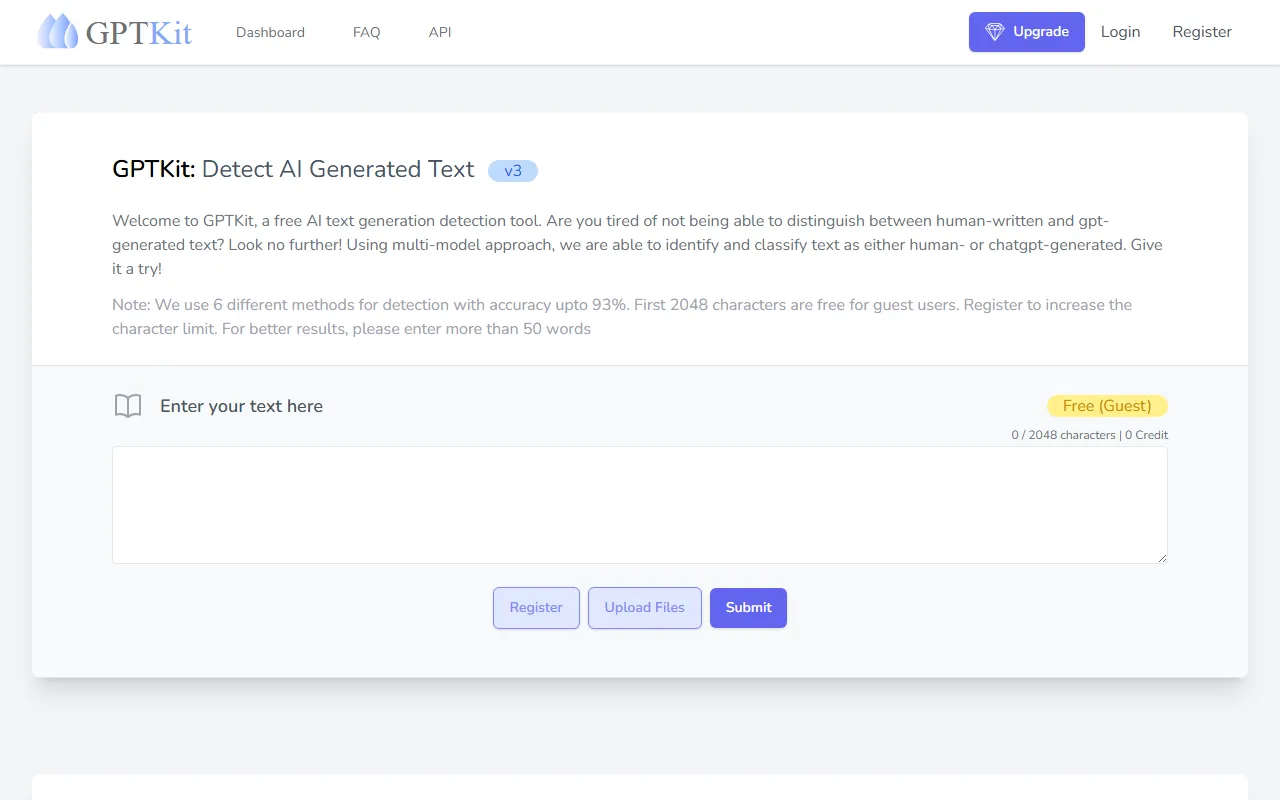
- Users can directly paste text into the webpage for detection.
- The interface supports text box input operations, making it suitable for quickly testing short texts or paragraph content.
-
Recommendations for using results
- The official website recommends entering more than 50 words to obtain better detection results.
- For shorter texts, the recognition results may have limited reference value.
Product Pricing
According to publicly available information on the official website, GPTKit provides a free usage option:
-
Free quota for guests
- The first 2048 characters can be checked for free.
- The page shows that basic detection features can be experienced directly in guest mode.
-
Higher limits after registration
- The official website mentions that the character limit can be increased after registration.
- The currently captured content does not clearly specify the exact pricing for higher quotas or paid plans.
FAQ
What content can GPTKit detect?
It is mainly used to detect English or text content that can be entered into the text box, helping determine whether it is more likely generated by AI, with a particular focus on ChatGPT-generated text detection.
Are detection results equal to a final conclusion?
No. GPTKit is more suitable as an assisted judgment tool. In educational review, content moderation, or formal verification scenarios, it is still recommended to make a comprehensive judgment by combining context, writing style, source records, and manual review.
What should be noted when using it?
- It is recommended to enter no fewer than 50 words
- Guests can check the first 2048 characters for free
- The more complete the text, the more it usually helps improve the reference value of the detection
Is installation required?
According to information from the official website, GPTKit supports direct use on the web; existing materials also mention that it can be obtained from the App Store, but specific client capabilities should be subject to the official page.
Related Tools
View allJunia.AI is an AI content creation tool that supports article and image generation, offering bulk writing, multi-purpose templates, article editing, and export features, making it suitable for daily content production and organization.
This is an AI writing and detection tool with features such as link building and content editing.
SlidesAI is an AI-based text-to-presentation tool that can automatically extract key points from input text, generate an outline, and organize slide content, helping users create presentations faster. It currently works with Google Slides.
MidJourney Prompt Helper is an open-source prompt assistance tool that helps users understand and combine MidJourney prompts through a visual approach, making it easier to explore different styles and more complex image generation instructions.
Octie.ai is an AI tool for everyday business writing, mainly used to quickly generate text content such as emails and product descriptions, helping users reduce repetitive writing work and improve writing efficiency.
PlotPrompts is an AI writing inspiration tool for novel creation, mainly providing suggestions for plots, character settings, and story structure to help authors quickly obtain story ideas that can be further developed.