
Grammarly
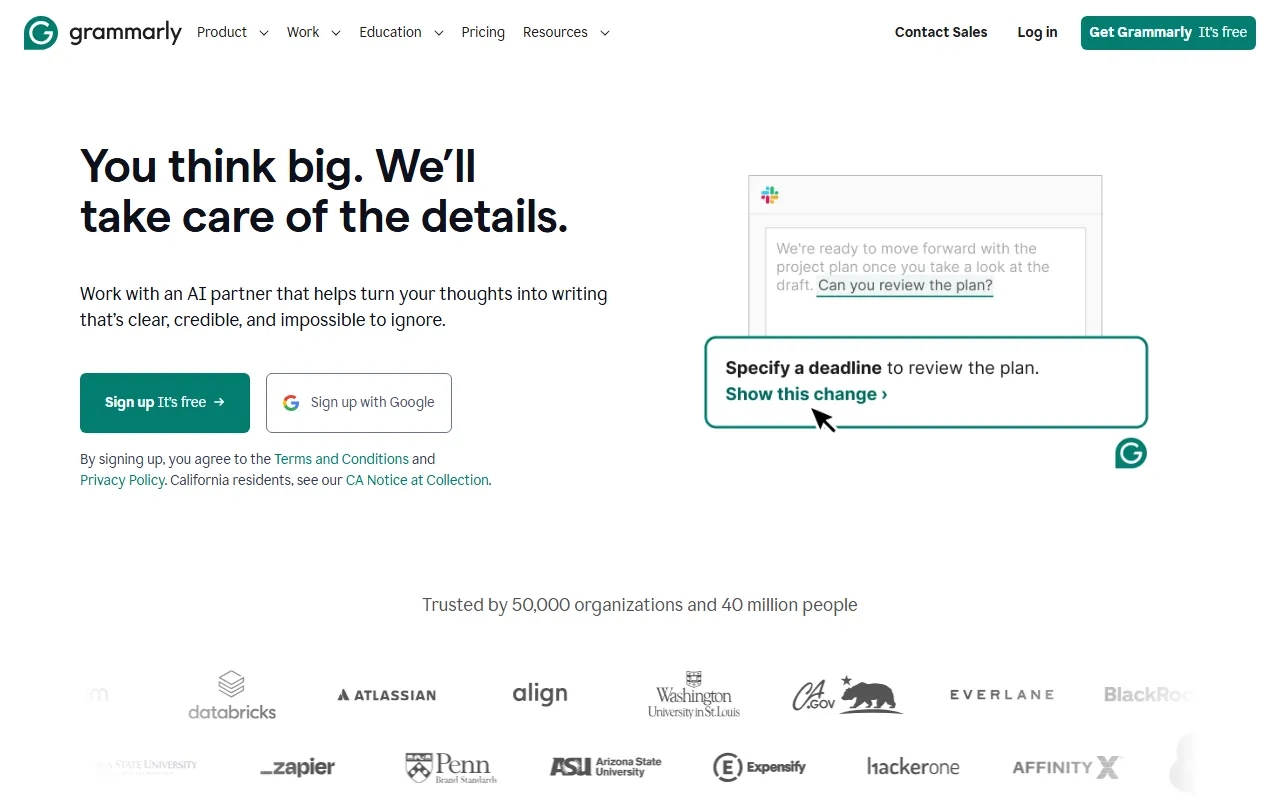
Writing & TextGrammarly is an AI writing assistant that uses advanced artificial intelligence technology to help users detect and correct grammar, spelling, punctuation, and style issues in English writing, making it suitable for students, professionals, writers, and other groups.
About
Overview
Grammarly is an AI writing and text assistance tool for English writing scenarios, mainly used to check and optimize grammar, spelling, punctuation, tone, and clarity of expression. It is suitable for students, professionals, content creators, and users who need to communicate and write in English.
Grammarly can be used through the web version, browser extension, desktop, and mobile devices, and can be embedded into many common writing scenarios, such as emails, online documents, and social platform input boxes. According to information on its official website, it can not only identify more than 400 types of grammar issues, but also supports contextual spelling correction, vocabulary optimization, and originality checking, helping users improve the accuracy and readability of English text.
Key Features
- Grammar checking: Identifies various types of grammar errors such as subject-verb agreement, tense, articles, and modifier placement.
- Spelling and commonly confused word correction: In addition to regular spell checking, it can also identify contextual errors such as lose/loose, affect/effect, and there/their/they’re.
- Punctuation checking: Helps correct issues with commas, periods, quotation marks, and other punctuation to reduce ambiguity.
- Clarity and readability optimization: Provides revision suggestions for lengthy or unclear sentences to make expression more concise and easier to understand.
- Vocabulary enhancement: Recommends more appropriate words based on context to improve accuracy of expression and the reading experience.
- Tone and style suggestions: Analyzes text tone and provides adjustment suggestions based on business, academic, or everyday communication scenarios.
- Sentence rewrite suggestions: Provides more natural and smoother rewriting options for some sentences.
- Originality checking: Can compare text with a large volume of web pages and database content to detect potential duplication or plagiarism risks.
- Writing goal setting: Provides more targeted suggestions based on audience, tone, and writing intent.
- Multi-platform support: Supports web, browser extensions, desktop apps, and mobile devices, and is compatible with tools such as Word and Outlook.
Product Pricing
Grammarly offers a free version and a paid version.
- Free version: Usually includes basic grammar, spelling, punctuation, and some clarity checking features.
- Paid version: Provides more advanced rewriting suggestions, tone and style optimization, vocabulary enhancement, originality checking, and other features.
- Team/Business version: Designed for team collaboration scenarios, usually supporting style guides and unified writing standard management.
Specific pricing may vary by region, subscription period, and plan type. It is recommended to refer to the latest page on the official website:
https://www.grammarly.com/
Frequently Asked Questions
Does Grammarly support Chinese writing?
Grammarly is mainly aimed at English writing optimization, with core capabilities focused on improving English grammar, spelling, and expression.
Who is Grammarly suitable for?
It is suitable for users who need English writing or proofreading, including students, teachers, foreign trade and business professionals, job seekers, content creators, and professional writers.
On which devices can Grammarly be used?
It can be used on a variety of devices and platforms such as browsers, Windows/Mac desktop, and mobile apps.
Can Grammarly detect plagiarism?
Yes. Its advanced features include originality checking, which can compare text with web pages and database content.
Related Tools
View allJunia.AI is an AI content creation tool that supports article and image generation, offering bulk writing, multi-purpose templates, article editing, and export features, making it suitable for daily content production and organization.
This is an AI writing and detection tool with features such as link building and content editing.
SlidesAI is an AI-based text-to-presentation tool that can automatically extract key points from input text, generate an outline, and organize slide content, helping users create presentations faster. It currently works with Google Slides.
MidJourney Prompt Helper is an open-source prompt assistance tool that helps users understand and combine MidJourney prompts through a visual approach, making it easier to explore different styles and more complex image generation instructions.
Octie.ai is an AI tool for everyday business writing, mainly used to quickly generate text content such as emails and product descriptions, helping users reduce repetitive writing work and improve writing efficiency.
PlotPrompts is an AI writing inspiration tool for novel creation, mainly providing suggestions for plots, character settings, and story structure to help authors quickly obtain story ideas that can be further developed.