
Lightkey
Writing & TextLightkey is an AI predictive typing and spell correction tool that can be used in Microsoft Office 2010-2021 and Office 365, helping users improve typing efficiency and supporting custom vocabulary and phrases.
About
Overview
Lightkey is an AI predictive typing and spell correction tool for Windows, mainly used to improve daily writing and text entry efficiency. By analyzing the user's typing habits, it provides real-time inline text predictions and assists in correcting spelling errors during typing, helping users reduce repetitive keystrokes and backtracking edits.
Unlike writing plugins that support only a single editor, Lightkey can be used across a variety of Windows desktop applications, with especially strong support for Microsoft Office scenarios, making it suitable for office users who frequently write documents, emails, reports, and presentation content. According to the official website, Lightkey also supports offline work, and user input is not submitted to the cloud, which is relatively attractive for users who value privacy and local processing.
Key Features
-
AI predictive typing
- Provides inline text predictions while the user types, helping complete sentence and phrase input faster
- The official website mentions progressive prediction of up to about 18 words, including punctuation
-
Spell correction assistance
- Provides spelling correction support during writing
- Reduces the frequency of going back to fix errors midway, helping maintain a continuous writing flow as much as possible
-
Personalized writing style learning
- Learns the user's typing patterns and commonly used expressions
- Gradually provides prediction results that better match personal habits
-
Custom vocabulary and phrases
- Supports adding personally frequently used words, fixed expressions, and professional terminology
- Suitable for industry writing, team terminology, or high-frequency templated content input
-
Multi-scenario compatibility
- Natively supports Microsoft Office 2010-2024 and Office 365
- The official website also mentions support for Windows desktop applications, as well as a large number of web input scenarios covered by Chrome and Edge extensions
-
Offline use and privacy protection
- The official website states that user content will not be uploaded to the cloud
- More suitable for users with requirements for data security and local processing
Pricing
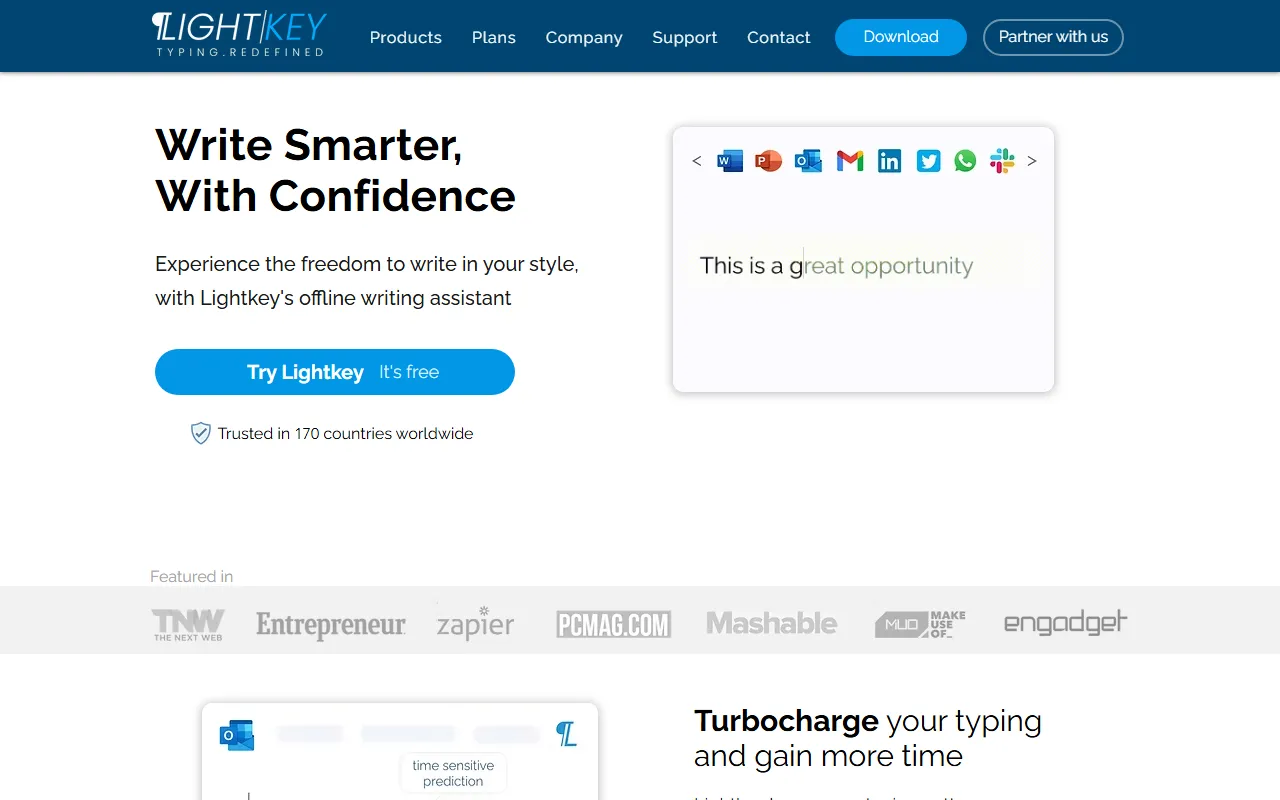
According to information captured from the official website, Lightkey offers a Free version, and the page includes the description “Try Lightkey — It’s free”.
As for more detailed plan breakdowns, enterprise pricing, or advanced feature limitations, the currently captured content does not provide clear pricing information. It is recommended to refer to the latest page on the official website.
FAQ
-
Which software can Lightkey be used in?
The official website shows that it supports Microsoft Office 2010-2024, Office 365, and can cover a large number of website input scenarios through Chrome and Edge extensions. -
Does Lightkey support offline use?
Yes. The official website describes it as an offline writing assistant and emphasizes that content is not submitted to the cloud. -
Is Lightkey suitable for professional writing scenarios?
Yes. The official website mentions that it supports content areas across multiple industries and can make predictions based on user habits, custom vocabulary, and terminology. -
What is the core value of Lightkey?
It mainly lies in reducing the amount of typing and lowering the error rate through predictive typing and spelling assistance, while helping users maintain continuity of thought during writing.
Related Tools
View allJunia.AI is an AI content creation tool that supports article and image generation, offering bulk writing, multi-purpose templates, article editing, and export features, making it suitable for daily content production and organization.
This is an AI writing and detection tool with features such as link building and content editing.
SlidesAI is an AI-based text-to-presentation tool that can automatically extract key points from input text, generate an outline, and organize slide content, helping users create presentations faster. It currently works with Google Slides.
MidJourney Prompt Helper is an open-source prompt assistance tool that helps users understand and combine MidJourney prompts through a visual approach, making it easier to explore different styles and more complex image generation instructions.
Octie.ai is an AI tool for everyday business writing, mainly used to quickly generate text content such as emails and product descriptions, helping users reduce repetitive writing work and improve writing efficiency.
PlotPrompts is an AI writing inspiration tool for novel creation, mainly providing suggestions for plots, character settings, and story structure to help authors quickly obtain story ideas that can be further developed.