
Outwrite
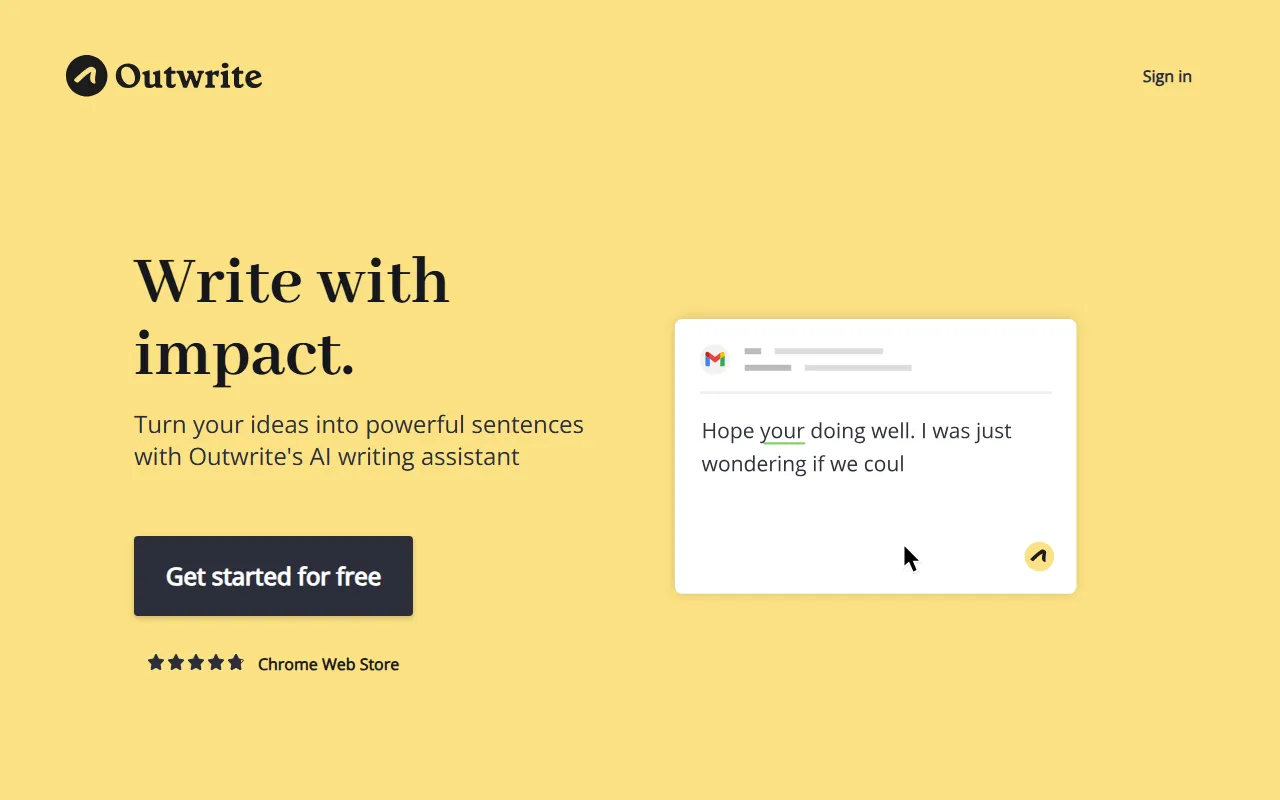
Writing & TextOutwrite is an AI writing assistant that, in addition to grammar and spelling checks, also provides suggestions for word choice, phrases, and sentence structure to help improve the fluency, readability, and quality of expression of text.
About
Overview
Outwrite is an AI writing assistant designed for English writing scenarios, positioned as more than just a basic grammar checker. In addition to identifying spelling, grammar, and punctuation errors, it also provides rewriting suggestions for word choice, phrase expression, and sentence structure, helping users improve the clarity, fluency, and overall readability of their text.
This tool is suitable for students, content creators, workplace writers, and people who need to write in English frequently. It can be used to polish and optimize emails, articles, reports, marketing copy, and other content. According to information on the official website, Outwrite supports use in multiple common online writing environments, such as Google Docs, MS Word, Outlook, Gmail, LinkedIn, and WordPress, making it convenient for users to write and edit at the same time.
Key Features
-
Grammar, spelling, and punctuation checks
- Identifies common spelling, grammar, and punctuation errors in real time, helping reduce basic language issues.
-
Style and structure optimization
- It not only checks correctness, but also provides suggestions on sentence patterns and ways of expression, making content more natural and more professional.
-
Paraphrasing and sentence rewording
- Provides paraphrasing and rewriting capabilities, allowing sentences to be made shorter, longer, or expressed in a different way.
-
Passive voice optimization
- Supports adjusting passive expressions into active expressions, improving the directness and readability of sentences.
-
Readability and writing statistics
- Provides writing statistical indicators such as readability and grade level, helping users evaluate text difficulty and expression effectiveness.
-
Multilingual support
- The official website shows support for English, French, and Spanish writing checks.
-
Cross-platform online use
- Can be used across a variety of common writing platforms, including:
- Google Docs
- MS Word
- Outlook
- Gmail
- WordPress
- Can be used across a variety of common writing platforms, including:
-
Team collaboration capabilities
- Provides team-oriented plans to improve the consistency and clarity of communication content within organizations.
Pricing
According to publicly available information on the official website, Outwrite provides the following usage options:
-
Start for free
- Users can first use the basic capabilities for free.
-
Premium paid plan
- Used to unlock more in-depth writing style and structure optimization features.
-
Teams plan
- Intended for businesses or teams, emphasizing unified communication style and improved collaborative writing quality.
The content captured from the official website does not show specific price amounts. For actual costs and feature differences, it is recommended to refer to the official pricing page.
Frequently Asked Questions
-
Is Outwrite just a grammar checking tool?
- No. In addition to basic error correction, it also emphasizes writing enhancement capabilities such as style optimization, sentence rewriting, and readability improvement.
-
Where can Outwrite be used?
- The official website shows that it can be used in various online writing scenarios, such as Google Docs, Word, Gmail, Outlook, LinkedIn, and WordPress.
-
Does it support multiple languages?
- It supports checks for some languages. The current summary on the official website mentions English, French, and Spanish.
-
Who is it suitable for?
- It is suitable for students, content editors, marketers, workplace writers, as well as individuals and teams with English writing needs.
-
Is there a free version?
- Yes. The official website clearly states that it supports starting for free.
Related Tools
View allJunia.AI is an AI content creation tool that supports article and image generation, offering bulk writing, multi-purpose templates, article editing, and export features, making it suitable for daily content production and organization.
This is an AI writing and detection tool with features such as link building and content editing.
SlidesAI is an AI-based text-to-presentation tool that can automatically extract key points from input text, generate an outline, and organize slide content, helping users create presentations faster. It currently works with Google Slides.
MidJourney Prompt Helper is an open-source prompt assistance tool that helps users understand and combine MidJourney prompts through a visual approach, making it easier to explore different styles and more complex image generation instructions.
Octie.ai is an AI tool for everyday business writing, mainly used to quickly generate text content such as emails and product descriptions, helping users reduce repetitive writing work and improve writing efficiency.
PlotPrompts is an AI writing inspiration tool for novel creation, mainly providing suggestions for plots, character settings, and story structure to help authors quickly obtain story ideas that can be further developed.