
Powerpresent AI
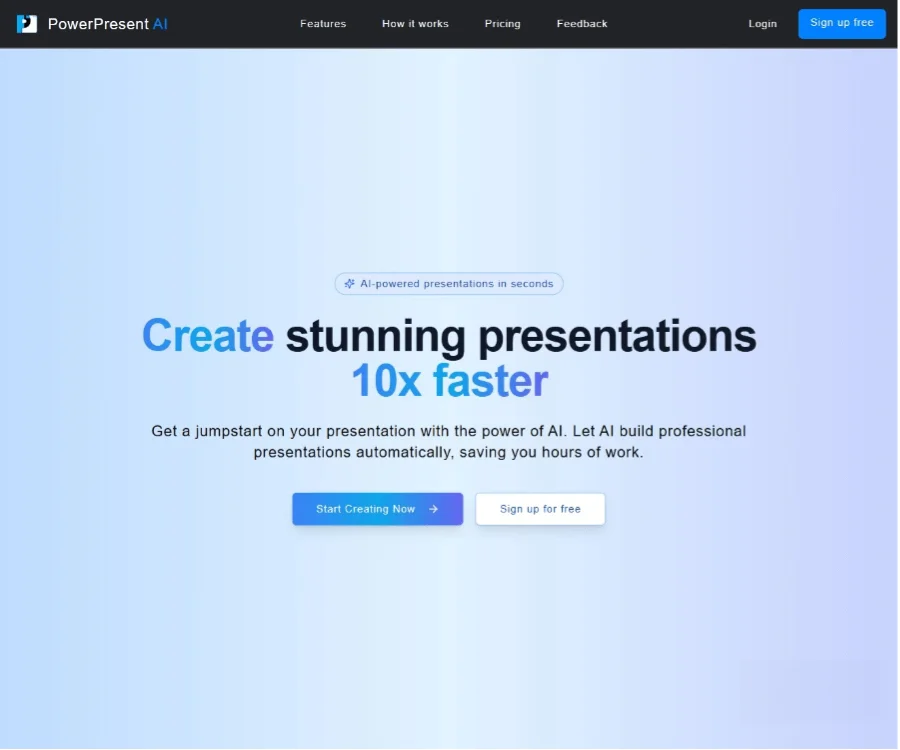
Writing & TextPowerpresent AI is an AI presentation generation tool. After users enter a topic or text, it can quickly create structured and visually effective slide content.
About
Overview
PowerPresent AI is an AI tool for online presentation creation. Users only need to enter a topic, prompt, or a piece of text to quickly generate structured slide content. Its core value lies in helping users skip the process of building a PPT from scratch and complete first drafts more efficiently for scenarios such as reports, proposals, course presentations, or project explanations.
Compared with traditional manual layout methods, PowerPresent AI automatically generates page content, basic visual layouts, and presentation structure. It is suitable for users who want to quickly create a draft first and then further refine and optimize it. Information on the official website shows that the tool supports generating presentations online and can export them as PPTX files, making it convenient to continue editing in software such as PowerPoint.
Main Features
- AI presentation generation: After entering a topic or prompt, it automatically generates a complete presentation framework, including slide content, titles, and basic visual elements.
- Quick drafting from text: Suitable for turning existing ideas, explanatory text, or brief outlines into presentation-ready slides, reducing organization time.
- Professional template support: Provides a variety of presentation templates suitable for business, education, entrepreneurship, and other scenarios, helping improve overall visual consistency.
- Intelligent layout and visual generation: Automatically organizes content structure and generates page layouts and visual presentation more suitable for presentation scenarios.
- One-click PPTX export: Generated results can be exported in PowerPoint format, making local editing, sharing, or formal presentation convenient.
- Supports online presentation: In addition to export, presentations can be shown directly within the platform, suitable for quick preview and reporting.
- Collaboration and feedback features: Some introductions mention support for team collaboration and feedback sharing, suitable for multiple people to improve presentation content together.
- Customizable design styles: Users can adjust themes, fonts, or image styles as needed to make presentations better fit specific uses.
Product Pricing
According to public information, PowerPresent AI offers pay-as-you-go plans:
- Pay As You Go: $2.00 per presentation
- Credit Bundle: 7 presentations for $12.00
The official homepage currently emphasizes that users can start for free, but for specific free quotas, export limits, or feature differences, it is recommended to refer to the latest page on the official website.
Frequently Asked Questions
Who is PowerPresent AI suitable for?
It is suitable for professionals, teachers, students, researchers, marketers, and project managers who need to create presentations quickly, especially for scenarios where a framework is built first and the content is then manually optimized.
What formats can PowerPresent AI export?
Public information shows that PowerPresent AI supports exporting to PPTX files; some materials also mention exporting to Google Slides. Specifics are subject to the actual product page.
Do I need to prepare complete content myself for PowerPresent AI?
Not necessarily. Users can enter only a topic or a short prompt, and the AI will first generate preliminary content and structure. If there is already relatively complete text, it can also be handed to the tool for further organization into a presentation.
What are the advantages of PowerPresent AI?
It is better suited to solving the problem of "getting started with a blank page," helping users obtain a usable first draft of a presentation in a short time, and then supplement, revise, and polish it according to specific needs.
Related Tools
View allJunia.AI is an AI content creation tool that supports article and image generation, offering bulk writing, multi-purpose templates, article editing, and export features, making it suitable for daily content production and organization.
This is an AI writing and detection tool with features such as link building and content editing.
SlidesAI is an AI-based text-to-presentation tool that can automatically extract key points from input text, generate an outline, and organize slide content, helping users create presentations faster. It currently works with Google Slides.
MidJourney Prompt Helper is an open-source prompt assistance tool that helps users understand and combine MidJourney prompts through a visual approach, making it easier to explore different styles and more complex image generation instructions.
Octie.ai is an AI tool for everyday business writing, mainly used to quickly generate text content such as emails and product descriptions, helping users reduce repetitive writing work and improve writing efficiency.
PlotPrompts is an AI writing inspiration tool for novel creation, mainly providing suggestions for plots, character settings, and story structure to help authors quickly obtain story ideas that can be further developed.