
Spikes Studio
Audio & VideoSpikes Studio is an AI-powered video auto-editing tool that can automatically analyze and summarize long videos, extract key clips, and generate multiple short videos, aiming to simplify the editing workflow for video content creators. It is especially suitable for fast-paced social media platforms.
About
Overview
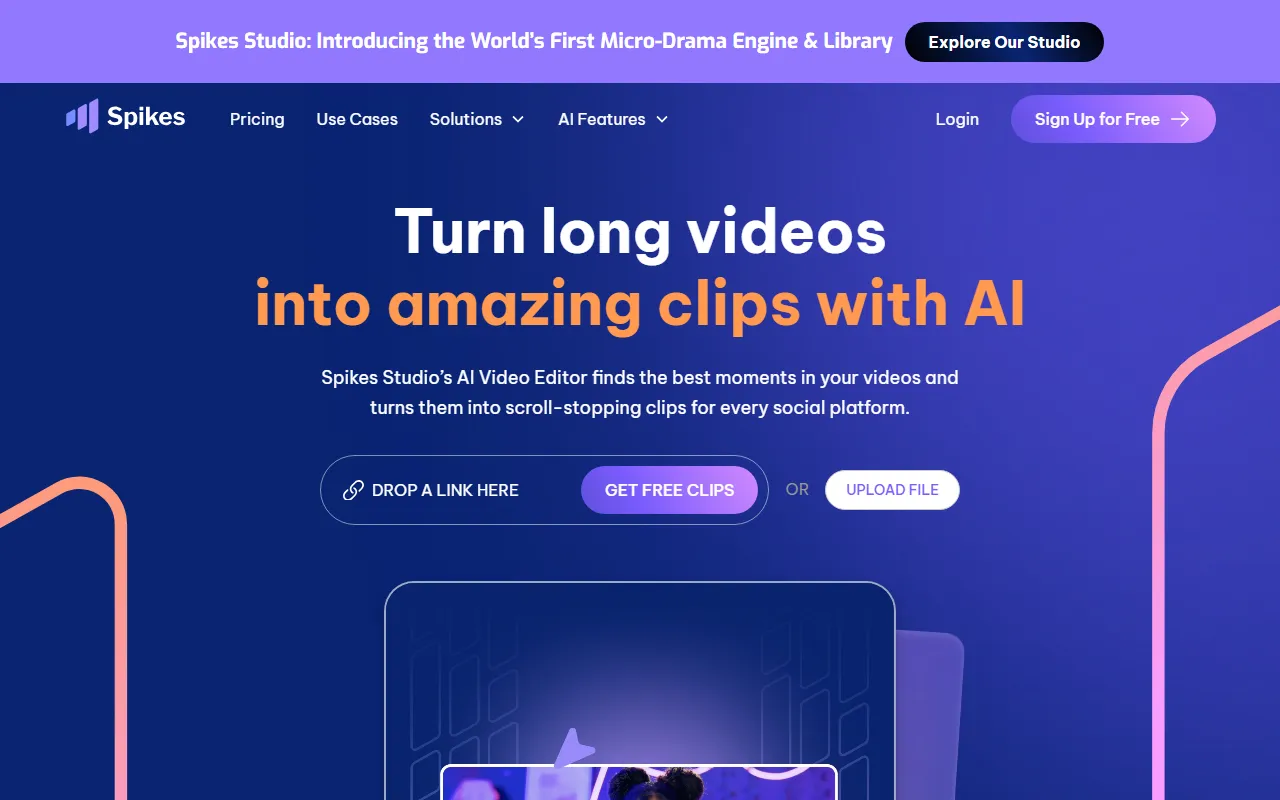
Spikes Studio is an AI video editing and distribution tool designed for content creators, mainly used to quickly break down long videos into short video clips suitable for distribution on platforms such as TikTok, YouTube Shorts, and Instagram Reels. It can automatically identify highlight moments in videos and generate clips, subtitles, titles, and other content, thereby reducing manual editing workload.
This tool is especially suitable for podcasts, interviews, gaming livestreams, educational content, and social media operations scenarios. In addition to automatic clipping, Spikes Studio also provides subtitle style adjustment, aspect ratio conversion, templated output, as well as cross-platform publishing and basic data analysis capabilities, helping users extend from "editing" to "publishing" and "reviewing performance."
Key Features
- AI automatic editing of long videos: Identifies highlight clips, key moments, and content suitable for sharing, and automatically generates multiple short videos.
- Automatic subtitles and dynamic captions: Supports automatically adding subtitles and adjusting subtitle styles, suitable for dialogue, interviews, podcasts, and similar content.
- Multi-person and multi-shot presentation: Suitable for two-person conversations, interviews, and similar scenarios, enhancing the video's information delivery and viewing experience.
- Visual optimization processing: Supports editing enhancements such as automatic transitions and zooming to help make video pacing more compact.
- Multi-format export: Can export formats adapted to different platforms, such as 9:16 and 1:1, making it convenient to publish one version across multiple platforms.
- Branding and template features: Supports using preset templates, custom visual styles, and branded subtitle styles.
- AI-generated titles and tags: Generates titles, descriptions, or hashtags based on video content, making it easier to publish to social platforms.
- Cross-platform publishing and scheduling: Supports unified scheduling of content publishing times and multi-platform distribution.
- Basic data analysis: Lets users view video performance, engagement, and growth data to optimize subsequent content strategy.
Pricing
Spikes Studio offers a free version and paid plans, suitable for creators and teams of different sizes:
- Basic plan: Free, allows uploading 30 minutes of video per month, supports 720P export, automatic subtitles, and basic editing features, with watermarked exports.
- Pro plan: Starts at about $14.10/month billed annually, allows uploading 300 minutes of video per month, supports 1080P export, no watermark, AI B-Roll, GIF/animation, video transcription, 90-day cloud storage, and more.
- Enterprise plan: Starts at about $56.4/month billed annually, allows uploading 1200 minutes of video per month, and adds 4K export, an advanced editor, custom templates, and higher storage capacity on top of Pro features.
FAQ
-
Does Spikes Studio have a free version?
Yes. The free version can process 30 minutes of video per month and is suitable for a lightweight trial. -
What video sources are supported?
You can upload local videos, and it also supports importing content from some platforms via links, such as YouTube, Vimeo, Twitch, and Google Drive. -
Who is it suitable for?
It is suitable for video bloggers, podcast creators, social media operators, gaming streamers, education and training teams, and enterprise content production teams. -
Does it support multiple languages?
It supports multiple languages, including Chinese, English, French, Spanish, Italian, and more.
Related Tools
View allWondershare Filmora 2023 is a domestic video editing software that is easy to use and feature-rich, supporting one-click import of SRT subtitles, with a simple and stylish interface, flexible timeline editing functions, and abundant resource effects.
MyVocal.ai is a tool that provides voice synchronization and voice cloning features. Users can synchronize their own voice with popular music and complete voice cloning in a relatively short time.
Pod Genie is an AI podcast tool that can convert RSS feeds into personalized podcast content, and provides customized news broadcasts, newsletters, and summary services, making it convenient for users to access audio information based on their interests.
Lovo is an AI voice generation and text-to-speech tool that supports converting text into natural speech, suitable for audio content production, voiceover, and various creative scenarios, helping reduce manual recording costs and time investment.
YouWhisper is a community Hugging Face Space for audio and video transcription, using Whisper-style speech-to-text workflows to create transcripts.
Mubert is an AI music generation tool that provides royalty-free tracks for content creators and app developers, and can generate music by style, mood, use case, and duration.