
VEED
Audio & VideoVEED is an online video editing tool. It offers features such as subtitles, editing, encoding, a stock library, as well as music and waveforms. The tool provides a full-featured, user-friendly experience without requiring complex training. VEED also offers video recording, storage, and sharing functions integrated in one place. The tool is suitable for various users, such as marketing teams, HR professionals, and content creators. VEED is easy to use, enables one-click editing, and can be tried without signing up.
About
Overview
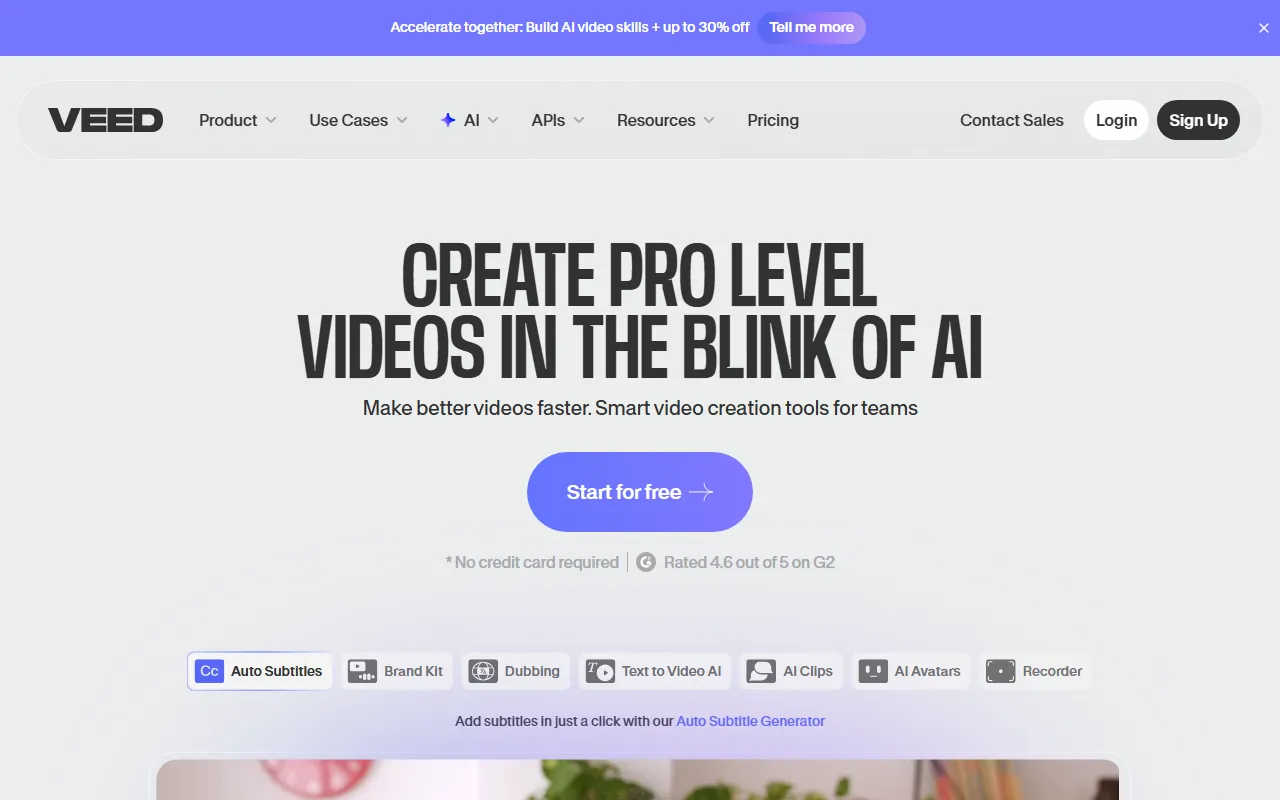
VEED is a web-based AI video creation and editing platform focused on an integrated workflow from “idea generation to finished video.” Users can complete video generation, editing, subtitle addition, dubbing/subtitling, audio cleanup, recording, storage, and sharing within the same platform, making it suitable for marketing teams, independent creators, sales teams, and training scenarios that want to produce content quickly.
Compared with traditional editing software, VEED places greater emphasis on ease of use and efficiency. Its interface is intuitive, it supports online operation, and it lowers the barrier to video production. According to the official website, the platform’s current key capabilities include AI-assisted editing, Talking Head video production, video dubbing and subtitle processing, and splitting long videos into short-form content.
Main Features
-
Online video editing
- Complete editing directly in the browser without installing complex software
- Supports basic video editing and content organization
-
AI video creation
- Generation and editing can be completed within one workflow
- Supports various video types for product launches, tutorials, customer cases, company news, internal training, and more
-
Automatic subtitles
- Add subtitles to videos to improve content readability and distribution efficiency
- Suitable for social media videos, course videos, marketing videos, and other scenarios
-
Video dubbing and Dub
- Supports dubbing/audio track processing for videos
- Can be used for cross-language content distribution or to optimize voiceover results
-
Audio optimization
- Provides audio cleanup capabilities, such as reducing noise and improving sound quality
- Suitable for post-processing footage recorded in average recording environments
-
Long video to short clips
- Can split long-form content into short video clips
- Suitable for repurposing content such as livestream replays, interviews, and podcast clips
-
Asset and media management
- Supports uploading video and media files
- Provides stock assets, music, and related media processing capabilities
-
Recording, storage, and sharing
- Complete video recording, saving, and distribution on the same platform
- Convenient for team collaboration and content management
Pricing
The content captured from the official website does not provide clear pricing and plan details.
Based on the product experience information, VEED supports a trial, and some features may be available for direct online experience. If you need the latest free plan, paid plans, export limits, or team pricing, it is recommended to check the pricing page on the official website.
FAQ
Who is VEED suitable for?
VEED is suitable for users who want to create video content quickly, including marketers, content creators, solo entrepreneurs, sales teams, HR, and training teams.
Does VEED require download and installation?
VEED is a web-based tool, and its core features can be used directly online, usually without needing to install local desktop software.
What is VEED’s core advantage?
Its main feature is integrating AI generation, editing, subtitles, audio processing, recording, and sharing into the same platform, reducing the complexity of the video production workflow.
Does VEED support subtitles and audio processing?
Yes. According to the official website and current descriptions, VEED provides functions closely related to video post-production, such as subtitle addition, audio cleanup, and dubbing/subtitling.
Can VEED handle marketing or training videos?
Yes. The official website showcases multiple typical use cases, including product launches, tutorials, customer cases, internal training, and sales outreach.
Related Tools
View allWondershare Filmora 2023 is a domestic video editing software that is easy to use and feature-rich, supporting one-click import of SRT subtitles, with a simple and stylish interface, flexible timeline editing functions, and abundant resource effects.
MyVocal.ai is a tool that provides voice synchronization and voice cloning features. Users can synchronize their own voice with popular music and complete voice cloning in a relatively short time.
Pod Genie is an AI podcast tool that can convert RSS feeds into personalized podcast content, and provides customized news broadcasts, newsletters, and summary services, making it convenient for users to access audio information based on their interests.
Lovo is an AI voice generation and text-to-speech tool that supports converting text into natural speech, suitable for audio content production, voiceover, and various creative scenarios, helping reduce manual recording costs and time investment.
YouWhisper is a community Hugging Face Space for audio and video transcription, using Whisper-style speech-to-text workflows to create transcripts.
Mubert is an AI music generation tool that provides royalty-free tracks for content creators and app developers, and can generate music by style, mood, use case, and duration.