
AI Gallery
Image & DesignAI Gallery is an image art generation tool that supports quickly converting user-uploaded images into stylized AI artworks, suitable for creative image production.
About
Overview
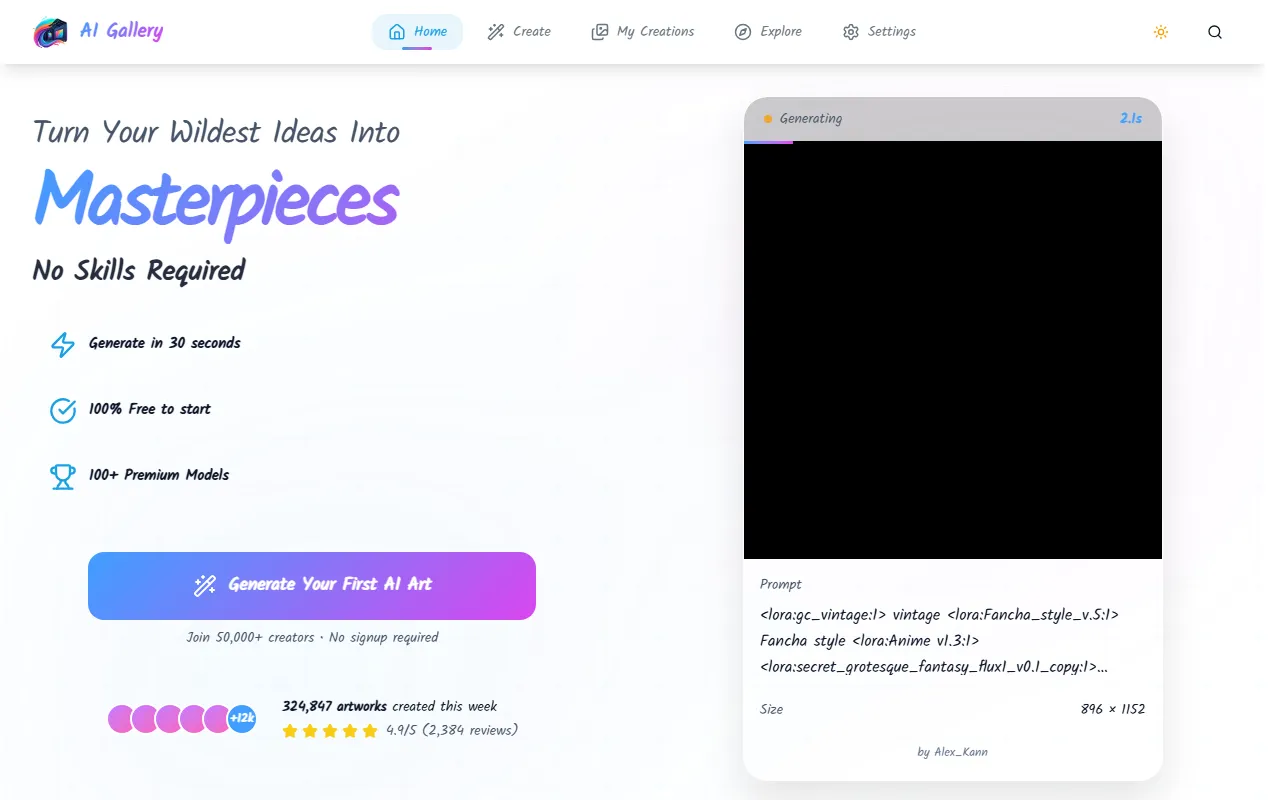
AI Gallery is an AI image generation and stylized creation tool for general users, focused on an online experience of "no installation required, no GPU required, fast image generation." Users can generate images based on text descriptions or explore creative visuals, artistic styles, and illustration effects. According to information on the official website, the tool is based on Stable Diffusion, offers 100+ model options, and supports 4K quality output, making it suitable for scenarios such as inspiration sketches, social media images, and personalized visual content creation.
In terms of ease of use, AI Gallery leans more toward being lightweight and easy to get started with: enter an idea, choose a style, and wait for generation to get the result. For users without professional design experience but who want to quickly try AI art creation, this kind of process is relatively user-friendly.
Key Features
- Text-to-image generation: Quickly generate corresponding AI artworks through natural language descriptions of ideas.
- Image artistic creation: Supports stylized transformation based on existing images, generating visual effects with a stronger artistic feel.
- Multiple model choices: Offers 100+ AI models, covering different directions such as artistic styles, realism, anime, and illustration.
- Fast generation: The official website indicates that generation can usually be completed in about 30 seconds, suitable for frequent experimentation and rapid iteration.
- 4K high-resolution output: Supports higher-quality image generation, making it convenient to download for presentation or content creation.
- Prompt assistance: Provides style suggestions and Prompt enhancement capabilities to help users organize descriptions more quickly.
- Online use without installation: No local deployment required, and no need to prepare your own GPU; it can be used directly in the web browser.
- Privacy-first: The official website emphasizes Privacy-First, suitable for users who are more sensitive to the handling of online creation data.
Pricing
According to the currently publicly available information on the official website:
- Start using for free
- No signup required to start trying it
- Offers advanced features and Premium Models
At present, the summary on the official website does not clearly show complete package pricing, credit mechanisms, or paid tiers. Therefore, if you need to understand the scope of commercial licensing, generation quotas, or the specific charges for advanced models, it is recommended to refer to the latest explanation on the official website.
FAQ
-
Who is AI Gallery suitable for?
It is suitable for design enthusiasts, content creators, social media operators, and ordinary users who want to quickly generate visual materials. -
Do I need to install software or configure a graphics card?
No. This tool is an online platform, and the official website clearly states that no installation and no GPU are required. -
Does it support high-quality output?
Yes. The official website mentions that it can generate images in 4K quality. -
Is it only for text-to-image?
No. Based on the existing introduction, AI Gallery can also be used to convert user-uploaded images into stylized artworks. -
Is registration required to use it?
The official website summary shows No signup required, meaning registration is not required to start trying some features.
Related Tools
View allHayo is an all-in-one tool that brings together multiple AI capabilities, covering areas such as AI art and information, making it convenient for users to experience various AI application capabilities including generation, browsing, sharing, and expression through a single entry point.
Openart is a creative platform that aggregates AI artwork and prompts, featuring a large collection of images generated by models such as DALL·E 2, Midjourney, and Stable Diffusion, and provides AI image generation functions.
Lucidpic is an AI virtual human photo generation tool that can quickly create high-quality portrait stock images and supports adjusting appearance elements such as clothing, hairstyle, style, and age.
Pixian is an AI image background removal tool that supports free, high-resolution processing and can be used without registration, making it suitable for quickly completing cutouts and image background removal.
PimEyes is a facial recognition reverse search engine that can use a photo to find images of similar faces appearing on the internet, and help users learn which websites their photos may have been published on.
ArtHub is a creative community that aggregates AI-generated artworks and prompts, where users can browse, upload, and share AI-generated images, design works, and related creative inspiration.