
AI. Image Enlarger
Image & DesignAI. Image Enlarger is an AI-based image upscaling and enhancement tool that supports improving image resolution, optimizing visual details, and providing a variety of online image processing functions, suitable for everyday photo retouching and enlarging small-size images.
About
Overview
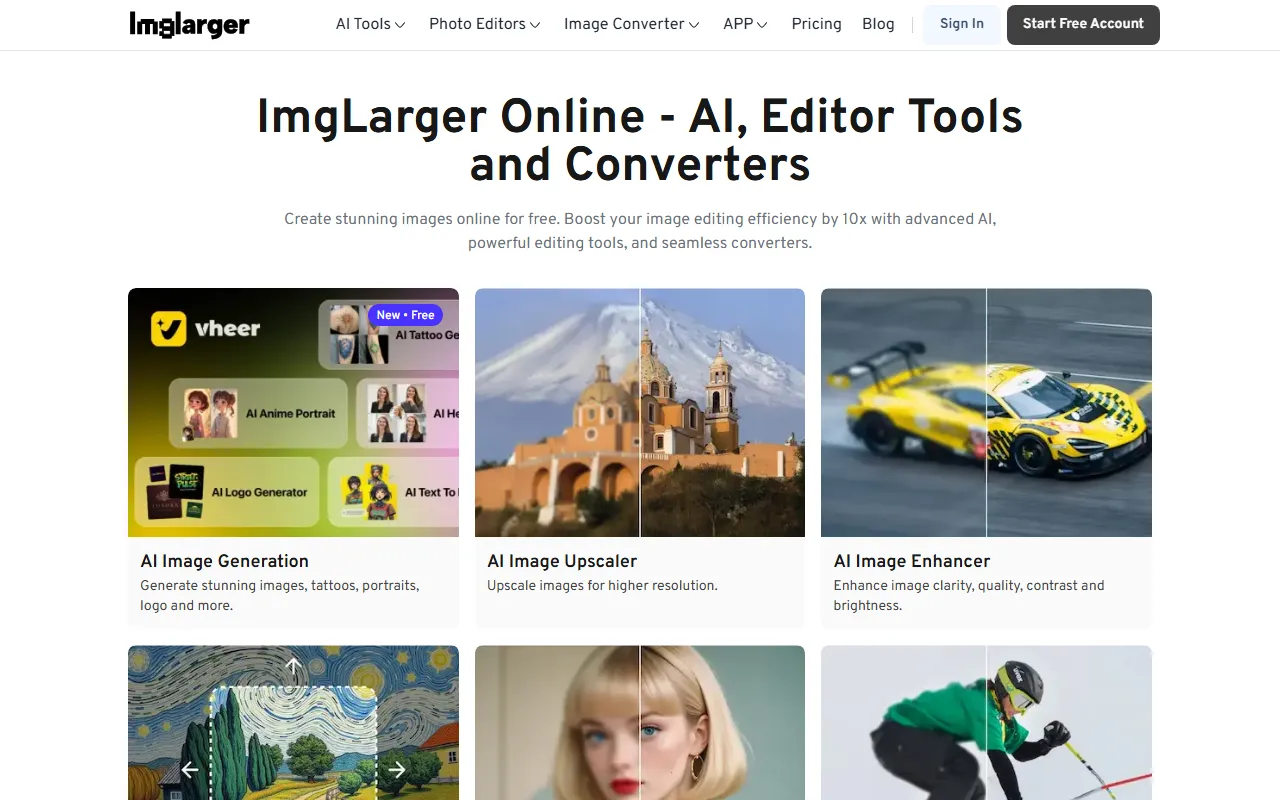
AI. Image Enlarger (the official website brand name is commonly ImgLarger) is an AI image tool for online image upscaling, enhancement, and basic editing, mainly used to improve the clarity and usability of low-resolution images. Through AI upscaling and enhancement algorithms, it increases image size and resolution while trying to reduce blurriness, jagged edges, and detail loss.
In addition to its core image upscaling capability, this tool also integrates a variety of online image processing and format conversion functions. It is suitable for e-commerce image optimization, enlarging design assets, improving the clarity of social media visuals, and basic preprocessing before old photo restoration. Information on the official website shows that its product offering includes not only AI upscaling, but also common functions such as enhancement, sharpening, uncropping, cropping, rotating, flipping, and format conversion.
Main Features
-
AI Image Upscaling
- Supports enlarging images to higher resolutions
- Suitable for scenarios such as reusing small-size images and optimizing display images
-
AI Image Enhancement
- Improves image clarity, contrast, and brightness
- Can be used to improve visual appearance and basic quality
-
AI Image Enlarger
- Emphasizes preserving image quality as much as possible when enlarging images
- Reduces the blurring and distortion commonly seen in traditional enlargement
-
AI Image Sharpener
- Used to enhance the sharpness of blurry images
- Suitable for images with slight defocus or insufficiently clear details
-
AI Uncrop
- Can extend the edges of cropped images
- Suitable for supplementing image boundaries or adjusting composition ratios
-
Basic Image Editing Tools
- Adjust size (Resize Image)
- Batch resize (Resize Image Batch)
- Common operations such as cropping, rotating, and flipping
- Provides a non-AI quick enlargement function
-
Image Format Conversion
- Supports conversion between WebP and formats such as JPG, JPEG, and PNG
- The official website states that some conversion functions can be completed locally without uploading to the server
-
Other AI Features
- The official website summary mentions capabilities such as AI image generation
- The specific available scope is subject to the actual page
Pricing
Based on the currently available information, the official website provides free online use for some functions, and some editing and conversion tools are marked as available without an account or credit card.
However, regarding:
- Free quota
- Per-processing limits
- HD export permissions
- Subscription plans or credit mechanisms
The official website summary does not show complete pricing details. It is recommended to visit the official website to check the latest plan descriptions and feature limitations before formal use.
FAQ
Who is it suitable for?
It is suitable for ordinary users who need to process images online, content creators, e-commerce operators, design professionals, and users who need to enlarge and enhance low-resolution images.
What is its core capability?
Its core capability is AI image upscaling and enhancement, focusing on solving the problems of blurriness, distortion, and insufficient detail that easily occur after enlarging small images.
What else can it do besides enlarging images?
It can also perform image sharpening, uncropping, cropping, rotating, flipping, batch resizing, and conversion between various common image formats.
Does it require downloading and installation?
According to information on the official website, this is an online tool, and most functions can be used directly in the browser without installing local software.
Is it completely free?
Some functions can be used for free, but whether there are limits on usage count, resolution, or export depends on the current rules of the official website.
Related Tools
View allHayo is an all-in-one tool that brings together multiple AI capabilities, covering areas such as AI art and information, making it convenient for users to experience various AI application capabilities including generation, browsing, sharing, and expression through a single entry point.
Openart is a creative platform that aggregates AI artwork and prompts, featuring a large collection of images generated by models such as DALL·E 2, Midjourney, and Stable Diffusion, and provides AI image generation functions.
Lucidpic is an AI virtual human photo generation tool that can quickly create high-quality portrait stock images and supports adjusting appearance elements such as clothing, hairstyle, style, and age.
Pixian is an AI image background removal tool that supports free, high-resolution processing and can be used without registration, making it suitable for quickly completing cutouts and image background removal.
PimEyes is a facial recognition reverse search engine that can use a photo to find images of similar faces appearing on the internet, and help users learn which websites their photos may have been published on.
ArtHub is a creative community that aggregates AI-generated artworks and prompts, where users can browse, upload, and share AI-generated images, design works, and related creative inspiration.