
Cmd J
Chat AssistantsCmd J is a Chrome extension that lets you quickly invoke ChatGPT in any tab without repeated copying and pasting. It improves efficiency for writing, search, and coding assistance through keyboard shortcuts, making it suitable for frequent browser users.
About
Overview
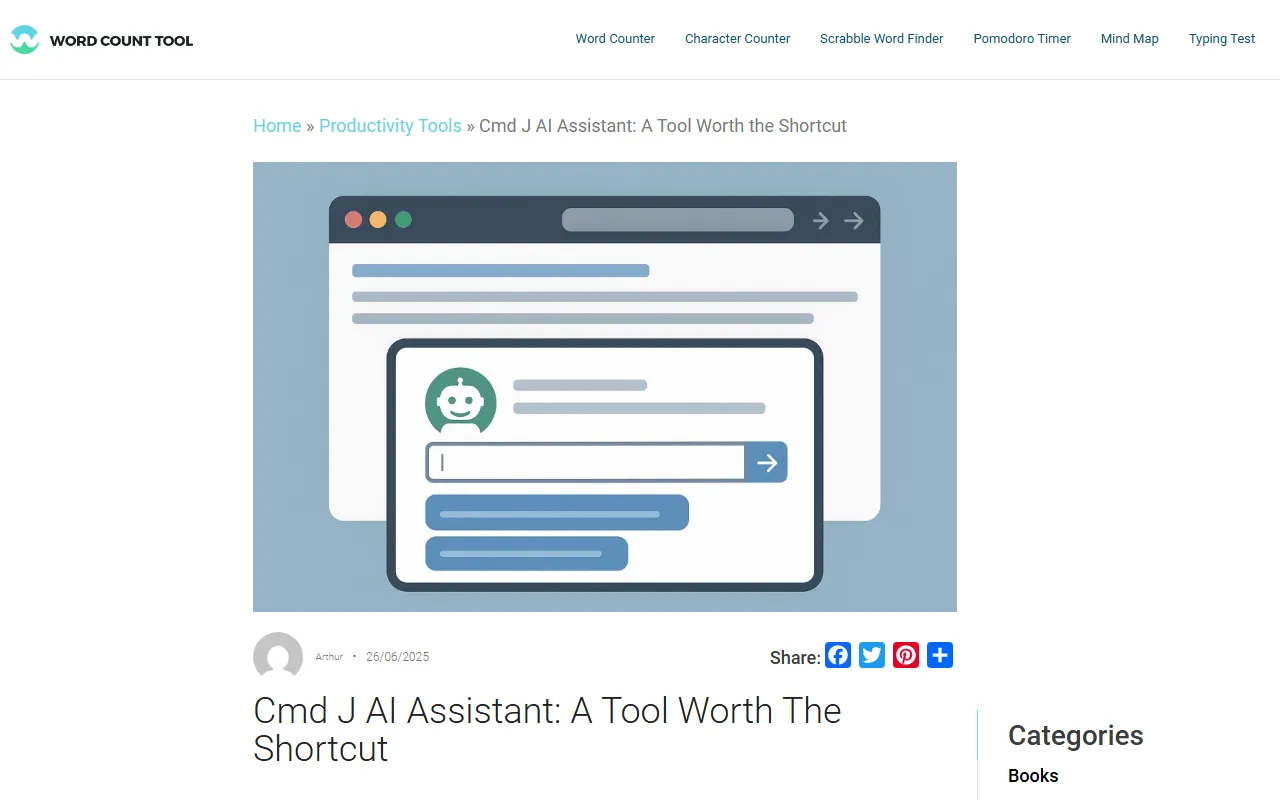
Cmd J is an AI assistant Chrome extension designed for browser-based scenarios, focused on quickly invoking ChatGPT capabilities in any tab through keyboard shortcuts. Users do not need to frequently switch pages, open new windows, or manually copy and paste content. They only need to press Cmd + J (macOS) or Alt + J (Windows) to bring up an input box and directly ask questions, rewrite text, or get code explanations.
It emphasizes an “embedded workflow” rather than a standalone platform experience: there is no complex backend and no obvious learning curve, making it suitable for users who spend long periods reading, writing, searching, organizing information, and doing light programming assistance in the browser. For those who want to stay focused and reduce operational interruptions, Cmd J's value is mainly reflected in instant responses and low switching costs.
Key Features
-
Global shortcut activation
- Quickly open the AI assistant with keyboard shortcuts in any browser tab
- Reduce the time spent switching back and forth between web pages, chat windows, and AI tools
-
Writing and content polishing
- Provides grammar and tone suggestions
- Supports rewriting sentences and improving clarity of expression
- Can assist with generating first drafts of articles, email copy, headlines, or short marketing text
-
Search and information organization assistance
- Lets users ask questions directly while browsing web pages
- Suitable for understanding web content, reading summaries, and daily Q&A
- Helps users extract key information more quickly
-
Coding and technical explanations
- Can be used to explain code snippets or help troubleshoot common issues
- Suitable for developers to quickly get explanations while consulting documentation and reading technical pages
-
Lightweight interaction experience
- Quickly enter prompts in a pop-up window
- No need to specifically enter a dashboard or separate webpage
- Better suited to high-frequency, fragmented browser usage scenarios
Pricing
In the currently available public information, Cmd J's detailed pricing plans, free usage limits, or subscription tiers are not clearly shown. Whether it is free, whether it requires linking to ChatGPT-related services, and the permissions of different versions should be confirmed on the latest page of the official website:
- Official website: https://install.cmdj.app
FAQ
Is Cmd J a standalone AI chat tool?
No. It is more like an AI assistant extension embedded into the browser workflow, and its core feature is quickly invoking ChatGPT capabilities on the current webpage through keyboard shortcuts.
Who is Cmd J suitable for?
It is more suitable for the following users:
- People who often write or edit content in the browser
- People who need to ask questions and summarize webpage information while reading
- Developers who want to quickly get code explanations or troubleshooting ideas
- Heavy browser users who value efficiency and want to reduce page-switching operations
What are the main use cases of Cmd J?
Common scenarios include:
- Writing polishing and rewriting
- Generating first drafts for emails, blogs, and copy
- Webpage reading summaries
- Daily Q&A and search assistance
- Code explanations and lightweight technical support
Do I need to switch tabs frequently when using Cmd J?
No. One of its core advantages is that it can directly invoke AI conversation in the current tab, thereby reducing the sense of interruption caused by copying and pasting and page jumping.
Related Tools
View allOpenAI is an organization focused on artificial intelligence research and product development, offering a variety of AI capabilities including ChatGPT. Its core areas cover conversational models, generative AI, and intelligent tools for developers and general users.
OpenGPT is a tool platform for building ChatGPT applications based on APIs, supporting capabilities such as multilingual support, instant messaging, speech recognition, and natural language processing, while also providing reference application examples and open-source code.
Monica is a browser assistant based on the ChatGPT API that provides chatting, writing, translation, explanation, and rewriting functions in web environments, helping users handle text work more efficiently.
MyGPT is a ChatGPT API frontend tool that provides a built-in prompt library and chat history features, making it easier for users to handle daily conversations and prompt management in a lighter-weight way.
Merlin is a tool that brings ChatGPT capabilities to everyday web usage scenarios, helping with writing, searching, organizing information, and processing text on common websites to improve online work efficiency.
Snack Prompt is a prompt community for ChatGPT and Bard that supports discovering, liking, sharing, and organizing high-quality prompts, helping users use AI tools more efficiently.