
Erase.bg
Image & DesignErase.bg is a high-quality online AI background removal tool that uses artificial intelligence technology to automatically remove image backgrounds, making it easier to delete distracting or cluttered backgrounds from images. In just a few seconds, Erase.bg can identify the foreground subject and erase the surrounding background, eliminating the hassle of using complex image editing software, and supports resolutions up to 5000*5000.
About
Overview
Erase.bg is an online AI background removal tool for individual and business users, belonging to the AI Image & Design category. It can automatically identify the main subject in images, such as people, animals, or objects, and remove the background within seconds to generate transparent background images, reducing the time cost of manual cutouts.
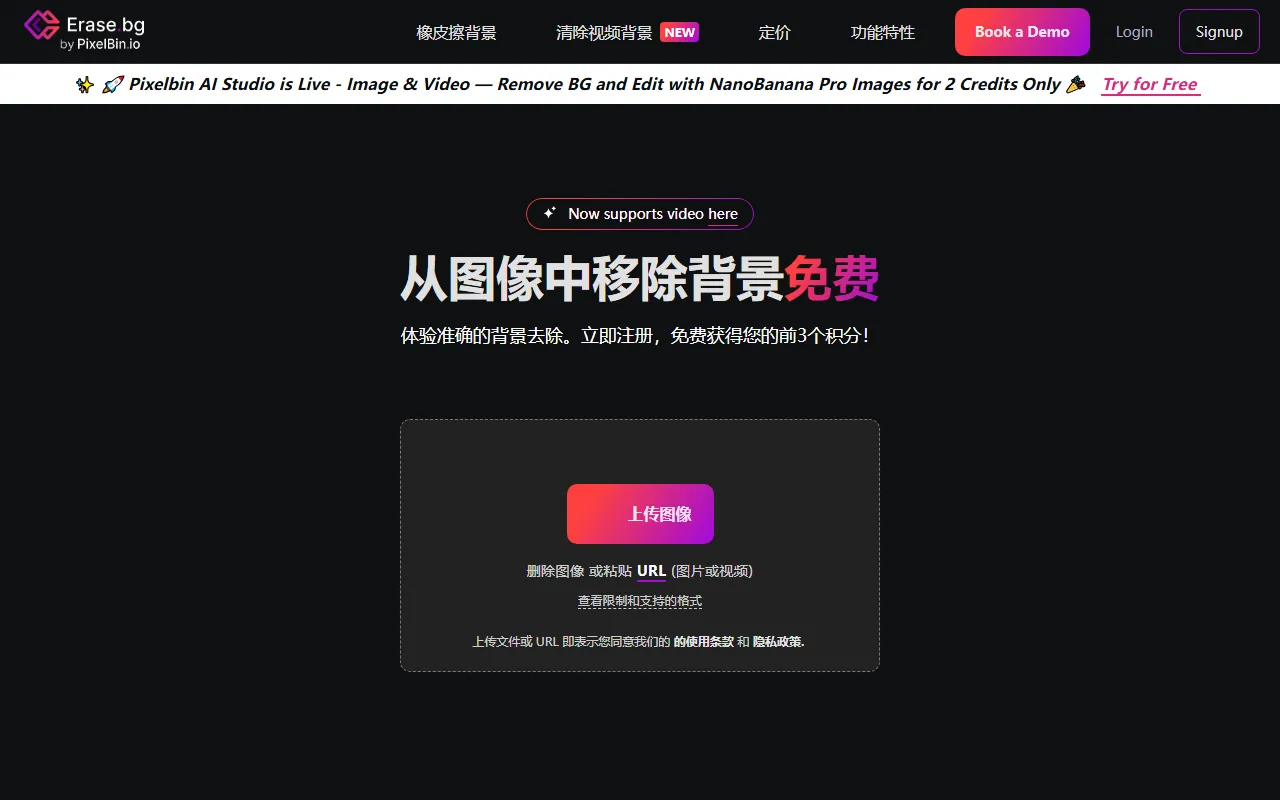
This tool is characterized by a low barrier to use, with no need to install complex image editing software. After uploading an image, processing can be completed quickly. According to the official website, Erase.bg supports free downloads of high-resolution results, making it suitable for scenarios such as e-commerce product image processing, personal photo enhancement, and marketing material creation. In addition to images, the official website also shows that it now supports some video background removal capabilities.
Main Features
-
AI Automatic Background Removal
- Automatically identifies the foreground subject and removes the background, suitable for common image content such as people, animals, products, and objects.
-
Quickly Generate Transparent Background Images
- After uploading, you can directly obtain the background-removed image, making it convenient for further use in poster design, product display pages, or ID photo processing.
-
Supports High-Resolution Images
- The official website shows support for images up to 10,000 × 10,000 px, suitable for scenarios with high image quality requirements.
-
Supports Multiple Image Formats
- Supports uploads in common image formats such as PNG, JPEG, JPG, WEBP, HEIC.
-
Supports URL Import
- In addition to local uploads, processing can also be done by pasting an image or video URL.
-
Batch Processing
- Provides batch background removal capabilities, suitable for workflows in e-commerce, photography, content production, and other fields that require processing large numbers of images.
-
API Integration
- Supports integration into existing systems via API, making it convenient for enterprises to automate image processing tasks.
-
Video Background Removal
- The official website summary shows support for video file processing, up to 30 seconds in length, and supports MP4, MOV, WEBM formats.
Pricing
According to the current public information on the official website:
- Free trial available
- New users can receive the first 3 credits after registration
- The official website states no credit card required
- Some high-resolution downloads, batch processing, or API capabilities may usually be related to credits or enterprise plans; for specifics, please refer to the latest page on the official website
FAQ
-
Does Erase.bg need to be downloaded and installed?
No. It is an online tool and can be used directly in the browser. -
Which file formats are supported?
Images support PNG, JPEG, JPG, WEBP, HEIC; videos support MP4, MOV, WEBM. -
What is the maximum supported image size?
The official website shows support for images up to 10,000 × 10,000 px. -
Can it be used for free?
Yes. The official website provides a free trial, and new users can receive a certain amount of free credits after registration. -
What usage scenarios is it suitable for?
It is commonly used in scenarios such as e-commerce product image processing, avatar and portrait cutouts, marketing design material creation, photography post-processing, and enterprise batch image processing.
Related Tools
View allHayo is an all-in-one tool that brings together multiple AI capabilities, covering areas such as AI art and information, making it convenient for users to experience various AI application capabilities including generation, browsing, sharing, and expression through a single entry point.
Openart is a creative platform that aggregates AI artwork and prompts, featuring a large collection of images generated by models such as DALL·E 2, Midjourney, and Stable Diffusion, and provides AI image generation functions.
Lucidpic is an AI virtual human photo generation tool that can quickly create high-quality portrait stock images and supports adjusting appearance elements such as clothing, hairstyle, style, and age.
Pixian is an AI image background removal tool that supports free, high-resolution processing and can be used without registration, making it suitable for quickly completing cutouts and image background removal.
PimEyes is a facial recognition reverse search engine that can use a photo to find images of similar faces appearing on the internet, and help users learn which websites their photos may have been published on.
ArtHub is a creative community that aggregates AI-generated artworks and prompts, where users can browse, upload, and share AI-generated images, design works, and related creative inspiration.