
GPTHotline
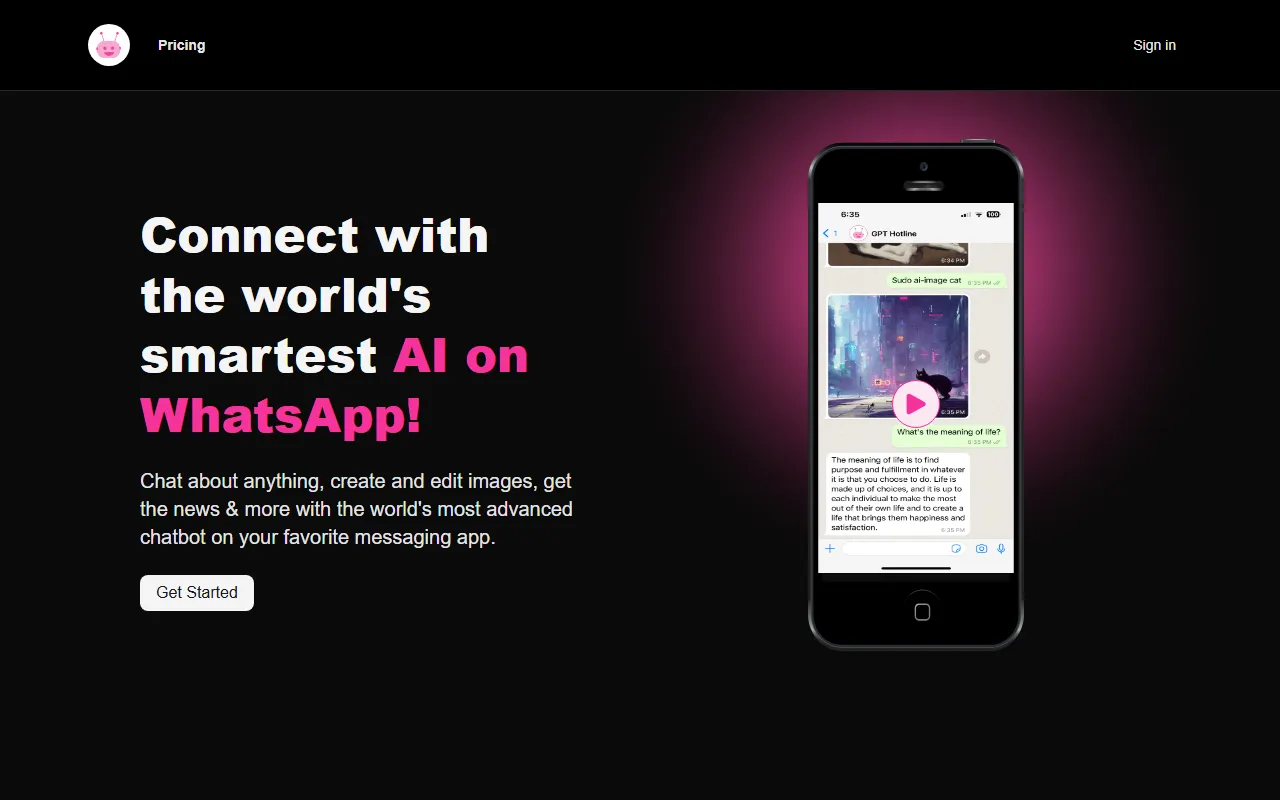
Chat AssistantsGPTHotline integrates ChatGPT-related models into WhatsApp, allowing users to talk directly with AI in the chat app and perform tasks such as image creation, editing, and news retrieval.
About
Overview
GPTHotline is a tool that brings AI chat capabilities into WhatsApp, allowing users to communicate directly with an AI assistant in a familiar instant messaging environment without opening a separate app. According to the official website, it supports daily conversations in WhatsApp, continuing previous chats, searching past content, and using specific commands to complete tasks such as image creation, image editing, and news retrieval.
The core value of this type of product lies in lowering the barrier to use: for users who are already accustomed to using WhatsApp, GPTHotline provides a more natural way to use AI, making it suitable for asking questions at any time, looking up information, recording ideas, and doing light content creation.
Key Features
-
Direct chat within WhatsApp
- Talk with the AI assistant through WhatsApp without switching to a separate webpage or app.
- Supports asking new questions at any time, or continuing a previous topic of conversation.
-
History retention and retrieval
- Can continue the context of previous chats.
- Supports searching past conversation content for easy review and information lookup.
- Conversation content can be forwarded or shared with others.
-
Image creation and editing
- Supports triggering image generation and editing capabilities through commands.
- Suitable for quickly creating simple visual content or modifying existing images.
-
News and information retrieval
- Can retrieve news updates and other information query results through commands.
- Suitable for quickly completing light searches in a chat scenario.
-
Power Commands functionality
- Provides dedicated commands for managing the usage process.
- The official website explicitly mentions they can be used to:
- Reset the current session
- View monthly usage
- View available commands
-
Phone number access
- The usage process includes registering a phone number and then starting to message the AI assistant through the corresponding entry point.
- Better aligned with everyday communication tool habits.
Pricing
The summary on the official website shows that the first step in the usage process is to register for the GPT Pro Plan, indicating that the service includes at least a paid plan.
The currently publicly captured content does not show more detailed pricing, plan differences, or free trial information. If you need specific pricing details, it is recommended to visit the official website to view the latest subscription page.
FAQ
-
Does GPTHotline require downloading a separate app?
- Based on the official website information, it is mainly used through WhatsApp and does not emphasize an additional standalone app.
-
What capabilities does it support?
- It clearly supports AI conversation, continuing historical sessions, searching past chats, image creation, image editing, news retrieval, and some account/session management commands.
-
How do I get started?
- The steps given on the official website are:
- Register for the GPT Pro Plan
- Bind or register a phone number
- Start chatting with the AI assistant in WhatsApp
- The steps given on the official website are:
-
Which users is it suitable for?
- Suitable for users who want to use AI directly in instant messaging software, such as people doing daily Q&A, information lookup, idea capture, and light image processing.
Related Tools
View allOpenAI is an organization focused on artificial intelligence research and product development, offering a variety of AI capabilities including ChatGPT. Its core areas cover conversational models, generative AI, and intelligent tools for developers and general users.
OpenGPT is a tool platform for building ChatGPT applications based on APIs, supporting capabilities such as multilingual support, instant messaging, speech recognition, and natural language processing, while also providing reference application examples and open-source code.
Monica is a browser assistant based on the ChatGPT API that provides chatting, writing, translation, explanation, and rewriting functions in web environments, helping users handle text work more efficiently.
MyGPT is a ChatGPT API frontend tool that provides a built-in prompt library and chat history features, making it easier for users to handle daily conversations and prompt management in a lighter-weight way.
Merlin is a tool that brings ChatGPT capabilities to everyday web usage scenarios, helping with writing, searching, organizing information, and processing text on common websites to improve online work efficiency.
Snack Prompt is a prompt community for ChatGPT and Bard that supports discovering, liking, sharing, and organizing high-quality prompts, helping users use AI tools more efficiently.