
HitPaw Watermark Remover
Image & DesignHitPaw Watermark Remover is a tool for removing watermarks from images and videos.
About
Overview
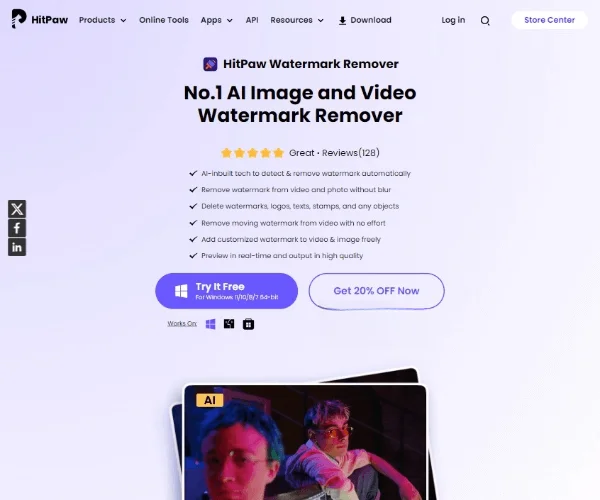
HitPaw Watermark Remover is an AI tool for removing watermarks from images and videos. It supports online image watermark removal and also offers a desktop version for more complete image and video watermark removal operations. Its core capability is to automatically detect and remove watermarks, text, logos, and other obstructive elements in images, while preserving the clarity of the original picture and natural transitions as much as possible.
Based on publicly available information from the official website, the online version focuses on "free image watermark removal" and "No Blur (avoid blur as much as possible)," making it suitable for users without professional photo editing experience to quickly process images; meanwhile, the desktop version further supports more complex scenarios such as video watermark removal and batch processing.
Key Features
-
AI Image Watermark Removal
- Supports removing watermarks, text, Logos, and other unwanted elements from images online.
- Suitable for handling partial obstructions, blemishes, or extra content in photos.
-
Video Watermark Removal
- Can be used to remove fixed or moving watermarks in videos, such as channel logos, timestamps, identifiers in subtitle areas, and more.
- This capability is mainly reflected in the desktop version.
-
Multiple Removal/Filling Modes
- Provides multiple processing algorithms and filling methods to adapt to watermark areas with different backgrounds, colors, and textures.
- Common modes include AI repair, smooth fill, color fill, texture repair, and more.
-
Batch Processing
- Supports processing multiple files at once, improving efficiency for repetitive watermark removal tasks.
- This feature usually requires downloading the desktop version.
-
Low Barrier to Use
- The interface is intuitive, and usually only requires uploading a file, selecting the watermark area, and executing removal.
- Suitable for ordinary users, content creators, and lightweight editing scenarios.
-
Preserve Output Quality as Much as Possible
- The official site emphasizes minimizing obvious blur after removal, reducing retouching traces, and improving the usability of the final output.
Pricing
The currently public page shows:
- Online image watermark removal version: Provides a free entry point and allows direct image processing in the browser.
- Desktop version (Windows / Mac): Requires download and installation, and supports more complete features such as image and video watermark removal and batch processing.
The content captured from the official website does not clearly display detailed subscription pricing, plans, or quota limits. For specific costs, it is recommended to refer to the latest information on the official page.
Frequently Asked Questions
-
Does it support online video watermark removal?
- Current public information shows that the online version is mainly for image watermark removal; video watermark removal usually requires the desktop client.
-
Is professional photo editing experience required?
- No. This tool focuses on low-threshold operation and is suitable for users without an image editing background.
-
Will it become blurry after watermark removal?
- The official website emphasizes that image watermark removal aims to achieve "No Blur" as much as possible, but the final result will still be affected by factors such as the quality of the original image, watermark size, and background complexity.
-
What scenarios is it suitable for?
- It is suitable for cleaning text, Logos, and watermarks from images, or removing obstructive content such as corner marks and date stamps from videos. When using it, attention should still be paid to relevant copyright and authorization boundaries.
Related Tools
View allHayo is an all-in-one tool that brings together multiple AI capabilities, covering areas such as AI art and information, making it convenient for users to experience various AI application capabilities including generation, browsing, sharing, and expression through a single entry point.
Openart is a creative platform that aggregates AI artwork and prompts, featuring a large collection of images generated by models such as DALL·E 2, Midjourney, and Stable Diffusion, and provides AI image generation functions.
Lucidpic is an AI virtual human photo generation tool that can quickly create high-quality portrait stock images and supports adjusting appearance elements such as clothing, hairstyle, style, and age.
Pixian is an AI image background removal tool that supports free, high-resolution processing and can be used without registration, making it suitable for quickly completing cutouts and image background removal.
PimEyes is a facial recognition reverse search engine that can use a photo to find images of similar faces appearing on the internet, and help users learn which websites their photos may have been published on.
ArtHub is a creative community that aggregates AI-generated artworks and prompts, where users can browse, upload, and share AI-generated images, design works, and related creative inspiration.