
Img Upscaler
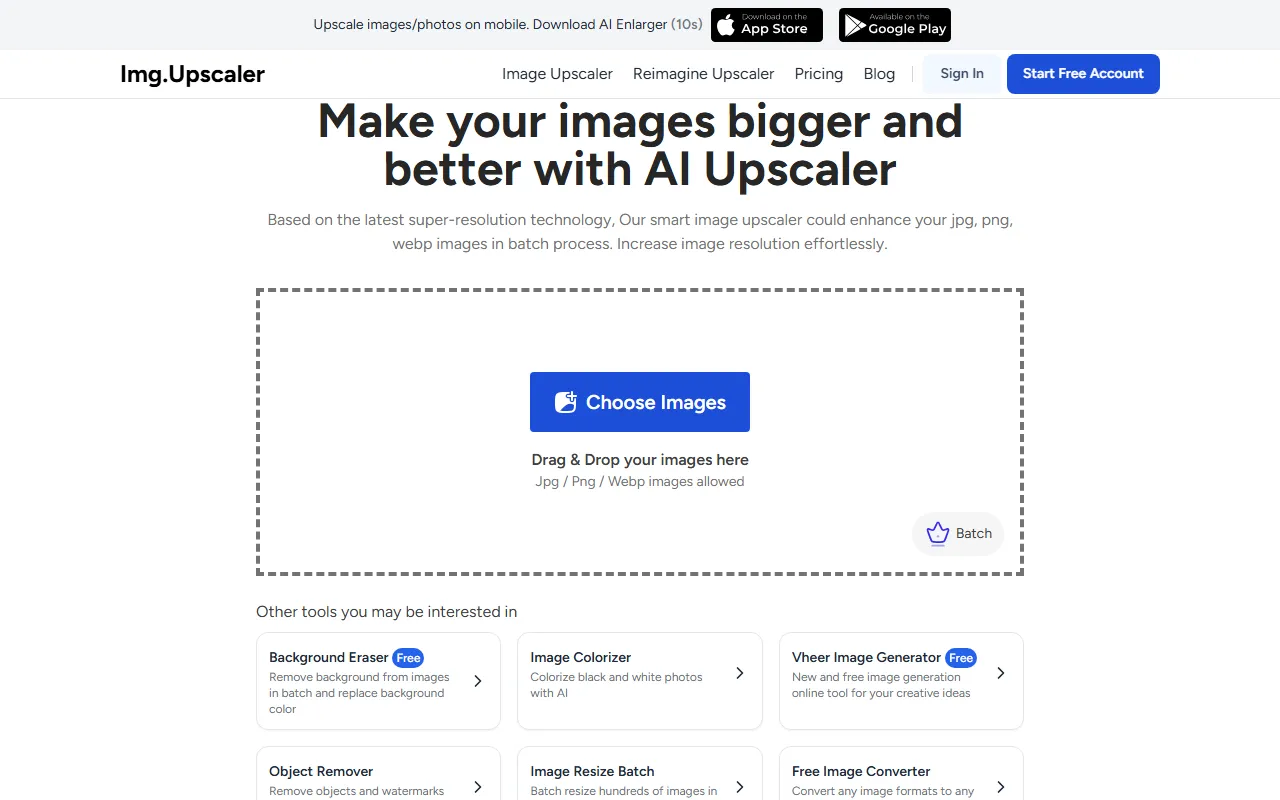
Image & DesignImg Upscaler is an AI-based image upscaling and enhancement tool that supports batch processing and can improve low-resolution images into clearer HD versions, making it suitable for everyday image optimization needs.
About
Overview
Img Upscaler is an AI image tool for online image upscaling and clarity enhancement, suitable for improving low-resolution images into results more suitable for high-definition display. Based on AI super-resolution technology, it can upscale images in common formats such as JPG, PNG, and WebP, while improving resolution and preserving details and edge sharpness as much as possible.
According to the official website information, Img Upscaler highlights an online upscaling experience with “no noticeable quality loss,” supporting image enlargement to 200% or 400%. It can be used for photo optimization, clarifying design assets, processing e-commerce product images, enhancing social media images, and pre-processing before old photo restoration. For users who need to quickly enhance one or multiple images, this type of tool can reduce repetitive operations and improve processing efficiency.
Key Features
-
AI Image Upscaling
- Supports enlarging images to 200% or 400%
- Can improve low-resolution images into a clearer display effect, suitable for HD or 4K display needs
-
Clarity and Detail Enhancement
- Optimizes image details through AI super-resolution models
- Preserves natural textures, sharp edges, and a realistic visual appearance as much as possible during enlargement
-
Supports Multiple Image Formats
- Can process images in JPG, PNG, WebP formats
- Suitable for enhancement processing of common web images, photos, and design assets
-
Online Processing
- No need to install complex local software; simply upload images directly through the webpage to use it
- Suitable for temporary processing or lightweight daily use scenarios
-
Batch Processing
- Provides batch enhancement capability, suitable for processing multiple images at once
- More efficient for users who need to organize product images, campaign assets, or gallery files
-
High-Resolution Output
- Free users can get output results up to 4096 × 4096
- After upgrading, enlarged images can be output up to 16000 × 16000
Pricing
According to publicly available information on the official website, Img Upscaler offers free and paid plans:
-
Free Version
- Can process only 1 image at a time
- Maximum output image size is 4096 × 4096
-
Paid Version
- Can unlock batch processing
- Maximum output image size increases to 16000 × 16000
- The official website shows pricing starting at about $3.9
Specific plans, quotas, and limitations may change with product updates, so it is recommended to refer to the official website's live page.
FAQ
-
Which formats does Img Upscaler support?
- The official website currently mentions support for JPG, PNG, WebP.
-
Does it support batch upscaling?
- Yes, but batch processing is a feature available after upgrading. Free users can usually only process single images.
-
How much can images be enlarged?
- The official website clearly provides two enlargement options: 200% and 400%.
-
What usage scenarios is it suitable for?
- It is suitable for scenarios such as e-commerce image optimization, photo enhancement, social media asset processing, old image enlargement, and improving the clarity of design resources.
-
Is software download and installation required?
- Based on the official website description, Img Upscaler is an online tool that can be used directly on the web.
Related Tools
View allHayo is an all-in-one tool that brings together multiple AI capabilities, covering areas such as AI art and information, making it convenient for users to experience various AI application capabilities including generation, browsing, sharing, and expression through a single entry point.
Openart is a creative platform that aggregates AI artwork and prompts, featuring a large collection of images generated by models such as DALL·E 2, Midjourney, and Stable Diffusion, and provides AI image generation functions.
Lucidpic is an AI virtual human photo generation tool that can quickly create high-quality portrait stock images and supports adjusting appearance elements such as clothing, hairstyle, style, and age.
Pixian is an AI image background removal tool that supports free, high-resolution processing and can be used without registration, making it suitable for quickly completing cutouts and image background removal.
PimEyes is a facial recognition reverse search engine that can use a photo to find images of similar faces appearing on the internet, and help users learn which websites their photos may have been published on.
ArtHub is a creative community that aggregates AI-generated artworks and prompts, where users can browse, upload, and share AI-generated images, design works, and related creative inspiration.