
Kapwing AI
Image & DesignKapwing AI is a collaborative online content creation tool that supports video editing, GIF creation, subtitle generation, meme creation, and keyframe animation, making it suitable for social media content production and team collaboration.
About
Overview
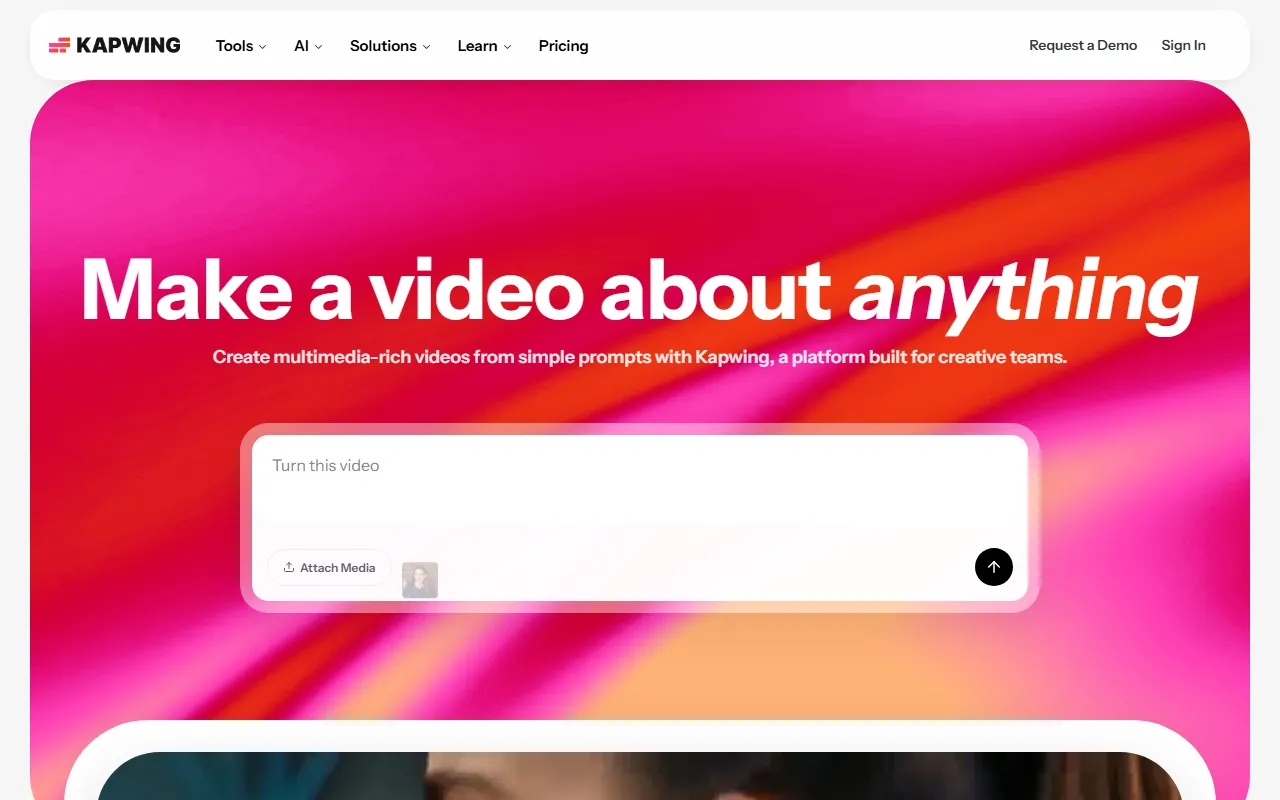
Kapwing AI is an online content creation platform for creators and teams, positioned around AI video generation + multimedia editing + collaborative creation. According to information on the official website, users can generate a complete video project from a single prompt and continue the workflow in the online editor, including editing, voiceover, subtitles, layer adjustments, and exporting.
It is suitable for users who need to quickly produce short videos, social media content, brand communication materials, educational explainer videos, and internal communication videos. Compared with traditional local editing tools, Kapwing places more emphasis on in-browser use, multi-person collaboration, and rapid generation from idea to first draft.
Main Features
-
AI video generation
- Can generate a complete video project based on a simple prompt
- Automatically creates a first draft containing elements such as multiple layers, a timeline, and sound
- Suitable for quickly moving from an idea to an editable finished video
-
Online video editing
- Provides a drag-and-drop timeline editor
- Supports trimming, cropping, and splicing video clips
- Allows adding overlays and multimedia elements
-
Subtitle and text processing
- Supports adding subtitles to videos
- Suitable for creating subtitled videos, explainer videos, and social media content
-
GIF and meme creation
- Supports GIF editing and generation
- Can be used for memes, lightweight promotional materials, and fun content creation
-
Keyframe animation
- Provides keyframe animation capabilities
- Convenient for creating custom motion effects and basic animated content
-
Templates and multi-scenario creation
- Oriented toward scenarios such as social media, UGC, brand content, and education
- Helps improve content production efficiency and style consistency
-
Collaboration features
- Supports online team collaboration
- Suitable for content review, asset handoff, and multi-person co-editing
Suitable Users
- New media and social media operations staff
- Content marketing and brand teams
- Short video creators and independent media creators
- Educators and course content creators
- Corporate internal communication and training teams
Product Pricing
The content captured from the official website does not provide clear pricing information. Kapwing usually provides online access and different tiers of feature plans. If you need to learn about the latest plans, export limits, collaboration permissions, or commercial use policies, it is recommended to visit the official pricing page directly.
Frequently Asked Questions
What kind of content is Kapwing AI more suitable for?
It is more suitable for short videos, social media materials, marketing videos, subtitled videos, GIFs, memes, and lightweight brand communication content.
Is it necessary to download and install software?
Based on the official website information, Kapwing mainly operates as an online platform, and its core editing and collaboration workflow can be completed in the browser.
Does it support team use?
Yes. Kapwing emphasizes collaborative creation and is suitable for teams to jointly edit, review, and deliver content.
Is it a pure AI generation tool?
No. Kapwing not only provides AI-generated first-draft capabilities, but also offers traditional editing functions such as subsequent online editing, subtitle processing, animation, and asset composition.
Related Tools
View allHayo is an all-in-one tool that brings together multiple AI capabilities, covering areas such as AI art and information, making it convenient for users to experience various AI application capabilities including generation, browsing, sharing, and expression through a single entry point.
Openart is a creative platform that aggregates AI artwork and prompts, featuring a large collection of images generated by models such as DALL·E 2, Midjourney, and Stable Diffusion, and provides AI image generation functions.
Lucidpic is an AI virtual human photo generation tool that can quickly create high-quality portrait stock images and supports adjusting appearance elements such as clothing, hairstyle, style, and age.
Pixian is an AI image background removal tool that supports free, high-resolution processing and can be used without registration, making it suitable for quickly completing cutouts and image background removal.
PimEyes is a facial recognition reverse search engine that can use a photo to find images of similar faces appearing on the internet, and help users learn which websites their photos may have been published on.
ArtHub is a creative community that aggregates AI-generated artworks and prompts, where users can browse, upload, and share AI-generated images, design works, and related creative inspiration.