
Khroma
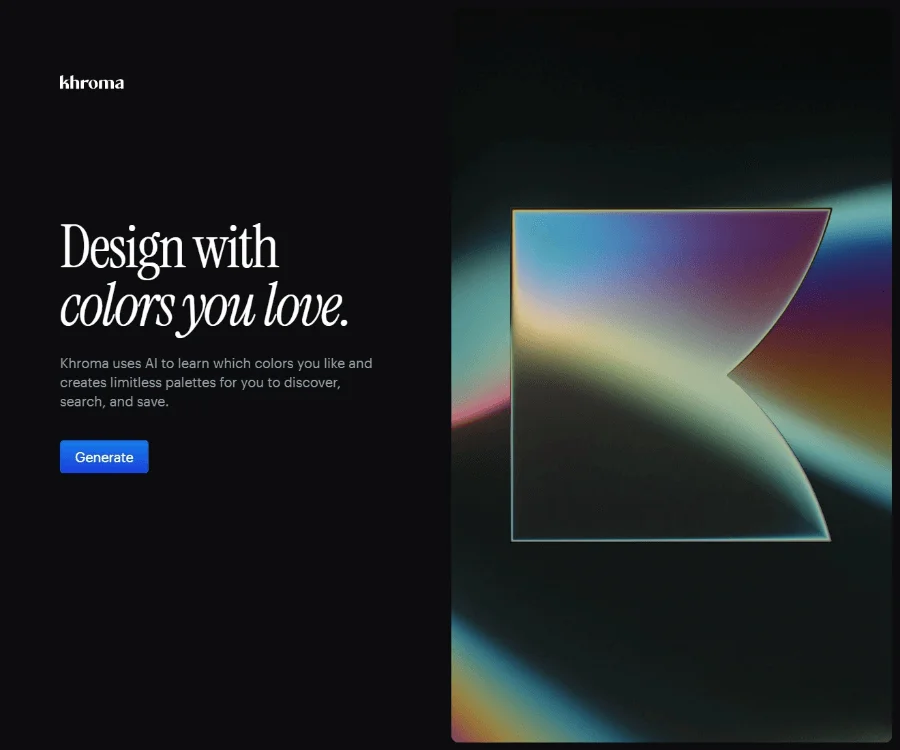
Image & DesignKhroma is an AI color tool for designers that helps users discover, search, and save their favorite color combinations and palettes, improving the efficiency of color selection.
About
Overview
Khroma is an AI color tool for designers focused on solving the problem of “how to find suitable color combinations faster.” By learning the user's color preferences, it generates personalized color schemes and supports search, filtering, and saving, helping designers make color decisions more efficiently in scenarios such as brand design, UI/UX, web design, and illustration.
Unlike traditional color websites, Khroma places greater emphasis on “personalized recommendations.” Users first select a set of colors they like, and the system trains its algorithm based on these preferences, continuously generating color combinations in the browser that better match the user's personal aesthetic. For people who need to frequently try different visual styles, it can serve as a practical tool for inspiration discovery and scheme organization.
Main Features
-
Personalized AI color generation
- Train the algorithm by selecting colors you like to generate color combinations that better match personal preferences.
- Unwanted color directions can be blocked to reduce ineffective combinations.
-
Unlimited palette exploration
- Continuously generates a large number of color schemes based on user preferences, suitable for finding inspiration during the creative exploration stage.
- Can be used to explore combinations such as brand primary colors, secondary colors, and interface colors.
-
Multiple display methods
- Supports viewing color effects in forms such as typography, gradients, palettes, or custom images.
- Helps evaluate color performance in different design contexts.
-
Search and filtering
- Color schemes can be searched or filtered by hue, brightness, color value, color name, Hex, RGB, and other conditions.
- Suitable for quickly locating schemes when there is already a target color or style direction.
-
Saving and management
- Supports saving favorite color combinations and building a personal color library for later project reuse and reference.
-
Detailed color information
- Provides color names, hexadecimal codes, RGB values, CSS code, and WCAG accessibility ratings.
- Convenient for collaborative use across design, frontend implementation, and accessibility checks.
Pricing
At present, the official website page mainly introduces the features and usage methods, and does not clearly display detailed pricing information. For whether it is free, whether paid plans are offered, and specific pricing, please refer to the latest page on the official website.
FAQ
Who is Khroma suitable for?
Khroma is mainly aimed at designers, brand creatives, UI/UX designers, web designers, and people who need to work with visual color matching.
What is Khroma's core advantage?
Its core advantage lies in AI learning based on the user's personal preferences. Rather than only providing fixed palettes, it generates color results that are closer to the user's personal aesthetic.
What color information can Khroma output?
Users can view color names, Hex codes, RGB values, CSS code, and the WCAG accessibility ratings of color pairs.
What application scenarios is Khroma suitable for?
Common scenarios include brand design, web design, interface design, illustration creation, and projects that require organizing color inspiration and building a color library.
Related Tools
View allHayo is an all-in-one tool that brings together multiple AI capabilities, covering areas such as AI art and information, making it convenient for users to experience various AI application capabilities including generation, browsing, sharing, and expression through a single entry point.
Openart is a creative platform that aggregates AI artwork and prompts, featuring a large collection of images generated by models such as DALL·E 2, Midjourney, and Stable Diffusion, and provides AI image generation functions.
Lucidpic is an AI virtual human photo generation tool that can quickly create high-quality portrait stock images and supports adjusting appearance elements such as clothing, hairstyle, style, and age.
Pixian is an AI image background removal tool that supports free, high-resolution processing and can be used without registration, making it suitable for quickly completing cutouts and image background removal.
PimEyes is a facial recognition reverse search engine that can use a photo to find images of similar faces appearing on the internet, and help users learn which websites their photos may have been published on.
ArtHub is a creative community that aggregates AI-generated artworks and prompts, where users can browse, upload, and share AI-generated images, design works, and related creative inspiration.