
Magic Design
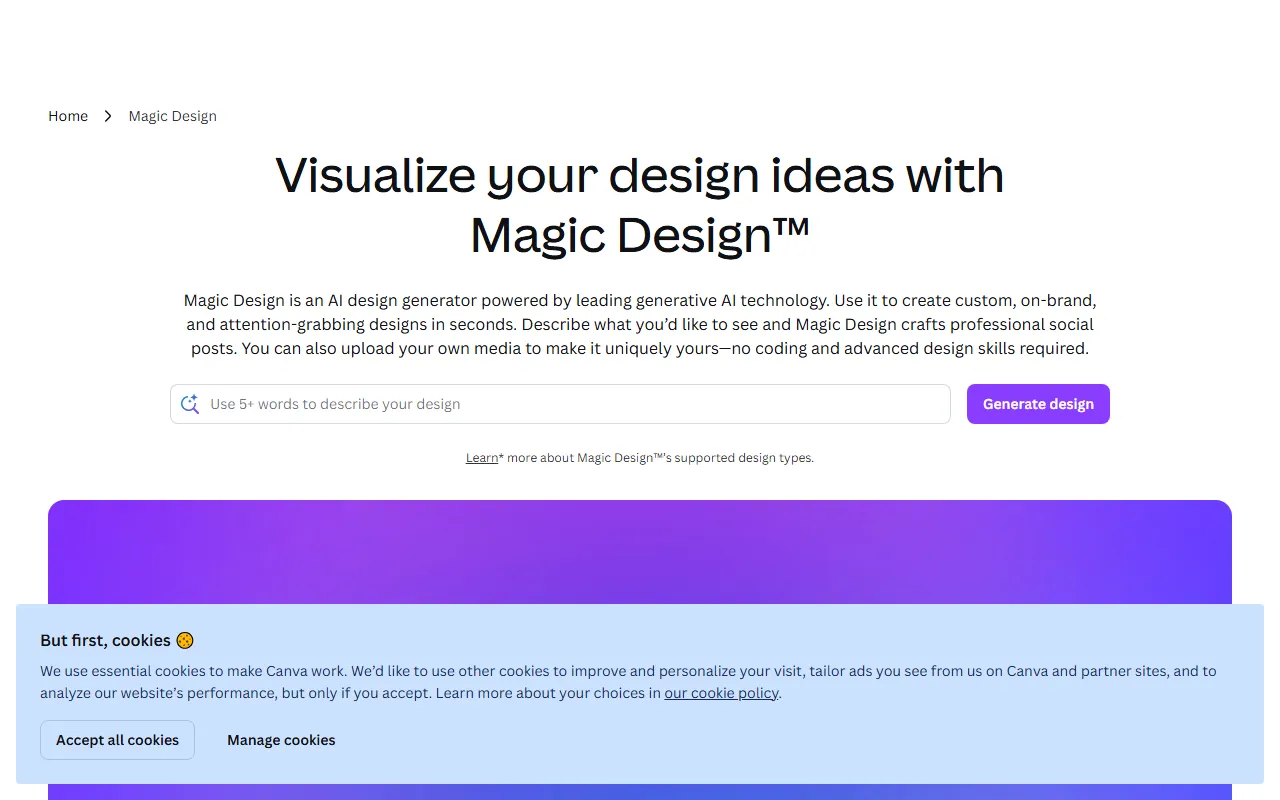
Image & DesignMagic Design (Beta) is a free AI design tool launched by Canva, the popular online design tool. It can intelligently visualize your design ideas using its vast collection of beautiful templates. Simply upload your own media files or start from a blank space, enter your design idea, and Magic Design will magically customize your design and present it to you.
About
Overview
Magic Design is an AI design generation feature launched by Canva, aimed at individual and team users who need to complete visual design quickly. Based on text ideas entered by users, or uploaded materials such as images and videos, it can automatically generate multiple editable design options, helping users create posters, social media images, presentations, and other content more efficiently.
Unlike traditional layout design from scratch, Magic Design places more emphasis on the workflow of "intelligent generation + template editing": users only need to provide basic content and design intent, and the system will generate multiple candidate designs based on Canva's templates, fonts, images, and graphic resources, after which users can further select, modify, and adjust sizes.
Main Features
-
Text-driven design generation
After entering a design theme, purpose, or creative description, it automatically generates design options matching the scenario. -
Supports uploading media materials
You can upload your own images or other media content, and the system will automatically generate layouts that better fit your needs based on those materials. -
Automatically generates multiple template sets
It provides multiple design results based on the input content, making it easier for users to choose between different styles. -
Personalized template recommendations
The generated results combine content type and visual style to output customized templates that can be edited directly, rather than a single fixed layout. -
Created based on Canva's resource library
Relying on Canva's large number of templates, fonts, images, and graphic elements, the generated results have a relatively complete visual design foundation. -
Further editing and size adjustment
After selecting a template, users can still continue editing copy, colors, layout, and other content, and adjust the design size as needed. -
Suitable for quickly visualizing ideas
Even users without professional design experience can turn ideas into visual works for presentation relatively quickly.
Product Pricing
Currently available information shows that Magic Design is provided as a feature on the Canva platform and was once made available in Beta form.
For specific pricing, free quota, and whether a subscription to a specific Canva plan is required, please refer to the latest explanation on the official website:
- Official website: https://www.canva.com/magic-design/
Frequently Asked Questions
Who is Magic Design suitable for?
It is suitable for content creators, marketing personnel, small and medium-sized teams, students, and people who need to quickly complete visual materials, especially non-professional design users.
Can it generate designs from scratch?
Yes. You can either upload your own media materials or start from a blank state and generate options by entering your design ideas.
Can the generated designs continue to be modified?
Yes. What Magic Design generates are editable design templates within Canva, and users can continue to modify the copy, elements, color scheme, and size.
Is Magic Design a standalone tool?
No. It is more like an AI design feature within the Canva platform and needs to be used in Canva's product environment.
Related Tools
View allHayo is an all-in-one tool that brings together multiple AI capabilities, covering areas such as AI art and information, making it convenient for users to experience various AI application capabilities including generation, browsing, sharing, and expression through a single entry point.
Openart is a creative platform that aggregates AI artwork and prompts, featuring a large collection of images generated by models such as DALL·E 2, Midjourney, and Stable Diffusion, and provides AI image generation functions.
Lucidpic is an AI virtual human photo generation tool that can quickly create high-quality portrait stock images and supports adjusting appearance elements such as clothing, hairstyle, style, and age.
Pixian is an AI image background removal tool that supports free, high-resolution processing and can be used without registration, making it suitable for quickly completing cutouts and image background removal.
PimEyes is a facial recognition reverse search engine that can use a photo to find images of similar faces appearing on the internet, and help users learn which websites their photos may have been published on.
ArtHub is a creative community that aggregates AI-generated artworks and prompts, where users can browse, upload, and share AI-generated images, design works, and related creative inspiration.