
MagicSlides
Chat AssistantsMagicSlides is an AI-based Google Slides plugin that can automatically summarize text content and generate presentations, helping users complete slide creation and layout faster.
About
Overview
MagicSlides is an AI tool designed for presentation generation scenarios. It supports converting topics, text content, web links, PDFs, DOCX files, and YouTube links into editable PPTs. The product can be used both to quickly generate a first draft of a presentation and as a supporting tool in Google Slides-related workflows, helping users reduce the time spent building structure and layout from scratch.
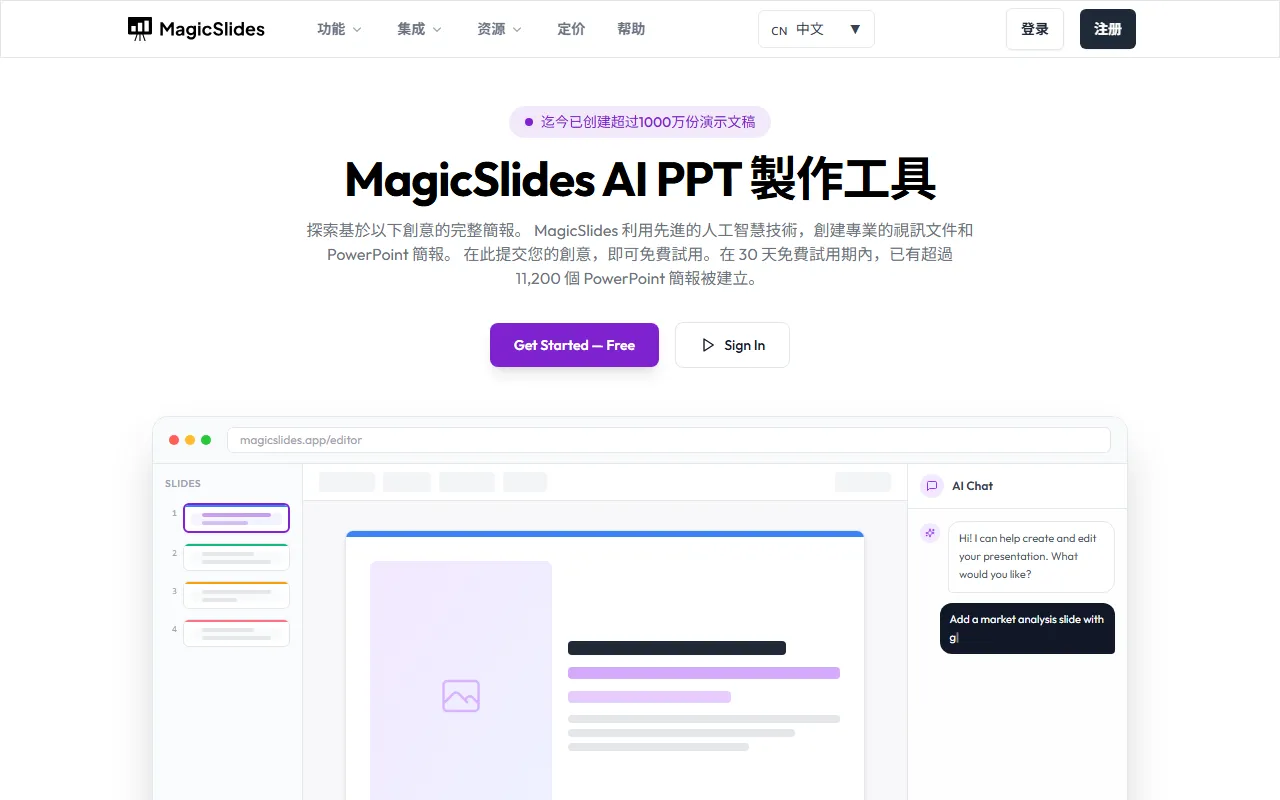
According to the official website, MagicSlides' core positioning is AI PPT Maker / Presentation Generator. Users only need to enter a topic or upload a content source, and the system can automatically organize information, generate structured slides, and support continued editing in PowerPoint, Google Slides, or the MagicSlides app. The tool also provides AI Chat interaction capabilities, which can be used to create, supplement, and modify presentation content. It is suitable for scenarios that require frequent presentation production, such as business reports, teaching courseware, project proposals, and research presentations.
Key Features
-
One-click presentation generation
- After entering a prompt, topic, or main text content, it automatically generates a complete PPT framework and page content.
-
Supports multiple content sources
- It can extract information from text, URLs, PDFs, DOCX files, YouTube links, and other content sources to generate slides.
-
AI automatically organizes structure
- It automatically summarizes key points and generates titles, bullet points, and page organization methods that are more suitable for presentation delivery.
-
Template selection and customization
- It supports selecting or customizing templates to quickly form a unified visual style.
-
AI chat-based editing
- Create a full presentation through conversation, or have AI add a single page, modify existing content, or expand pages.
-
Single-page addition and duplication
- Add specific content pages to an existing presentation, or duplicate existing pages for extension.
-
Multilingual generation
- The official website shows support for 136+ languages, making it suitable for multilingual presentations and cross-regional content output.
-
Multi-platform editing and export
- Generated presentations can continue to be edited in PowerPoint, Google Slides, or MagicSlides.
Product Pricing
The content captured from the official website mentions that users can start using it for free, but it does not display a clear complete pricing plan, package differences, or quota limits. In actual use, it is recommended to visit the official pricing page or check the current version benefits after registering.
Frequently Asked Questions
Who is MagicSlides suitable for?
It is suitable for users who frequently need to create presentations, such as business professionals, teachers, students, training instructors, consulting advisors, and content creators.
What content can be used to generate PPTs?
According to the official website, topic prompts, plain text, web links, PDF files, DOCX files, and YouTube links can be used as input sources.
Can the generated PPT continue to be modified?
Yes. The generated content can be edited within MagicSlides, and it also supports further adjustment in PowerPoint or Google Slides.
Does it support multiple languages?
Yes. The official website shows that it can generate presentations in 136+ languages.
Is MagicSlides only for Google Slides?
No. Although it is closely related to Google Slides workflows, information on the official website shows that its generated content can also be exported to or edited for use on platforms such as PowerPoint.
Related Tools
View allOpenAI is an organization focused on artificial intelligence research and product development, offering a variety of AI capabilities including ChatGPT. Its core areas cover conversational models, generative AI, and intelligent tools for developers and general users.
OpenGPT is a tool platform for building ChatGPT applications based on APIs, supporting capabilities such as multilingual support, instant messaging, speech recognition, and natural language processing, while also providing reference application examples and open-source code.
Monica is a browser assistant based on the ChatGPT API that provides chatting, writing, translation, explanation, and rewriting functions in web environments, helping users handle text work more efficiently.
MyGPT is a ChatGPT API frontend tool that provides a built-in prompt library and chat history features, making it easier for users to handle daily conversations and prompt management in a lighter-weight way.
Merlin is a tool that brings ChatGPT capabilities to everyday web usage scenarios, helping with writing, searching, organizing information, and processing text on common websites to improve online work efficiency.
Snack Prompt is a prompt community for ChatGPT and Bard that supports discovering, liking, sharing, and organizing high-quality prompts, helping users use AI tools more efficiently.