
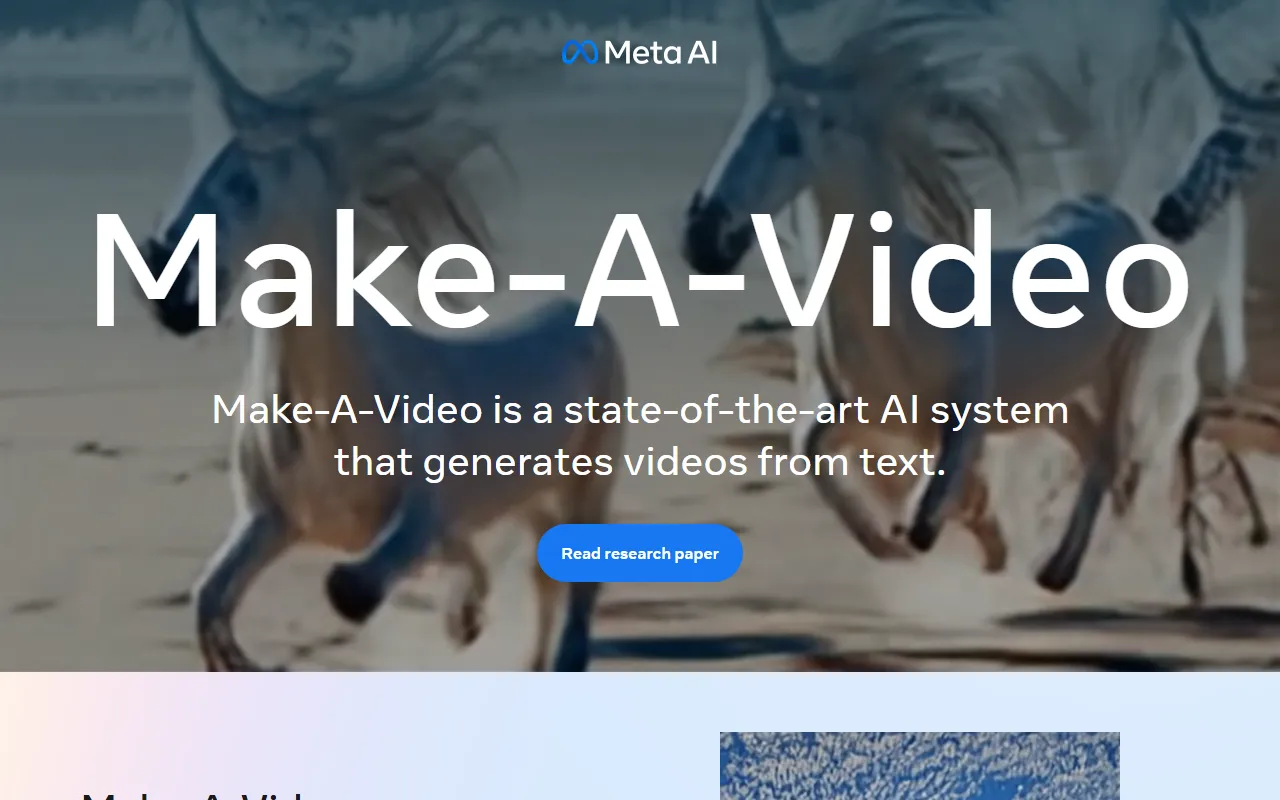
Make a Video
Image & DesignMake a Video is an AI research project for text-to-video generation. Based on advances in text-to-image generation technology, it demonstrates how video content can be automatically generated from written descriptions and provides related papers and demo materials.
About
Overview
Make a Video (officially named Make-A-Video) is a cutting-edge AI research project focused on the direction of "text-to-video generation," categorized under AI Images & Design. Based on advances in text-to-image generation technology, it further explores how systems can automatically generate video content from natural language prompts.
The core idea of the system is: on the one hand, it learns "what the world looks like and how it is usually described" through image data with descriptions; on the other hand, it learns "how the world moves" through unlabeled videos. On this basis, users can generate imaginative, stylized, or more realistic video clips using only a few lines of text prompts.
It should be noted that Make a Video is more oriented toward research showcase and technical demonstration. It is suitable for people interested in generative AI, computer vision, and text-to-video research to understand the implementation paths, research results, and case effects in this field, rather than serving as a traditional video editing or commercial-grade video production tool.
Key Features
- Text-to-video generation
- Directly generates video content based on text prompts, which is its core capability.
- Supports presentation in multiple visual styles
- The official website showcases generated results in different style directions such as Surreal, Realistic, and Stylized.
- Based on joint learning from images and videos
- It uses images with text descriptions to learn the correspondence between semantics and visuals, while also learning actions and motion patterns from unlabeled videos.
- Research papers and materials are publicly available
- It provides access to research papers, making it easier for users to further understand the model's concepts, training methods, and research background.
- Demo case showcase
- The official website provides example content such as "a dog wearing a red cape superhero costume flying in the sky" and "a robot dancing in Times Square" to intuitively demonstrate the generated results.
Pricing
Based on the public information currently available on the official website, a standardized commercial pricing page is not clearly provided. This project is more oriented toward showcasing research results, and users can view papers and demo content through the official website.
FAQ
Is Make a Video a video editing tool?
No. It is closer to a text-to-video generation research project, with the focus on showing how AI can directly generate videos from text prompts, rather than providing conventional video editing features such as traditional editing, transitions, and subtitle editing.
Who is Make a Video suitable for?
It is more suitable for the following groups:
- Users who follow generative AI and AIGC
- Developers or researchers interested in computer vision and text-to-video research
- Learners who want to understand cutting-edge text-to-video cases and technical paths
What are its core technical characteristics?
Its key characteristics lie in combining:
- Existing advances in the text-to-image field
- Semantic learning capabilities from image-text pairs
- Motion learning capabilities from unlabeled videos
Thereby extending static visual understanding into dynamic video generation.
What can be learned through the official website?
The official website mainly allows users to view:
- Product/project overview
- Access to research papers
- Some text-to-video demo cases
- Example results under different visual styles
Related Tools
View allHayo is an all-in-one tool that brings together multiple AI capabilities, covering areas such as AI art and information, making it convenient for users to experience various AI application capabilities including generation, browsing, sharing, and expression through a single entry point.
Openart is a creative platform that aggregates AI artwork and prompts, featuring a large collection of images generated by models such as DALL·E 2, Midjourney, and Stable Diffusion, and provides AI image generation functions.
Lucidpic is an AI virtual human photo generation tool that can quickly create high-quality portrait stock images and supports adjusting appearance elements such as clothing, hairstyle, style, and age.
Pixian is an AI image background removal tool that supports free, high-resolution processing and can be used without registration, making it suitable for quickly completing cutouts and image background removal.
PimEyes is a facial recognition reverse search engine that can use a photo to find images of similar faces appearing on the internet, and help users learn which websites their photos may have been published on.
ArtHub is a creative community that aggregates AI-generated artworks and prompts, where users can browse, upload, and share AI-generated images, design works, and related creative inspiration.