
Media.io AI Image Upscaler
Image & DesignAn AI image upscaling tool launched by Media.io
About
Overview
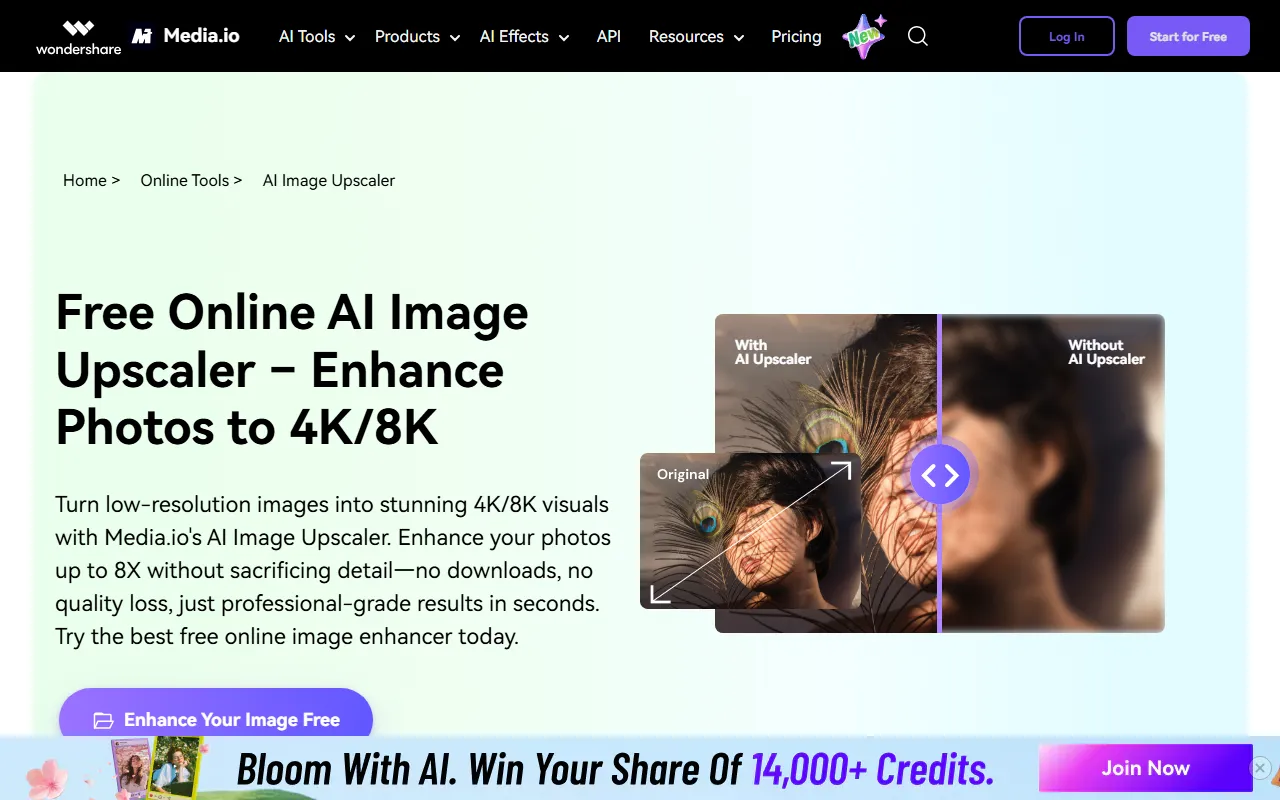
Media.io AI Image Upscaler is an online AI image lossless upscaling tool provided by Media.io, mainly designed for clarity enhancement and size enlargement of low-resolution images. Users can upload images directly in the browser and use AI algorithms to improve image details, textures, and overall visual quality, enlarging images to higher resolutions. It is suitable for scenarios such as photo restoration, secondary editing of creative assets, and e-commerce image optimization.
According to the official website, the tool supports enlarging images by up to 8x and can enhance them to 4K/8K-level results. The entire process is completed on the web without the need to download or install software, making it suitable for general users and content creators who want to process images quickly.
Key Features
-
AI Smart Lossless Upscaling
- Uses AI to enlarge low-quality images while preserving as much detail as possible during size enhancement and reducing blur and distortion.
-
Supports Upscaling Up to 8x
- The official website states that the tool can increase image size by up to 8x, making it suitable for expanding small images into higher-resolution versions.
-
Enhanced to 4K/8K Visual Quality
- Can be used to optimize low-resolution images into clearer high-resolution visuals, suitable for display images, poster images, or high-definition output needs.
-
Online Use, No Download Required
- The tool runs in the browser, with no need to install a client, and it does not additionally occupy local device memory.
-
Drag-and-Drop Upload, Easy to Use
- Supports uploading images via drag and drop, lowering the barrier to use and making it suitable for users without professional photo editing experience.
-
Available on Multiple Devices
- As long as there is a stable internet connection, it can be accessed and used on different devices and browsers.
Pricing
Based on the currently available information, the official website emphasizes that it is a Free Online AI Image Upscaler, meaning it provides free online usage.
However, the current materials do not clearly specify the following information:
- Whether the free version has limits on the number of images
- Whether export resolution is limited
- Whether there are memberships or paid premium features
- Whether there are paid plans that support batch processing
For the latest pricing and usage limits, it is recommended to refer to the actual information on the official website page.
FAQ
Does this tool require download and installation?
No. Media.io AI Image Upscaler can be used directly in the browser, and the official website clearly states that it is an online tool.
How much can an image be enlarged?
According to the official website, images can be enlarged by up to 8x and support enhancement to 4K/8K-level results.
Will image quality be lost after upscaling?
The tool focuses on "lossless upscaling" and detail enhancement, aiming to preserve image texture and clarity as much as possible while increasing size. However, the final result will still be affected by the quality of the original image.
What usage scenarios is it suitable for?
It is suitable for low-quality photo restoration, social media image optimization, e-commerce product image enhancement, design asset enlargement, and image processing scenarios that require high-definition output.
Related Tools
View allHayo is an all-in-one tool that brings together multiple AI capabilities, covering areas such as AI art and information, making it convenient for users to experience various AI application capabilities including generation, browsing, sharing, and expression through a single entry point.
Openart is a creative platform that aggregates AI artwork and prompts, featuring a large collection of images generated by models such as DALL·E 2, Midjourney, and Stable Diffusion, and provides AI image generation functions.
Lucidpic is an AI virtual human photo generation tool that can quickly create high-quality portrait stock images and supports adjusting appearance elements such as clothing, hairstyle, style, and age.
Pixian is an AI image background removal tool that supports free, high-resolution processing and can be used without registration, making it suitable for quickly completing cutouts and image background removal.
PimEyes is a facial recognition reverse search engine that can use a photo to find images of similar faces appearing on the internet, and help users learn which websites their photos may have been published on.
ArtHub is a creative community that aggregates AI-generated artworks and prompts, where users can browse, upload, and share AI-generated images, design works, and related creative inspiration.