
Midjourney Grid Splitter
Image & DesignMidjourney Grid Splitter is a free online tool that can split Midjourney Grids into individual images. The website also offers collectibles of saw blade splitters for the MJ Splitter SteelPro Thin Cutting System and the MJ Splitter SteelPro 1/8 Inch Full Cutting System for purchase. Midjourney Grid Splitter has been endorsed by Christopher Schwartz of Popular Woodworking and WOOD Magazine.
About
Overview
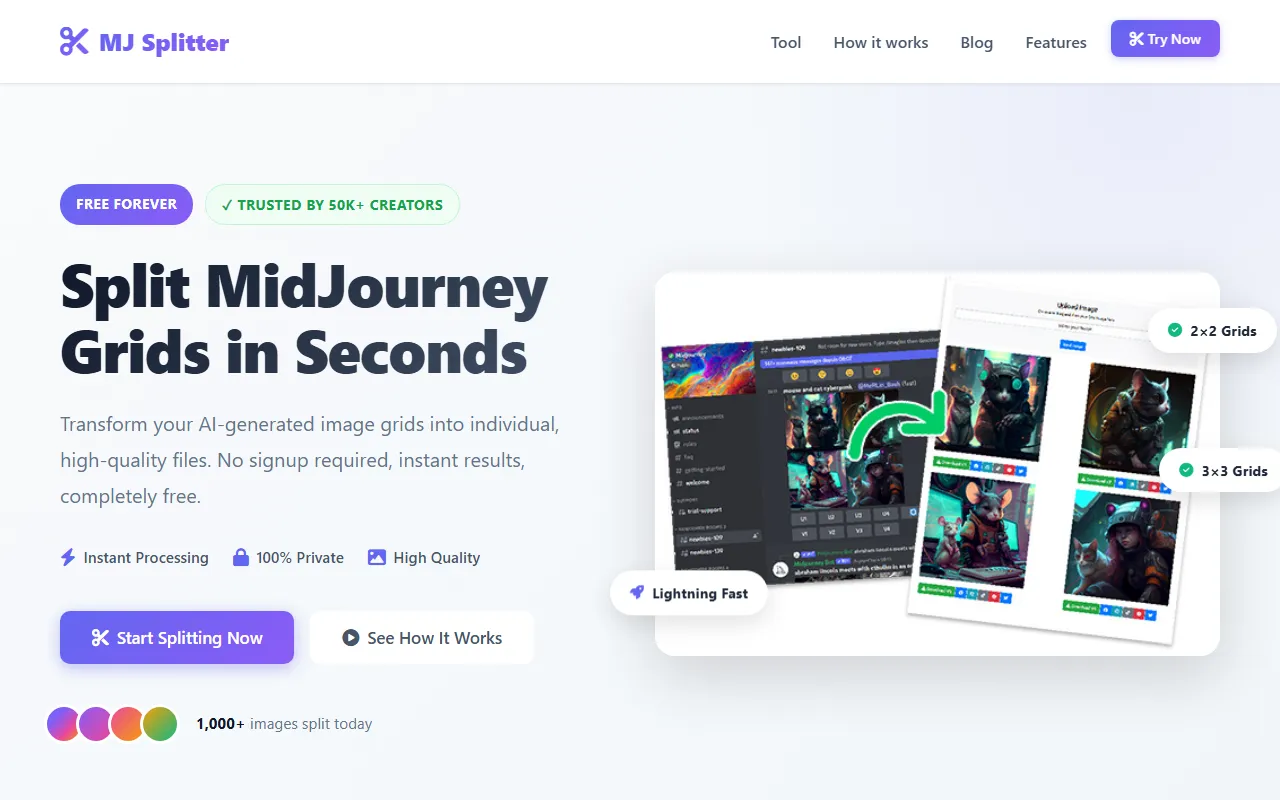
Midjourney Grid Splitter (also referred to as MJ Splitter on the official website) is a free online image splitting tool for AI creators, mainly used to quickly split grid images generated by MidJourney into individual pictures. Users can directly upload local images or paste image links from sources such as Discord and MidJourney, and the system will automatically complete the split and provide downloads.
This tool focuses on no registration required, instant processing, and permanently free use, making it suitable for splitting 2×2 or 3×3 grid images output by MidJourney for scenarios such as portfolio organization, social media posting, and print output. According to the official website, the platform emphasizes privacy and high-quality output, and provides a simple and direct workflow.
Key Features
-
MidJourney Grid Image Splitting
- Supports splitting MidJourney Grids into separate image files
- Designed for common AI-generated collage scenarios
-
Supports Multiple Import Methods
- Images can be uploaded directly from a local device
- Image URLs from platforms such as Discord and MidJourney can be pasted
-
Compatible with Common Grid Formats
- Supports 2×2 Grids
- Supports 3×3 Grids
-
Fast Processing
- The official website emphasizes that splitting can be completed within seconds
- Suitable for quick use when organizing creative results in batches
-
High-Quality Output
- The split individual images maintain relatively high image quality
- Suitable for Instagram, printing, and portfolio display
-
No Registration Required
- No account creation is required to use it
- Lowers the barrier to use; you can start processing as soon as you open the webpage
-
Privacy-Focused
- The official website labels it as 100% Private
- Suitable for users who are sensitive about image content or want to reduce concerns about data retention
Pricing
According to the latest information on the official website, Midjourney Grid Splitter is currently:
- Free to use
- Free Forever
- No registration or subscription required
At present, the content captured from the official website does not show pricing information for paid plans, membership tiers, or advanced features.
FAQ
What kinds of images is it suitable for processing?
This tool is mainly intended for grid collages generated by MidJourney, especially the common 2×2 and 3×3 grid images.
Do I need to install software?
No. It is an online tool that can be used through a browser.
Is account registration required?
No. The official website clearly states No signup required, and you can directly upload or paste a link for splitting.
What sources can images be imported from?
According to the official website, images can be imported in the following ways:
- Paste an image URL
- Upload a file from a local device
- URL sources can include Discord, MidJourney, etc.
What are the split images suitable for?
The official website mentions the following scenarios:
- Social media posting, such as Instagram
- Print output
- Portfolio organization and display
Is there privacy protection?
The official website emphasizes 100% Private, indicating that it treats privacy protection as one of the product's selling points. However, if commercial projects or sensitive images are involved, it is still recommended to review its official privacy policy and terms of service before use.
Related Tools
View allHayo is an all-in-one tool that brings together multiple AI capabilities, covering areas such as AI art and information, making it convenient for users to experience various AI application capabilities including generation, browsing, sharing, and expression through a single entry point.
Openart is a creative platform that aggregates AI artwork and prompts, featuring a large collection of images generated by models such as DALL·E 2, Midjourney, and Stable Diffusion, and provides AI image generation functions.
Lucidpic is an AI virtual human photo generation tool that can quickly create high-quality portrait stock images and supports adjusting appearance elements such as clothing, hairstyle, style, and age.
Pixian is an AI image background removal tool that supports free, high-resolution processing and can be used without registration, making it suitable for quickly completing cutouts and image background removal.
PimEyes is a facial recognition reverse search engine that can use a photo to find images of similar faces appearing on the internet, and help users learn which websites their photos may have been published on.
ArtHub is a creative community that aggregates AI-generated artworks and prompts, where users can browse, upload, and share AI-generated images, design works, and related creative inspiration.