
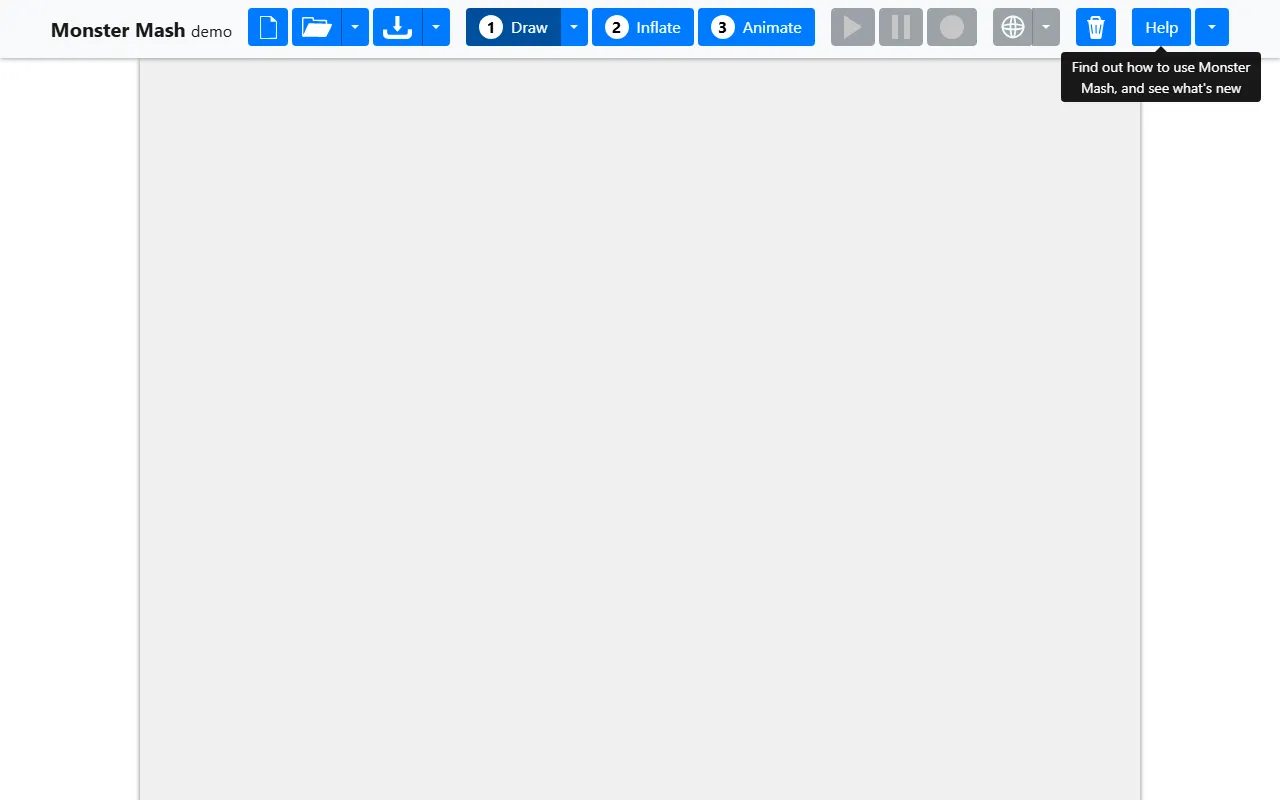
Monster Mash
Image & DesignMonster Mash is a 3D modeling and animation tool based on hand-drawn sketches. It can quickly convert 2D doodles into manipulable 3D forms and create simple animations. It supports free online use and also provides an open-source version and glTF export capabilities.
About
Overview
Monster Mash is a 2D sketch-to-3D model and basic animation tool for creative expression and rapid prototyping, categorized under AI Image & Design. Its core feature is allowing users to quickly generate manipulable three-dimensional forms through simple hand-drawn outlines, and then further create basic deformation and animation effects.
This tool is very suitable for quickly turning characters, monsters, props, or concept sketches in your mind into visualized 3D results. Compared with the relatively high learning curve of traditional 3D modeling software, Monster Mash places more emphasis on intuitive interaction and rapid feedback, making it suitable for teaching demonstrations, creative experiments, concept validation, and lightweight character design scenarios. For users who want to first validate forms from sketches and then continue processing in professional software such as Blender, it also provides a relatively convenient transition.
Key Features
- Sketch to 3D model: Users can first draw 2D outlines, and the tool will convert planar shapes into solid 3D forms.
- Basic animation creation: After generating a model, simple deformation and animation processing can be carried out to quickly present actions or dynamic effects.
- Intuitive interaction with a relatively low barrier to entry: The overall workflow revolves around “draw — generate — adjust — animate,” making it suitable for non-professional 3D users to try quickly.
- Suitable for creative validation and teaching demonstrations: It can be used for classroom presentations, expressing design ideas, character concept testing, and other lightweight scenarios.
- Supports glTF export: Completed models and related animation content can be exported in glTF format, making it convenient to continue importing them into 3D software such as Blender for further editing.
- Provides an online version: It can be used directly in the browser without complex installation.
- Provides an open-source version: In addition to the online experience, there is also an open-source implementation suitable for developers or users with local deployment needs for further study and use.
Pricing
According to currently available information, Monster Mash supports free online use.
In addition, the product also provides an open-source version. As for whether there are more detailed commercial licenses, enterprise terms of use, or additional paid plans, there is currently no further clear information. It is recommended to refer to the latest instructions on the official website or project page.
FAQ
Who is Monster Mash suitable for?
It is suitable for designers, students, teachers, creative professionals, and users who want to quickly turn hand-drawn ideas into 3D effects.
Can it replace professional 3D modeling software?
It is more suitable as a rapid prototyping and creative experimentation tool. If you need high-precision modeling, complex rigging, or professional-grade animation production, you will usually still need to use it together with professional software such as Blender.
Does it support exporting to other 3D software?
It supports exporting glTF, which can serve as an intermediate format for entering other 3D workflows later.
Does it require downloading and installation?
Monster Mash provides an online version that can be used directly through the browser; at the same time, there is also an open-source version available for further deployment or research.
Related Tools
View allHayo is an all-in-one tool that brings together multiple AI capabilities, covering areas such as AI art and information, making it convenient for users to experience various AI application capabilities including generation, browsing, sharing, and expression through a single entry point.
Openart is a creative platform that aggregates AI artwork and prompts, featuring a large collection of images generated by models such as DALL·E 2, Midjourney, and Stable Diffusion, and provides AI image generation functions.
Lucidpic is an AI virtual human photo generation tool that can quickly create high-quality portrait stock images and supports adjusting appearance elements such as clothing, hairstyle, style, and age.
Pixian is an AI image background removal tool that supports free, high-resolution processing and can be used without registration, making it suitable for quickly completing cutouts and image background removal.
PimEyes is a facial recognition reverse search engine that can use a photo to find images of similar faces appearing on the internet, and help users learn which websites their photos may have been published on.
ArtHub is a creative community that aggregates AI-generated artworks and prompts, where users can browse, upload, and share AI-generated images, design works, and related creative inspiration.