
Mottle
Chat AssistantsMottle is a chatbot building tool that helps users create bots for website visitor interaction in an accessible way, suitable for setting up basic conversational support and communication entry points.
About
Overview
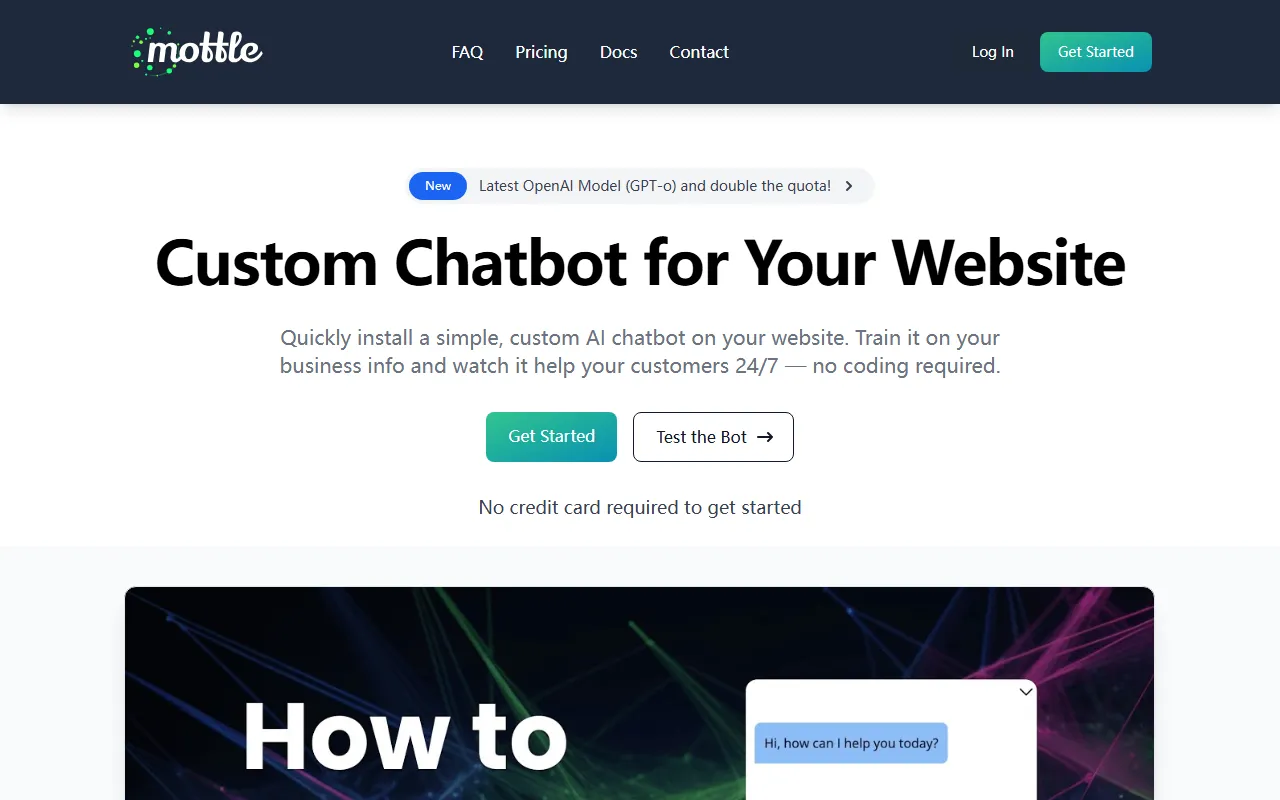
Mottle is an AI chatbot building tool designed for website use cases, focused on quickly building custom bots that can be embedded into web pages with no code. Users can train the bot based on their own business materials, allowing it to handle visitor inquiries, frequently asked questions, initial guidance, and online support on the website.
Based on the information on the official website, Mottle’s core positioning is to provide businesses or website operators with a low-barrier AI conversation entry point: there is no need to handle hosting, API integration, or complex deployment processes yourself, and it can be launched in a relatively short time. It is suitable for teams that want to add 24/7 automated reply capability to their official website, product pages, or service pages, especially small and medium-sized businesses, independent sites, and users without a technical background.
Key Features
-
Custom website chatbot
- You can create a dedicated AI bot for your own website and embed it into web pages for use.
-
Training based on business materials
- Supports training the bot using company or business-related information, making responses closer to actual products, services, and common inquiry content.
-
No-code deployment
- The official website emphasizes that creation and installation can be completed without code, making it suitable for users without development capabilities to get started quickly.
-
Fast launch
- The official site mentions that configuration can be completed and put into use in about 10 minutes, making it suitable for teams that want to quickly validate the effectiveness of AI customer service on their website.
-
Embeddable on websites
- After the bot is created, it can be directly embedded into a website and used as a visitor interaction entry point.
-
Answer source debugging
- Provides debugging capabilities, allowing users to see which documents were used when generating a certain answer, which helps troubleshoot the basis of answers and optimize training content.
-
Multilingual support
- Supports multilingual scenarios, making it suitable for websites serving users in different languages for basic inquiries and communication.
-
Suitable for common website service scenarios
- Including visitor inquiries, FAQ replies, initial user guidance, and online interactive support.
Pricing
Based on the currently available information, a complete public pricing plan was not found. However, the official website clearly mentions:
- You can start using it for free
- No credit card is required to get started
If you need to understand plan limits, quotas, the scale of trainable content, or pricing for more advanced features, it is recommended to visit the official pricing or registration page for further confirmation.
Frequently Asked Questions
Which users is Mottle suitable for?
It is suitable for users who want to quickly add AI conversation features to their website, such as official website operators, customer support teams, small and medium-sized merchants, and independent site managers.
Is programming or handling deployment yourself required?
According to the official website description, Mottle supports no-code setup and does not require users to handle hosting or API configuration themselves, so the overall deployment barrier is relatively low.
What can it be used for?
It can be used for website visitor Q&A, FAQ replies, product or service introductions, initial customer guidance, and as an automated communication entry point for a website.
Does it support multiple languages?
The official website mentions multilingual capabilities, making it suitable for websites serving customers across multiple regions or languages.
Is it convenient to check whether answers are accurate?
Mottle provides debugging features that allow users to see which documents were cited in a given answer, which is helpful for optimizing knowledge content and checking the basis of answers.
Related Tools
View allOpenAI is an organization focused on artificial intelligence research and product development, offering a variety of AI capabilities including ChatGPT. Its core areas cover conversational models, generative AI, and intelligent tools for developers and general users.
OpenGPT is a tool platform for building ChatGPT applications based on APIs, supporting capabilities such as multilingual support, instant messaging, speech recognition, and natural language processing, while also providing reference application examples and open-source code.
Monica is a browser assistant based on the ChatGPT API that provides chatting, writing, translation, explanation, and rewriting functions in web environments, helping users handle text work more efficiently.
MyGPT is a ChatGPT API frontend tool that provides a built-in prompt library and chat history features, making it easier for users to handle daily conversations and prompt management in a lighter-weight way.
Merlin is a tool that brings ChatGPT capabilities to everyday web usage scenarios, helping with writing, searching, organizing information, and processing text on common websites to improve online work efficiency.
Snack Prompt is a prompt community for ChatGPT and Bard that supports discovering, liking, sharing, and organizing high-quality prompts, helping users use AI tools more efficiently.