
Movavi Picverse
Image & DesignMovavi Picverse is photo editing software for PC, offering smart enhancement tools and an intuitive interface to help users complete everyday retouching and image optimization more easily.
About
Overview
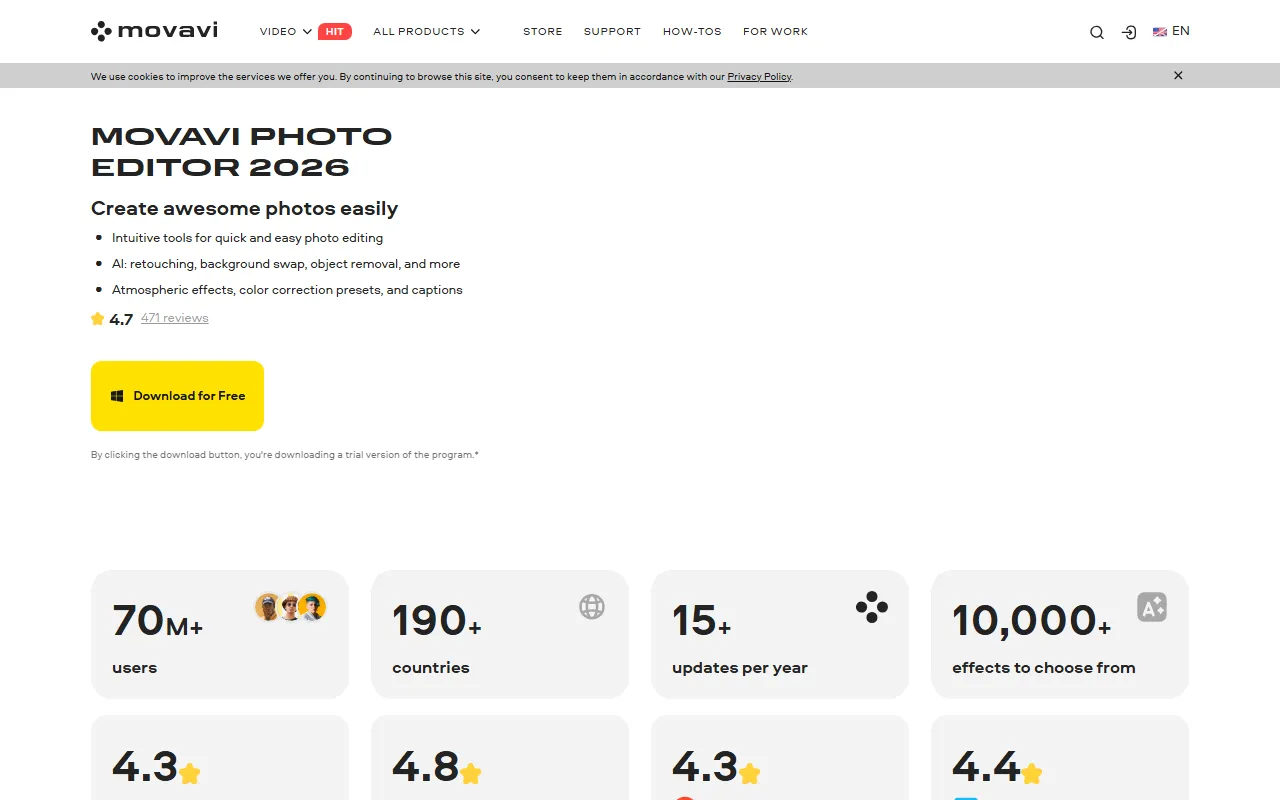
Movavi Picverse is photo editing software launched by Movavi. On the official website, it is currently named Movavi Photo Editor and supports Windows and Mac. This tool is aimed at general users, content creators, and photography enthusiasts, emphasizing the use of an intuitive interface and AI-assisted features to quickly complete photo beautification, retouching, and basic advanced editing.
Based on the official website information, the product’s core positioning is an “easy-to-use desktop photo editor,” suitable for handling common scenarios such as portrait enhancement, background replacement, object removal, color correction, and colorizing old photos. For users who do not want to use complex professional software but still need relatively complete retouching capabilities, this type of tool is more suitable for frequent daily use.
Key Features
-
AI Smart Enhancement
- Automatically optimizes a photo’s lighting, color balance, and overall appearance
- Suitable for quickly improving the clarity and visual quality of ordinary photos
-
AI Retouching and Portrait Enhancement
- Can be used to remove facial blemishes, dark spots, and similar issues
- Supports portrait enhancement operations such as teeth whitening and basic makeup effects
-
Background Replacement and Cutout Processing
- Supports background swapping, making it convenient for creating ID photos, product images, or social media visuals
- Suitable for non-professional users who need to quickly change the image background
-
Object Removal
- Can delete passersby, clutter, or unwanted elements from photos
- The official website mentions that AI generates a relatively natural replacement background to reduce signs of retouching
-
Color Correction and Presets
- Provides color correction tools and multiple preset styles
- Suitable for quickly unifying photo styles and improving editing efficiency
-
Black-and-White Photo Colorization
- Supports adding more natural colors to old photos
- Can be used for restoring old family photos and organizing images
-
Text and Atmosphere Effects
- Can add titles, descriptive text, and atmospheric visual effects
- Suitable for creating shareable images, commemorative photos, or simple promotional pictures
Pricing
According to content captured from the official website, Movavi Photo Editor offers a free downloadable trial version, and clicking the download button provides a trial version.
The currently captured information does not show a clear full paid price. If you need to know about licenses, subscription plans, or one-time purchase pricing, it is recommended to visit the official purchase page for the latest information.
FAQ
What users is it suitable for?
It is suitable for users who want to do light to moderate photo retouching on a computer, including everyday photo beautification users, photography enthusiasts, self-media content creators, and office users who need to quickly process portraits and backgrounds.
Does it support Mac?
Yes. The official website title clearly states that the product can be used on PCs and Macs.
Can it be used for free?
Yes, you can download the trial version to try it out, but the trial version is usually not the same as a fully licensed version. Before formal use, it is recommended to check the official website for feature limitations and licensing details.
What is its core advantage?
Its core advantages are a low learning threshold, fast editing workflow, and concentrated AI features. For users who do not need a complex professional workflow, it can cover most common photo retouching needs.
Related Tools
View allHayo is an all-in-one tool that brings together multiple AI capabilities, covering areas such as AI art and information, making it convenient for users to experience various AI application capabilities including generation, browsing, sharing, and expression through a single entry point.
Openart is a creative platform that aggregates AI artwork and prompts, featuring a large collection of images generated by models such as DALL·E 2, Midjourney, and Stable Diffusion, and provides AI image generation functions.
Lucidpic is an AI virtual human photo generation tool that can quickly create high-quality portrait stock images and supports adjusting appearance elements such as clothing, hairstyle, style, and age.
Pixian is an AI image background removal tool that supports free, high-resolution processing and can be used without registration, making it suitable for quickly completing cutouts and image background removal.
PimEyes is a facial recognition reverse search engine that can use a photo to find images of similar faces appearing on the internet, and help users learn which websites their photos may have been published on.
ArtHub is a creative community that aggregates AI-generated artworks and prompts, where users can browse, upload, and share AI-generated images, design works, and related creative inspiration.