
Outline Ninja
Image & DesignOutline Ninja is an AI-based infographic generation tool that can quickly generate visual content based on user-input text and data combined with templates, and provides SEO-related supporting features.
About
Overview
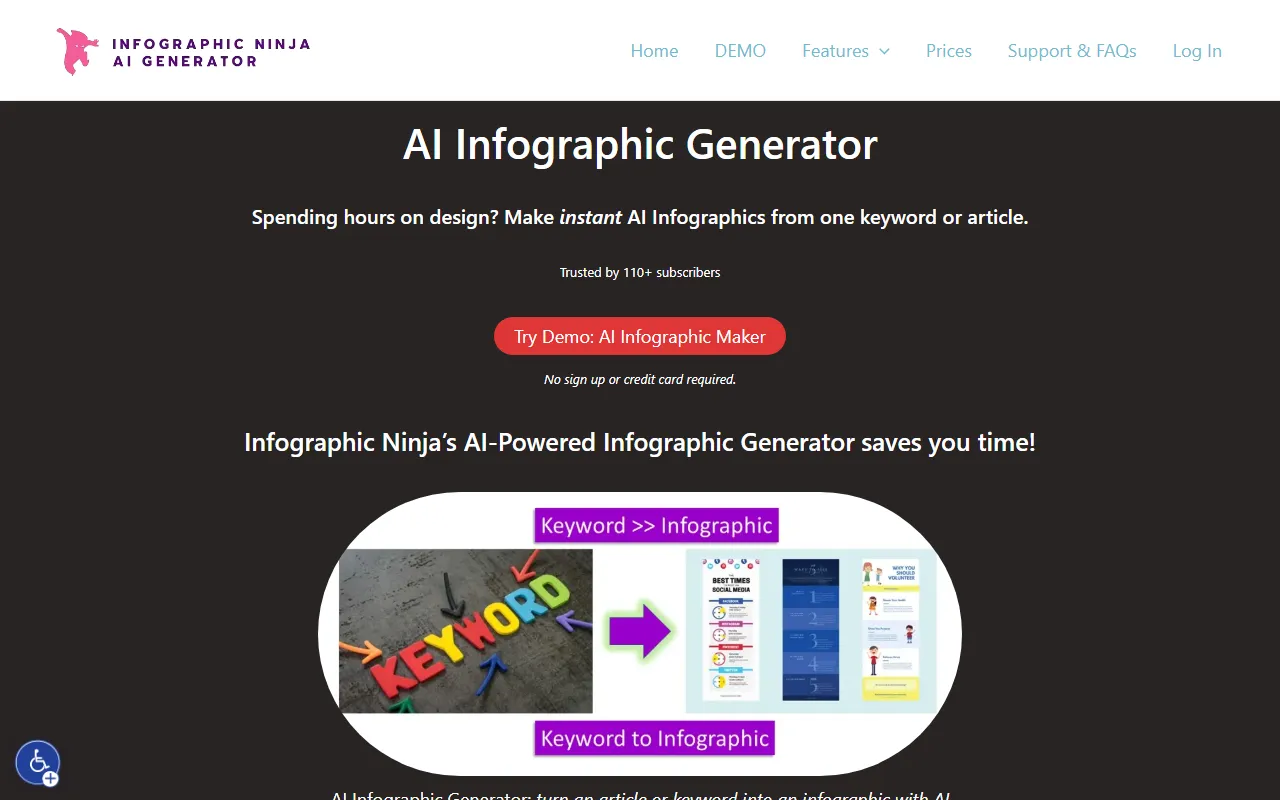
Outline Ninja is an AI image and design tool for infographic creation, with the core capability of quickly converting keywords, articles, or text content into infographics. Based on information from the official website, it emphasizes “generating infographics in about 30 seconds,” making it suitable for users who want to reduce layout and design time and quickly produce visual content.
This tool mainly serves people who need to produce content efficiently, such as educators, bloggers, SEO practitioners, and marketing teams. In addition to infographic generation itself, Outline Ninja also provides certain SEO-related supporting capabilities. For example, the official website showcases the E-E-A-T Checker / EEAT Scanner Tool, so it is also suitable for use cases that balance content presentation and search optimization.
Main Features
-
AI infographic generation
- Can generate infographics based on a keyword or an article
- Supports quickly converting existing text content into visual expression
-
Template-based production workflow
- Users can choose templates to generate infographics in different styles
- Suitable for completing standardized visual content output in a short time
-
Adding brand elements
- Supports uploading or providing a logo
- Can be used to create infographic content with brand recognition
-
Style customization
- Colors and fonts can be adjusted
- Convenient for staying consistent with brand visual guidelines or content themes
-
Export and download
- Infographics can be downloaded directly after generation
- Suitable for scenarios such as blog illustrations, marketing materials, and content summary displays
-
SEO supporting tools
- The official website showcases the E-E-A-T Checker / EEAT Scanner Tool
- Has some supporting value for content operations, SEO teams, and website optimization work
-
Applicable scenarios
- Blog article illustrations
- Marketing content production
- Visualization of teaching content
- Display of data or long-form content summaries
- Fast visual output for daily content operations
Pricing
According to publicly available information on the official website, Outline Ninja offers subscription plans:
-
Starter
- $5 / month
- 15 credits
- Includes most features, but does not include API
- No watermark
- Can use other SEO tools
- Includes technical support
-
Pro
- The official website summary shows unlimited credits
- Suitable for high-frequency usage scenarios such as SEO agencies
- Also marked as not including API
- For the remaining full pricing and details, refer to the latest page on the official website
The official website also mentions that the cost per infographic can be as low as about 33 cents, but the actual cost will vary depending on the plan.
FAQ
-
Who is Outline Ninja suitable for?
- It is suitable for bloggers, educators, content marketers, SEO teams, and operations staff who need to create infographics quickly.
-
What input methods does it support?
- Based on the official website description, it can generate infographics based on keywords or article content.
-
Can styles be customized?
- Yes. Users can choose templates and further adjust colors, fonts, and add a logo.
-
Does it offer a free trial or demo?
- The official website shows that a Demo is available, and indicates that part of the process can be experienced “without registration or a credit card.” For the specific available scope, refer to the official website.
-
Does it support API?
- The Starter and Pro plans currently shown on the official website are both marked as not including API.
Related Tools
View allHayo is an all-in-one tool that brings together multiple AI capabilities, covering areas such as AI art and information, making it convenient for users to experience various AI application capabilities including generation, browsing, sharing, and expression through a single entry point.
Openart is a creative platform that aggregates AI artwork and prompts, featuring a large collection of images generated by models such as DALL·E 2, Midjourney, and Stable Diffusion, and provides AI image generation functions.
Lucidpic is an AI virtual human photo generation tool that can quickly create high-quality portrait stock images and supports adjusting appearance elements such as clothing, hairstyle, style, and age.
Pixian is an AI image background removal tool that supports free, high-resolution processing and can be used without registration, making it suitable for quickly completing cutouts and image background removal.
PimEyes is a facial recognition reverse search engine that can use a photo to find images of similar faces appearing on the internet, and help users learn which websites their photos may have been published on.
ArtHub is a creative community that aggregates AI-generated artworks and prompts, where users can browse, upload, and share AI-generated images, design works, and related creative inspiration.