
Photo AI
Image & DesignPhoto AI is an AI synthetic photography tool that can generate new portraits or photographic works by training photo models, and supports creating stylized photos and synthetic image content.
About
Overview
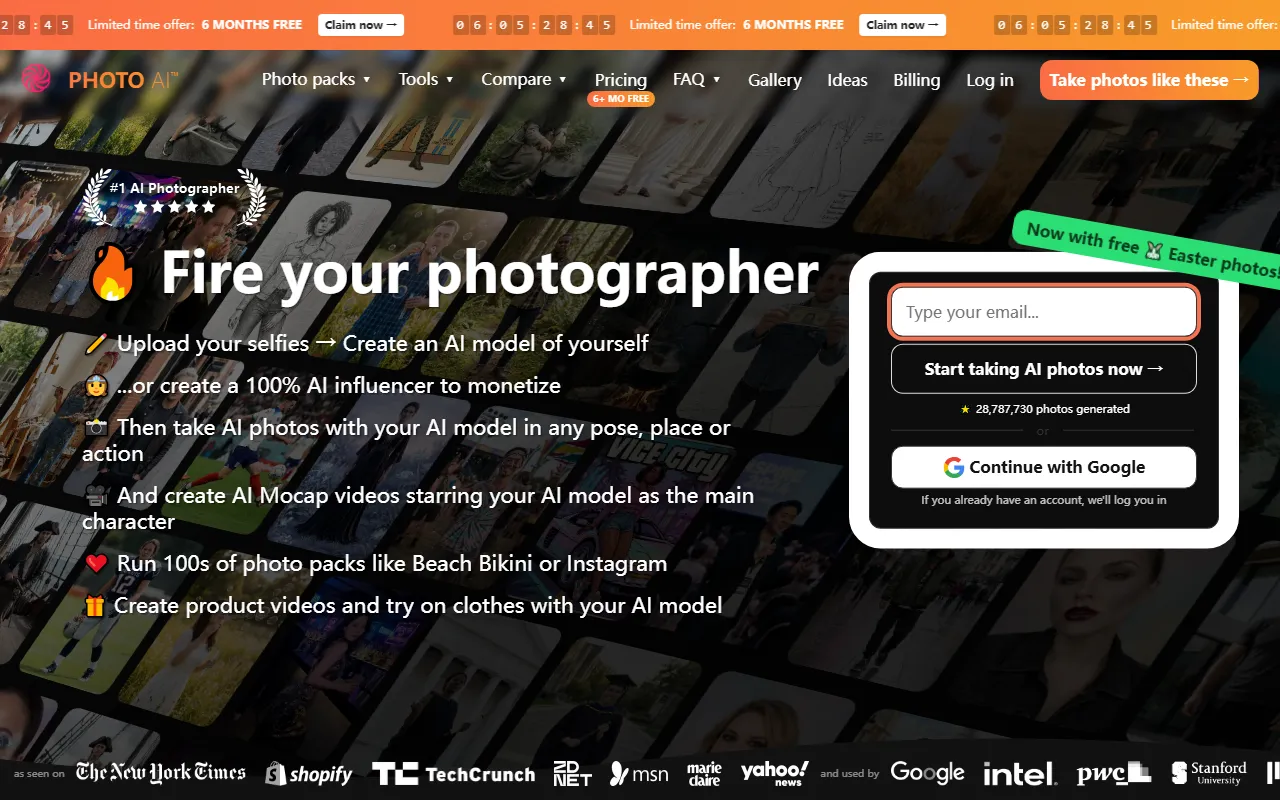
Photo AI is an AI image and video creation tool for portrait content generation. Its core capability is to first train an AI model using selfies or portrait photos uploaded by users, and then generate photorealistic-style portrait images and video content based on that model. It promotes an “AI photographer” experience, helping users quickly produce various types of visual materials suitable for social media, personal brand presentation, avatars, professional headshots, and more, without the need for a real shooting team, locations, or complex post-production.
Based on the information on its official website, Photo AI focuses primarily on “people” generation scenarios. It supports generating works around the same AI model in different poses, locations, actions, and styles, and also provides product showcases, virtual try-on content, and AI motion capture video capabilities. For photography enthusiasts, content creators, designers, personal brand operators, and users who need to generate portrait assets in bulk, this type of tool offers strong efficiency value.
Key Features
-
AI portrait model training
- Upload selfies or portrait photos to create your own AI model.
- The official website mentions relatively fast training speed, with the first batch of photos generated in a short time.
-
AI photorealistic photo generation
- Generate realistic portrait photos based on a trained model.
- Control the person appearing in different poses, scenes, or actions, reducing the dependence of traditional shoots on locations and personnel.
-
Batch generation of stylized photos
- Run multiple photo packs (such as social media styles, professional headshots, etc.) to quickly generate series-based content.
- Suitable for creating portrait assets with a consistent visual style.
-
AI video and motion capture content
- In addition to images, it also supports generating portrait video content.
- The official website mentions that it can create Mocap (motion capture) videos featuring the AI model as the main character.
-
Virtual character and AI Influencer creation
- It can not only train models based on real-person selfies, but also create completely fictional AI character images.
- Suitable for brand content, virtual accounts, or creative projects.
-
Product showcase and virtual try-on scenarios
- Supports generating product videos and experimenting with clothing showcase content.
- Better suited for uses such as marketing visuals, content testing, and asset previews.
Pricing
The content captured from the official website does not show clear plan pricing or billing details.
If you are preparing to use Photo AI, it is recommended to visit the official website to check the following information:
- Whether it offers a free trial or complimentary initial photos
- Usage limits for image and video generation
- Whether the number of model training sessions is affected by the plan
- Scope of commercial usage authorization
FAQ
-
Who is Photo AI suitable for?
It is suitable for content creators, photography enthusiasts, designers, social media operators, and individuals or teams that need to generate portrait assets quickly. -
What is the core usage workflow of Photo AI?
Generally, users first upload selfies or portrait photos to train an AI model, and then generate portrait images or videos in different styles, scenes, and actions based on that model. -
Can it only generate images?
No. According to the latest information on the official website, Photo AI supports both portrait image and video generation. -
What style do its images lean toward?
At present, the official website mainly emphasizes photorealistic portrait image and video effects. -
Can it be used to create virtual characters?
Yes. The official website mentions that in addition to creating AI models based on selfies, it can also create 100% AI virtual character images.
Related Tools
View allHayo is an all-in-one tool that brings together multiple AI capabilities, covering areas such as AI art and information, making it convenient for users to experience various AI application capabilities including generation, browsing, sharing, and expression through a single entry point.
Openart is a creative platform that aggregates AI artwork and prompts, featuring a large collection of images generated by models such as DALL·E 2, Midjourney, and Stable Diffusion, and provides AI image generation functions.
Lucidpic is an AI virtual human photo generation tool that can quickly create high-quality portrait stock images and supports adjusting appearance elements such as clothing, hairstyle, style, and age.
Pixian is an AI image background removal tool that supports free, high-resolution processing and can be used without registration, making it suitable for quickly completing cutouts and image background removal.
PimEyes is a facial recognition reverse search engine that can use a photo to find images of similar faces appearing on the internet, and help users learn which websites their photos may have been published on.
ArtHub is a creative community that aggregates AI-generated artworks and prompts, where users can browse, upload, and share AI-generated images, design works, and related creative inspiration.