
PhotoKit
Image & DesignPhotoKit is an AI-based online photo editor that offers photo enhancement, portrait retouching, background removal, special effects processing, and basic editing features.
About
Overview
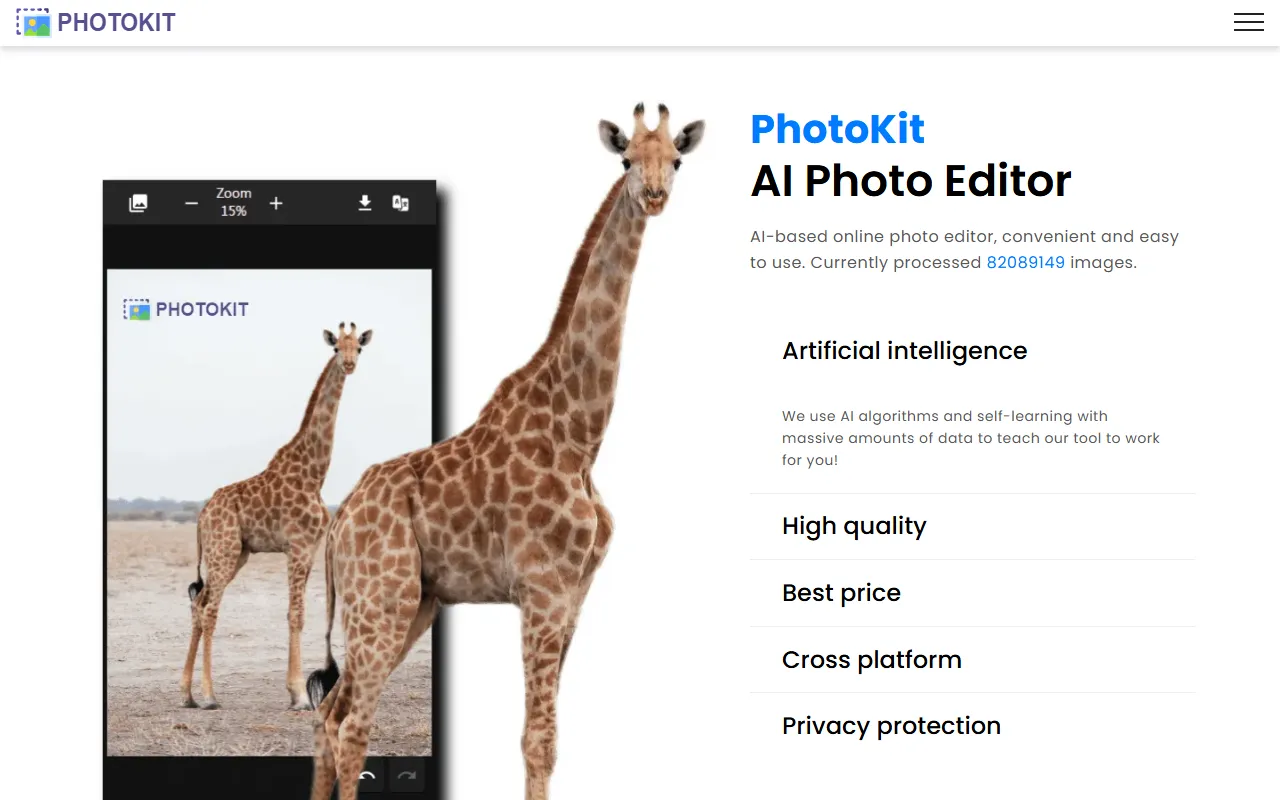
PhotoKit is an AI-based online image editing tool positioned as a lightweight and easy-to-use web-based photo editing experience. Users can complete common image processing tasks in the browser without downloading or installing software. According to the official website, PhotoKit currently supports a wide range of image processing and provides a multilingual interface, making it suitable for individual users for daily photo editing, as well as for scenarios such as social media images and e-commerce product image optimization.
Its core feature is the combination of AI capabilities with basic editing: on the one hand, it supports functions such as intelligent cutout, restoration, clarity, and exposure adjustment; on the other hand, it also retains conventional editing tools such as crop, resize, and rotate, making it convenient for users to quickly complete one-stop operations from basic processing to simple enhancement.
Main Features
-
AI Online Photo Editing
- Provides web-based image editing capabilities with no local software installation required
- Supports direct use in modern browsers and is compatible with multiple platforms
-
Basic Image Editing
- Crop images
- Adjust size
- Rotate images
- Perform basic image editing operations
-
AI Image Processing
- Cutout: intelligent cutout/background removal
- Inpaint: image restoration, removal of partial content
- Clarity: improve image clarity
- Exposure: adjust exposure performance
-
Batch Processing
- The official website provides a Batch Processing entry
- Suitable for scenarios that require repeated processing of multiple images
-
Image Tools and Integrations
- Provides standalone Image Tools
- The official website shows support for Integrations, but the specific integration targets are not explained in the captured content
-
Multilingual Support
- Supports interface languages such as Chinese, English, Français, Deutsch, Русский, Português, Español, 日本語, 한국어, and more
-
Privacy Protection
- The official website clearly emphasizes the importance of user privacy and provides a Privacy Policy page
Product Pricing
According to the summary information on the official website:
- Basic tools are available for free
- VIP users: fewer restrictions or no download restrictions when downloading images
The currently captured content does not show more detailed package pricing, billing cycles, or feature differences. If you need to learn the specific membership fees, it is recommended to visit the official website to view the latest pricing page or the instructions within the actual editor.
Frequently Asked Questions
-
Does PhotoKit require download and installation?
No. It is an online image editor that can be used directly through the browser. -
Does PhotoKit support free use?
Yes. The official website states that its image processing tools can be used for free, but some download permissions may be more open to VIP users. -
What common tasks can PhotoKit handle?
These include cropping, resizing, rotating, exposure adjustment, clarity optimization, intelligent cutout, and partial restoration. -
Does it support batch image processing?
Yes. The official website provides a Batch Processing entry, suitable for batch editing needs. -
What usage scenarios is it suitable for?
It is suitable for personal photo organization, social media image creation, e-commerce product image optimization, and fast daily web-based photo editing.
Related Tools
View allHayo is an all-in-one tool that brings together multiple AI capabilities, covering areas such as AI art and information, making it convenient for users to experience various AI application capabilities including generation, browsing, sharing, and expression through a single entry point.
Openart is a creative platform that aggregates AI artwork and prompts, featuring a large collection of images generated by models such as DALL·E 2, Midjourney, and Stable Diffusion, and provides AI image generation functions.
Lucidpic is an AI virtual human photo generation tool that can quickly create high-quality portrait stock images and supports adjusting appearance elements such as clothing, hairstyle, style, and age.
Pixian is an AI image background removal tool that supports free, high-resolution processing and can be used without registration, making it suitable for quickly completing cutouts and image background removal.
PimEyes is a facial recognition reverse search engine that can use a photo to find images of similar faces appearing on the internet, and help users learn which websites their photos may have been published on.
ArtHub is a creative community that aggregates AI-generated artworks and prompts, where users can browse, upload, and share AI-generated images, design works, and related creative inspiration.