
Photoleap
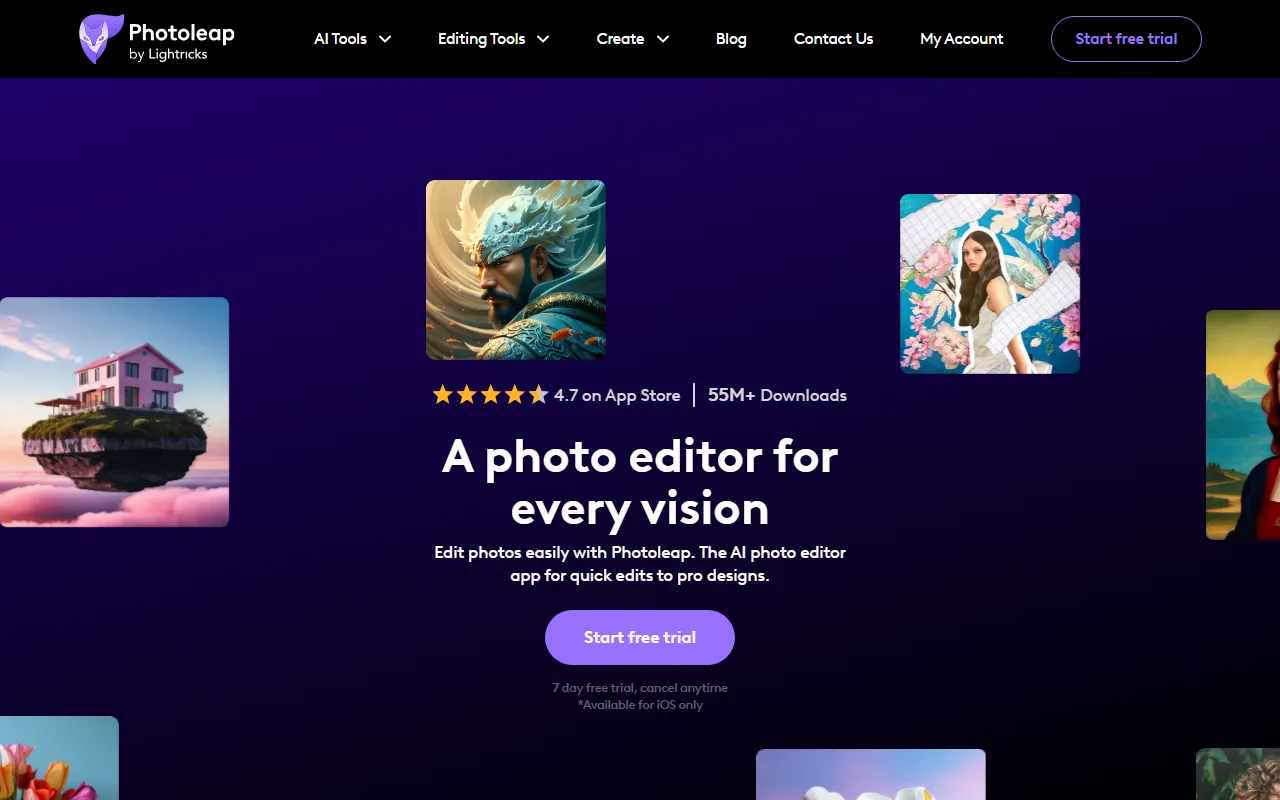
Image & DesignPhotoleap is an iOS photo editing app launched by Lightricks, offering creative features such as background replacement, object removal, collages, filter effects, and text-to-image generation.
About
Overview
Photoleap is an AI photo editing and creative design app for iPhone launched by Lightricks, positioned to integrate everyday photo retouching, creative compositing, and social media content production into a single mobile tool. It provides one-stop capabilities ranging from basic photo enhancement to advanced visual creation, making it suitable for users who want to quickly complete image editing, poster-style visual production, or artistic content generation on their phones.
Based on the information on the official website, Photoleap emphasizes two points: "AI-assisted editing" and "ease of use." Users do not need complex design experience to use one-tap tools for background replacement, object removal, collage layout, filter effect processing, and text-based image generation. For content creators, social media operators, and ordinary iOS users, it is more of a readily usable creative photo editor.
Main Features
-
AI Photo Editing
- Supports intelligent one-tap optimization of photo effects
- Can improve image appearance and overall quality
- Suitable for quickly processing everyday photos
-
Background Replacement
- Can replace photo backgrounds
- Suitable for scenarios such as portrait enhancement, product display, and creative compositing
-
Object Removal
- Can delete unwanted elements from the image
- Suitable for cleaning up clutter, passersby, or distracting content
-
Collage and Layout Design
- Supports creating photo collages
- Can be used for social media covers, poster-style images, and multi-image displays
-
Filters and Visual Effects
- Provides a variety of filters and special effects
- Can be used to quickly unify image style and enhance visual expressiveness
-
Text-to-Image
- Supports generating image content based on text descriptions
- Suitable for expressing creative inspiration, creating concept images, and personalized visual generation
-
AI Filters and Creative Content Production
- Can generate more stylized and trend-driven visual content
- Suitable for creating eye-catching social media images
-
Image to Video
- The official website summary shows that it offers an AI Image to Video feature
- Can quickly convert photos into video content
Product Pricing
According to the current information on the official website, Photoleap offers:
- 7-day free trial
- Supports cancellation at any time
The content captured from the official website does not clearly show complete subscription pricing, billing cycles, or differences between plans. Actual costs should be based on the latest pages in the App Store or on the official website.
Frequently Asked Questions
Which users is Photoleap suitable for?
It is suitable for iPhone users, content creators, social media operators, and ordinary users who want to quickly complete photo retouching and creative design on their phones.
What core usage scenarios does Photoleap support?
Common scenarios include:
- Everyday photo enhancement
- Portrait background replacement
- Removing extra objects
- Creating social media visuals
- Collage poster design
- Generating creative images through text
Does Photoleap require design experience?
Based on the official website description, Photoleap emphasizes ease of use and AI-assisted editing, and many features support one-tap operation, so the requirement for professional design experience is not high.
Which platforms does Photoleap support?
At present, the information captured from the official website mainly emphasizes use on iPhone / iOS, and does not clearly explain complete multi-platform support. Before use, it is recommended to refer to the official pages and app store information.
Related Tools
View allHayo is an all-in-one tool that brings together multiple AI capabilities, covering areas such as AI art and information, making it convenient for users to experience various AI application capabilities including generation, browsing, sharing, and expression through a single entry point.
Openart is a creative platform that aggregates AI artwork and prompts, featuring a large collection of images generated by models such as DALL·E 2, Midjourney, and Stable Diffusion, and provides AI image generation functions.
Lucidpic is an AI virtual human photo generation tool that can quickly create high-quality portrait stock images and supports adjusting appearance elements such as clothing, hairstyle, style, and age.
Pixian is an AI image background removal tool that supports free, high-resolution processing and can be used without registration, making it suitable for quickly completing cutouts and image background removal.
PimEyes is a facial recognition reverse search engine that can use a photo to find images of similar faces appearing on the internet, and help users learn which websites their photos may have been published on.
ArtHub is a creative community that aggregates AI-generated artworks and prompts, where users can browse, upload, and share AI-generated images, design works, and related creative inspiration.