
Pixelcut.ai
Image & DesignPixelcut.ai is an AI-based online design tool mainly used to create product images, advertising images, and other visual content. It provides common design features such as background removal, batch editing, color adjustment, as well as templates, fonts, and stickers.
About
Overview
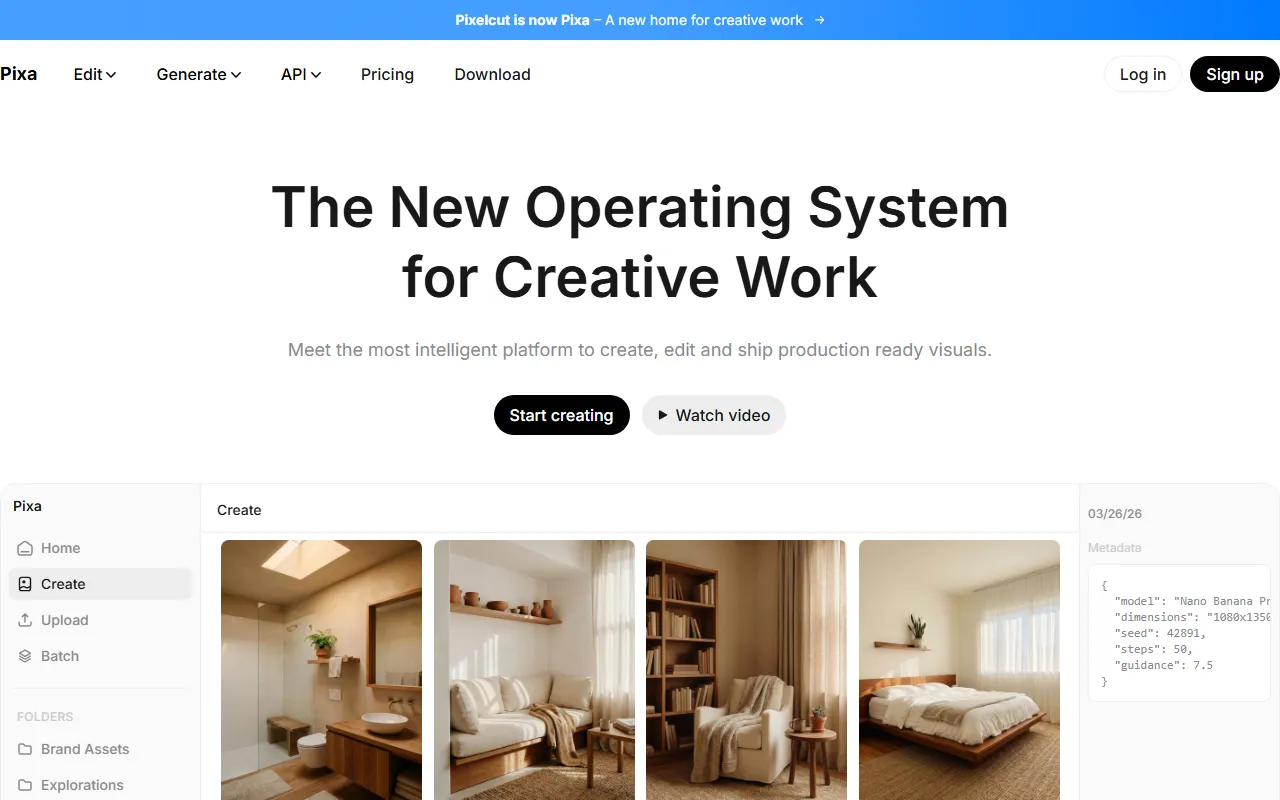
Pixelcut.ai is an AI design tool for image editing and visual content creation. Its official website currently offers the service under the name Pixa | Free AI Photo Editor (formerly Pixelcut). It mainly helps users quickly generate and edit product images, advertising images, social media assets, and other content, making it suitable for e-commerce sellers, content creators, and small to medium-sized teams that need to produce images frequently.
The tool’s core feature is using AI to simplify traditional design workflows, reducing the time cost of manual cutouts, photo retouching, and repetitive editing. In addition to common capabilities such as background removal, batch processing, and color adjustment, the platform also supports image expansion, HD upscaling, AI retouching, shadow generation, and to a certain extent image and video workflow processing, making it suitable for creating more consistent and more commercial-looking visual assets.
Main Features
-
AI Background Removal
- Supports high-quality background removal for images, suitable for product images, e-commerce main images, and marketing poster creation.
- Official website information shows that it also supports video background removal.
-
Background Replacement and Scene Customization
- Custom backgrounds can be added for products or people, quickly generating a visual style more suitable for display or advertising placement.
- Helps unify brand visual content.
-
Batch Editing
- Supports processing large numbers of files at one time, suitable for teams that need to organize product images, campaign assets, or asset libraries in batches.
-
Image Upscaling and Clarity Enhancement
- Provides image upscaling of up to 16x for improving image resolution and output quality.
-
Image Expansion (Expand)
- Can extend the edges of an image, suitable for completing composition, adjusting aspect ratios, or adapting to layouts on different platforms.
-
AI Retouching and Generative Editing
- Supports erasing, partial editing, intelligent retouching, and other operations, which can be used to remove imperfections or adjust image details.
-
Shadow Generation
- Can generate more natural shadow effects for products or subjects, enhancing the realism of the image and the texture of product presentation.
-
Templates and Design Elements
- Provides commonly used design resources such as templates, fonts, and stickers, making it convenient for users to quickly complete posters, advertising images, and social media asset creation.
-
Brand-Consistent Content Generation
- The official website emphasizes that it can maintain the consistency of characters, people, or brand images across images and videos, making it suitable for ongoing content creation.
-
Image and Video Workflows
- In addition to static image editing, it also supports more complex creation scenarios such as product display images, AI UGC ad videos, and character persona content.
Product Pricing
The official website title shows that it provides a Free AI Photo Editor, indicating that there is currently at least a free version or free feature access point.
However, the publicly crawled content does not show complete package pricing, quota descriptions, or details of paid plans. If you need to learn about the latest subscription plans, feature limitations, or commercial usage rights, it is recommended to visit the official pricing page directly.
Frequently Asked Questions
Who is Pixelcut.ai suitable for?
It is quite suitable for e-commerce sellers, independent brands, social media operators, content creators, and small to medium-sized teams that need to frequently produce product images, advertising images, and marketing assets.
What is its core use?
Its core uses include product image optimization, background removal and replacement, batch photo retouching, advertising asset creation, and quickly generating visual content suitable for social media or e-commerce platforms.
Does it only support image editing?
No. According to the latest introduction on the official website, in addition to image processing, the platform also covers some video-related capabilities, such as video background removal and AI UGC ad video generation.
Is professional design experience required?
Usually not. Pixelcut.ai is positioned to lower the barrier to design through AI and template-based tools, allowing non-professional users to complete ready-to-use visual assets more quickly.
Related Tools
View allHayo is an all-in-one tool that brings together multiple AI capabilities, covering areas such as AI art and information, making it convenient for users to experience various AI application capabilities including generation, browsing, sharing, and expression through a single entry point.
Openart is a creative platform that aggregates AI artwork and prompts, featuring a large collection of images generated by models such as DALL·E 2, Midjourney, and Stable Diffusion, and provides AI image generation functions.
Lucidpic is an AI virtual human photo generation tool that can quickly create high-quality portrait stock images and supports adjusting appearance elements such as clothing, hairstyle, style, and age.
Pixian is an AI image background removal tool that supports free, high-resolution processing and can be used without registration, making it suitable for quickly completing cutouts and image background removal.
PimEyes is a facial recognition reverse search engine that can use a photo to find images of similar faces appearing on the internet, and help users learn which websites their photos may have been published on.
ArtHub is a creative community that aggregates AI-generated artworks and prompts, where users can browse, upload, and share AI-generated images, design works, and related creative inspiration.