
Pixelicious
Image & DesignPixelicious is an online image-to-pixel-art tool for game development.
About
Overview
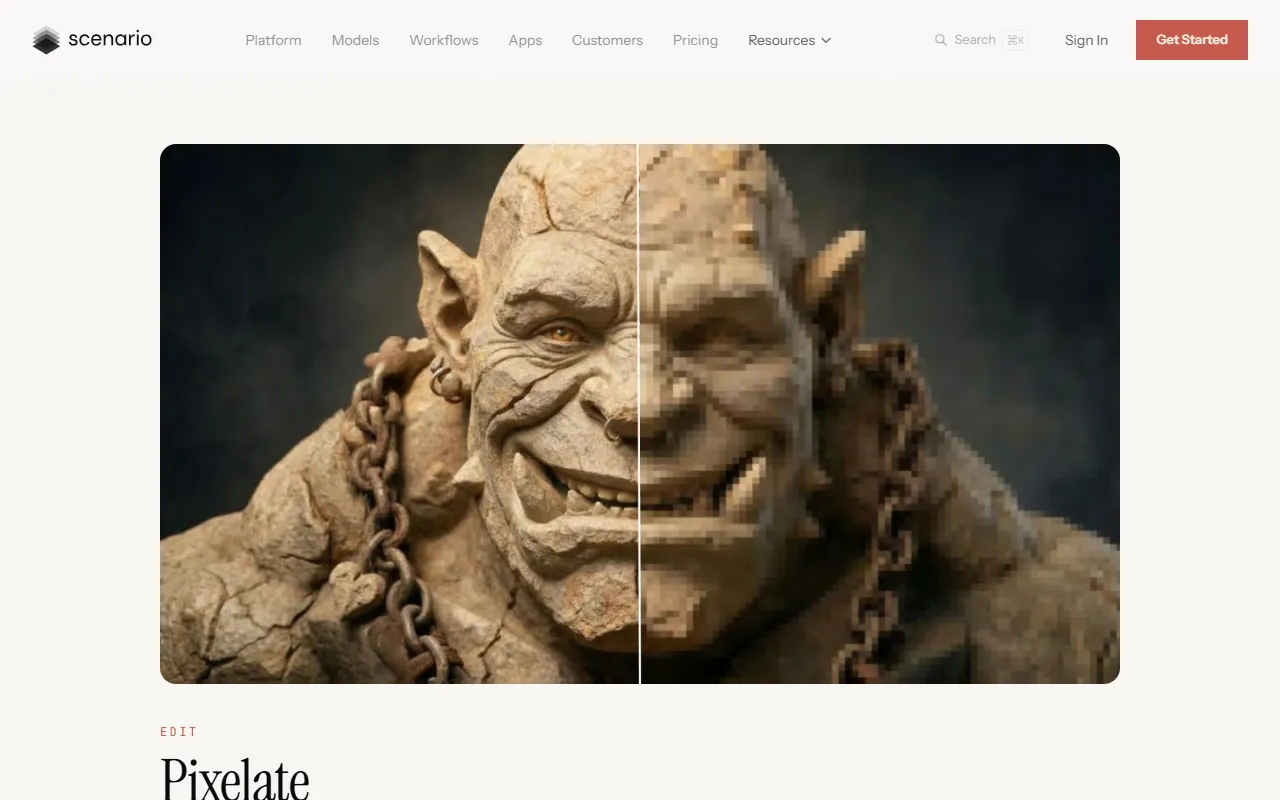
Pixelicious is an online image-to-pixel-art tool for game development, pixel-style design, and retro visual creation. Users can upload photos or illustrations, quickly convert them into pixel-style images, and adjust the pixel grid size, number of colors, and background processing method as needed.
This tool is suitable for creating pixel-style content such as character sprites, scene assets, avatars, and poster elements. For users without a professional drawing background, Pixelicious provides a more efficient way to generate pixel art works with a consistent style.
Key Features
-
Image to Pixel Art
- Supports quickly converting ordinary images into pixel-style images
- Suitable for game assets, retro illustrations, avatars, and visual design
-
Adjustable Pixel Grid Resolution
- Different grid sizes can be selected to control the degree of pixelation
- The official website summary mentions support for preset grid sizes from 16 px to 256 px
- Suitable for pixel rendering ranging from low-resolution 8-bit style to higher detail
-
Custom Color Palette
- Can automatically extract colors from images
- You can also manually build a palette, add colors, or enter hexadecimal color values
- Supports adjusting the palette size to achieve simpler or richer color effects
-
Background Removal
- Provides a Remove Background feature
- Can separate the subject from the original image, making it easier to create standalone characters or game assets
-
Noise and Edge Optimization
- Provides a Remove Noise option
- Can be used to reduce artifacts and optimize edges, making the output cleaner
-
Style Consistency Control
- Supports saving and reusing palettes and related settings
- Suitable for maintaining a consistent retro pixel style across multiple characters, objects, or animation frames
-
Online Processing and Download
- No software installation is required; results can be generated on the web page after upload
- The output image can be downloaded directly after processing is complete
Pricing
The currently available public information does not clearly show Pixelicious's detailed pricing plans. The official website description indicates that it can be tried for free, but whether there are more advanced paid versions, usage limits, or export restrictions should be based on the latest information on the official page.
FAQ
-
What use cases is Pixelicious suitable for?
- It is suitable for creating character sprites, scene tiles, and prop assets in game development, and can also be used for avatars, posters, and retro-style design projects.
-
Is drawing experience required?
- Not necessarily. Users only need to upload existing images, and the tool can automatically generate pixel art, making it suitable for non-professional illustrators to create quickly.
-
Can the pixel style be customized?
- Yes. Users can control the final visual style by adjusting options such as grid size, color palette, background removal, and noise processing.
-
Does it support creating assets with transparent backgrounds?
- It supports a background removal feature, making it suitable for generating standalone assets that are more convenient for later editing or game use.
-
Is downloading software required?
- No. Pixelicious is an online tool and can be used directly in the browser.
Related Tools
View allHayo is an all-in-one tool that brings together multiple AI capabilities, covering areas such as AI art and information, making it convenient for users to experience various AI application capabilities including generation, browsing, sharing, and expression through a single entry point.
Openart is a creative platform that aggregates AI artwork and prompts, featuring a large collection of images generated by models such as DALL·E 2, Midjourney, and Stable Diffusion, and provides AI image generation functions.
Lucidpic is an AI virtual human photo generation tool that can quickly create high-quality portrait stock images and supports adjusting appearance elements such as clothing, hairstyle, style, and age.
Pixian is an AI image background removal tool that supports free, high-resolution processing and can be used without registration, making it suitable for quickly completing cutouts and image background removal.
PimEyes is a facial recognition reverse search engine that can use a photo to find images of similar faces appearing on the internet, and help users learn which websites their photos may have been published on.
ArtHub is a creative community that aggregates AI-generated artworks and prompts, where users can browse, upload, and share AI-generated images, design works, and related creative inspiration.