
Pixlr
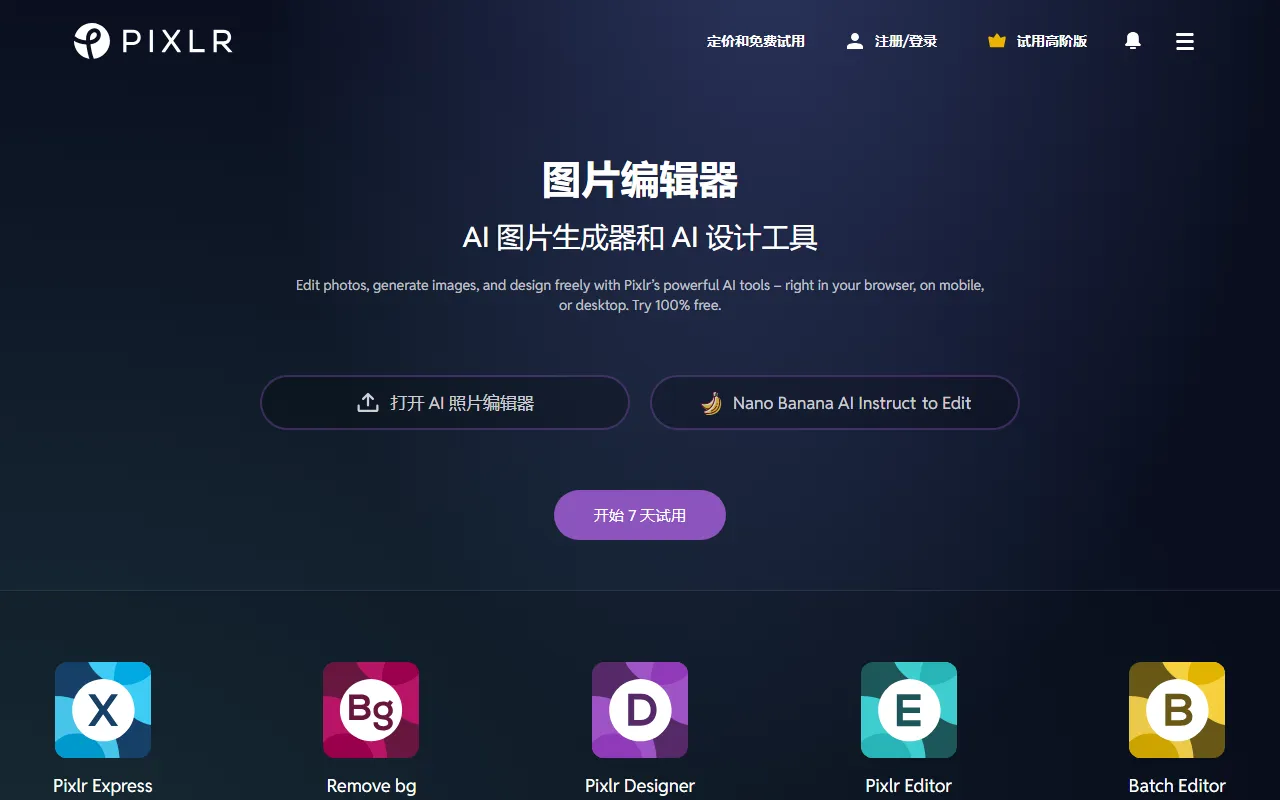
Image & DesignPixlr is an online image editing and design tool that supports processing photos in the browser, on mobile, and on desktop. It offers two editors as well as common features such as background removal, AI image generation, collages, and templates.
About
Overview
Pixlr is an online AI image editing and design tool for general users, supporting use on browsers, mobile, and desktop without relying on a complex local installation environment. It integrates photo editing, AI image generation, background processing, template design, and batch editing capabilities into one platform, making it suitable for daily photo retouching, social media visuals, e-commerce image processing, and lightweight design work.
Pixlr offers multiple entry points and editing modes, including Pixlr Express / Pixlr X, which is better suited for quick processing, and Pixlr Editor / Pixlr E, which provides more complete features and is geared toward more advanced operations. Based on the official website information, the platform currently also emphasizes AI capabilities, such as AI photo editing, an AI image generator, AI background removal, animation design, and batch editing.
Main Features
-
Online image editing
- Crop photos, adjust colors, apply filters, and perform basic retouching directly in the browser
- Supports mobile and desktop, making cross-device use convenient
-
Dual editor modes
- Pixlr X / Express: Suitable for quick editing, lightweight design, and common photo retouching
- Pixlr E / Editor: Better suited for advanced image editing that requires richer controls
-
AI image generation
- Supports creating image content through AI generation features
- Suitable for creative visuals, concept art, and visual asset generation
-
AI background processing
- Provides background removal functionality
- Can be used for portrait cutouts, product image processing, and asset separation
-
AI object removal and image enhancement
- Supports removing unwanted elements from images
- The official website also mentions AI processing capabilities such as an enhancer, which can be used to improve image appearance
-
Templates and animation design
- Built-in template design tools, suitable for creating posters, social media images, and more
- Supports animation design, suitable for lightweight visual content creation
-
Batch editing
- Provides a Batch Editor to process multiple images at once
- Suitable for e-commerce, content operations, and repetitive image processing scenarios
-
Format compatibility
- Supports common formats including PSD, JPEG, PNG, WebP, SVG
- Convenient for importing design assets from different sources
Pricing
According to the official website, Pixlr offers a free trial, and information such as "Start 7-day trial" appears, indicating that some advanced features or full functionality may use a subscription model.
The currently captured content does not show a clear and complete price list, so it is recommended to refer to the latest official website page for actual plans, feature limits, and payment rules.
FAQ
Which users is Pixlr suitable for?
It is suitable for users who need online photo retouching, quick design, or AI-assisted image processing, including self-media operators, e-commerce sellers, students, design beginners, and general photo editing users.
Does Pixlr require installation?
No. Pixlr's core capabilities can be used directly in the browser, and it also supports mobile and desktop.
Does Pixlr support AI features?
Yes. The official website clearly provides features such as AI photo editing, AI image generation, and AI background removal.
What formats can Pixlr handle?
Based on the available information, Pixlr supports common image formats such as PSD, JPEG, PNG, WebP, and SVG.
Is Pixlr more oriented toward professional design or everyday use?
Overall, it is more suitable for daily photo retouching and lightweight design, but Pixlr Editor / Pixlr E can also meet some advanced editing needs.
Related Tools
View allHayo is an all-in-one tool that brings together multiple AI capabilities, covering areas such as AI art and information, making it convenient for users to experience various AI application capabilities including generation, browsing, sharing, and expression through a single entry point.
Openart is a creative platform that aggregates AI artwork and prompts, featuring a large collection of images generated by models such as DALL·E 2, Midjourney, and Stable Diffusion, and provides AI image generation functions.
Lucidpic is an AI virtual human photo generation tool that can quickly create high-quality portrait stock images and supports adjusting appearance elements such as clothing, hairstyle, style, and age.
Pixian is an AI image background removal tool that supports free, high-resolution processing and can be used without registration, making it suitable for quickly completing cutouts and image background removal.
PimEyes is a facial recognition reverse search engine that can use a photo to find images of similar faces appearing on the internet, and help users learn which websites their photos may have been published on.
ArtHub is a creative community that aggregates AI-generated artworks and prompts, where users can browse, upload, and share AI-generated images, design works, and related creative inspiration.