
Pixso AI
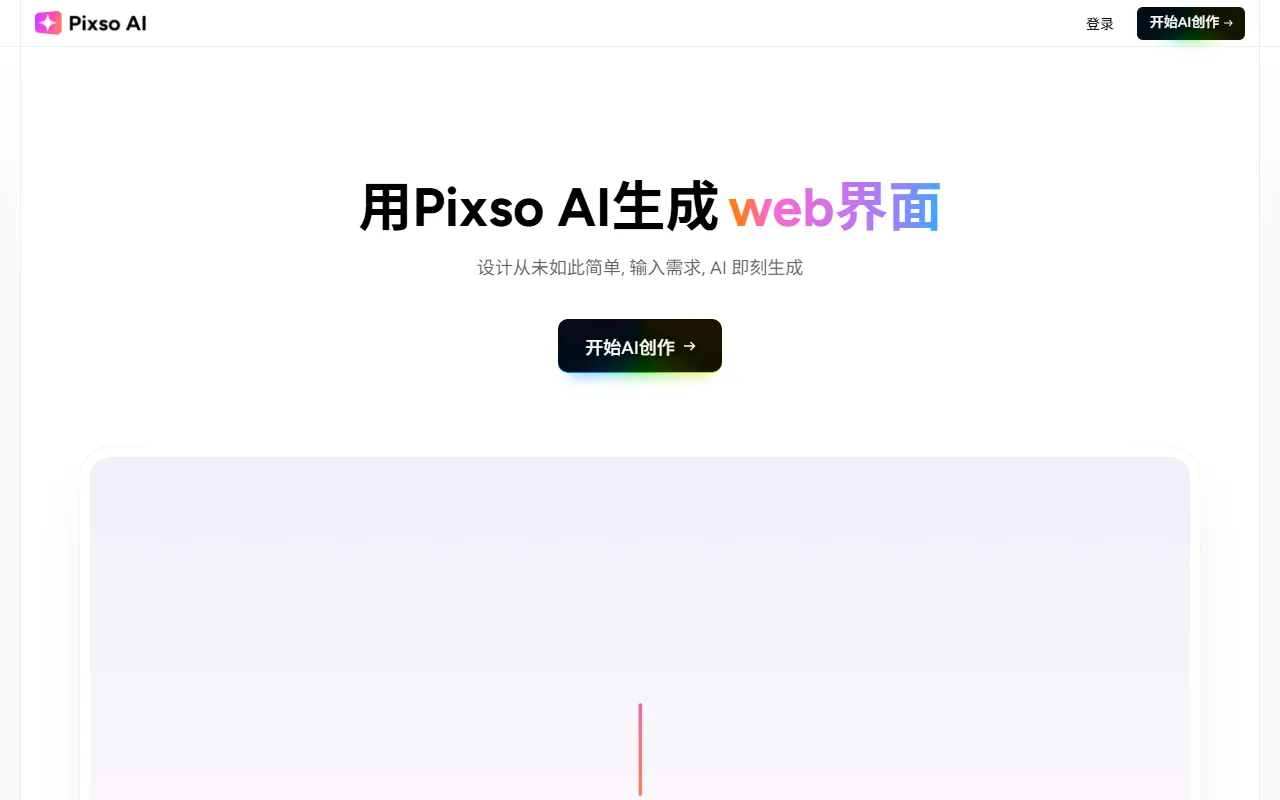
Image & DesignPixso AI is an AI design tool created for designers and teams, covering the full product design workflow. Users can quickly generate high-quality UI design drafts through simple text descriptions, including interfaces for websites, mobile apps, and more.
About
Overview
Pixso AI is an AI design tool launched by Pixso, positioned for AI Image & Design scenarios and mainly aimed at designers, product managers, and R&D collaboration teams. It supports quickly generating UI design drafts through natural language descriptions, and can be used for design tasks such as Web pages, APP interfaces, and SaaS backends, helping users move quickly from ideas to editable interface solutions.
Compared with the traditional process of starting from a blank canvas, Pixso AI places more emphasis on the generation capability of "text to design drafts," and can connect with Pixso design files, making subsequent editing, collaboration, and delivery more convenient.
Key Features
- Generate UI design drafts from text: After entering page requirements, style, and structure descriptions, quickly generate webpage, mobile, or SaaS interface designs.
- Supports multiple interface types: Can be used for common product design scenarios such as UI interfaces, Web interfaces, and APP interfaces.
- Partial adjustment and secondary editing: After generation, users can continue modifying colors, layouts, components, copy, and other content, making iterative optimization easier.
- Multi-turn conversation optimization: Continuously refine page structure, button copy, interaction information, and visual expression through dialogue.
- Multi-device adaptation capability: Supports interface design needs for different device scenarios such as webpages, mobile devices, and tablets.
- Collaborative connection with Pixso files: Design drafts can be synced to the Pixso design environment, making it convenient for team members to edit and review together.
- Code mode viewing: Supports switching to code view to inspect layouts, styles, variables, and layer structures, facilitating development collaboration.
- Link delivery and online collaboration: Suitable for design reviews, sharing, and online communication within teams.
Product Pricing
Current public information shows that Pixso AI offers version plans billed by points:
- Free Version: 100 points included, valid for 1 month
- Trial Version: 68 yuan, 4000 points, valid for 1 month
- Advanced Version: 128 yuan, 10000 points, valid for 3 months
- Professional Version: 298 yuan, 30000 points, valid for 12 months
Point consumption rules:
- Advanced Model: 200 points/conversation
- Basic Model: 100 points/conversation
Different versions usually include benefits such as high-quality UI generation, component libraries, export to Pixso, and some code-related capabilities. Specific details are subject to the latest explanation on the official website.
FAQ
-
Who is Pixso AI suitable for?
It is suitable for product managers, UI/UX designers, independent developers, and teams that need to quickly produce interface solutions. -
What types of designs can Pixso AI generate?
It is mainly used to generate UI design drafts, including webpages, APPs, back-office management systems, and pages for some SaaS scenarios. -
Can the output still be modified after generation?
Yes. The generated design drafts support continued editing and partial optimization, and can also be synced to Pixso files for further refinement. -
Does it support development collaboration?
Yes. The tool provides code mode viewing capabilities, making it easier for developers to understand layout and style structures.
Related Tools
View allHayo is an all-in-one tool that brings together multiple AI capabilities, covering areas such as AI art and information, making it convenient for users to experience various AI application capabilities including generation, browsing, sharing, and expression through a single entry point.
Openart is a creative platform that aggregates AI artwork and prompts, featuring a large collection of images generated by models such as DALL·E 2, Midjourney, and Stable Diffusion, and provides AI image generation functions.
Lucidpic is an AI virtual human photo generation tool that can quickly create high-quality portrait stock images and supports adjusting appearance elements such as clothing, hairstyle, style, and age.
Pixian is an AI image background removal tool that supports free, high-resolution processing and can be used without registration, making it suitable for quickly completing cutouts and image background removal.
PimEyes is a facial recognition reverse search engine that can use a photo to find images of similar faces appearing on the internet, and help users learn which websites their photos may have been published on.
ArtHub is a creative community that aggregates AI-generated artworks and prompts, where users can browse, upload, and share AI-generated images, design works, and related creative inspiration.