
Plask
Image & DesignPlask is a web-based AI solution for generating 2D images with customized poses and angles, simplifying the creation of compelling visuals for characters.
About
Overview
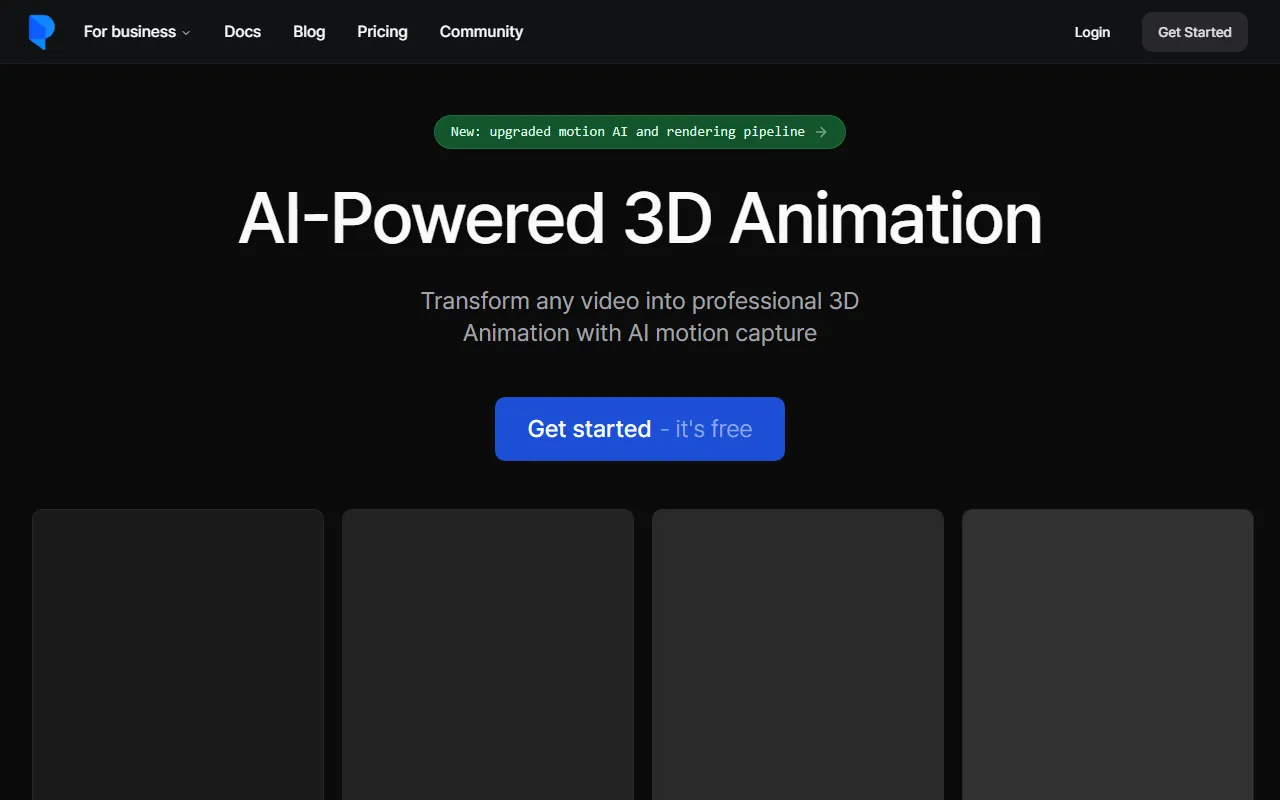
Plask is an AI motion capture and 3D animation tool for animation production. It mainly uses a web-based workflow to extract human motion from ordinary videos and convert it into animation data that can be used for character driving. According to information on the official website, Plask’s core capabilities have been upgraded from early pose-related image generation to a more complete AI Motion Capture (AI mocap) and 3D animation production workflow.
It is suitable for users who need to quickly create character animation, such as independent creators, animation teams, game content producers, and virtual content developers. Compared with traditional motion capture solutions, Plask places more emphasis on extracting motion from single-camera video, lowering the hardware and production barriers.
Main Features
-
AI video motion capture
- Supports extracting human motion data from ordinary videos
- Can process footage shot on mobile phones or online video clips
- Generates body animation based on single-camera sources
-
3D character animation driving
- Supports importing 3D character models and applying extracted motions
- The official website mentions support for MMD and VRM models
- Supports character performance capabilities such as blinking and physics effects
-
Camera and lighting control
- Provides simplified lighting and camera controls
- Can add more expressive visual effects to animation
- Suitable for quickly completing basic camera movement and scene presentation
-
Post-rendering effects
- Supports effects such as motion blur, depth of field, autofocus, vignette, and tone mapping
- Used to improve the viewing experience and completeness of animated videos
-
Multiple export methods
- Can export high-quality video render results
- Can also export 3D assets for subsequent processing in professional software
- The official website mentions compatibility with common production tools such as Unreal, Maya, Blender
-
Web-based workflow
- No need for complex local mocap equipment to start creating
- Suitable for quickly validating motion, generating sample clips, and producing short-cycle content
Product Pricing
The official website summary mentions “Get started - it's free,” indicating that Plask offers a way to start using it for free.
However, the currently captured content does not show more detailed plan tiers, pricing amounts, or feature limitations. If you need to understand the latest pricing, export permissions, commercial usage scope, or advanced feature quotas, it is recommended to visit the official website:
- Official website: https://plask.ai
Frequently Asked Questions
What is Plask suitable for?
Plask is more suitable for scenarios such as AI motion capture, 3D character animation production, and video-to-animation, rather than a traditional static image design tool in the conventional sense.
Is professional mocap equipment required?
According to the official website description, Plask supports extracting motion from ordinary videos, with a focus on single-camera video mocap, so professional mocap hardware is not necessarily required.
Can it be exported to other software for further editing?
Yes. The official website mentions support for exporting to common industry tools such as Unreal, Maya, and Blender, making it easy to integrate into existing animation or game production workflows.
Which character model formats are supported?
The current official website summary clearly mentions support for MMD and VRM models, and support for some character detail performance, such as blinking and physics effects.
Is it suitable for beginners?
If your goal is to quickly turn video motion into character animation, Plask’s web-based workflow and automation capabilities are relatively beginner-friendly. But if complex rigging, refined animation polishing, or film-level pipelines are involved, a certain foundation in 3D animation is still needed.
Related Tools
View allHayo is an all-in-one tool that brings together multiple AI capabilities, covering areas such as AI art and information, making it convenient for users to experience various AI application capabilities including generation, browsing, sharing, and expression through a single entry point.
Openart is a creative platform that aggregates AI artwork and prompts, featuring a large collection of images generated by models such as DALL·E 2, Midjourney, and Stable Diffusion, and provides AI image generation functions.
Lucidpic is an AI virtual human photo generation tool that can quickly create high-quality portrait stock images and supports adjusting appearance elements such as clothing, hairstyle, style, and age.
Pixian is an AI image background removal tool that supports free, high-resolution processing and can be used without registration, making it suitable for quickly completing cutouts and image background removal.
PimEyes is a facial recognition reverse search engine that can use a photo to find images of similar faces appearing on the internet, and help users learn which websites their photos may have been published on.
ArtHub is a creative community that aggregates AI-generated artworks and prompts, where users can browse, upload, and share AI-generated images, design works, and related creative inspiration.