
Polycam
Image & DesignPolycam is a 3D scanning and photogrammetry tool for iPhone, iPad, Android, and Web that can use LiDAR and other technologies to capture real-world objects and generate 3D models.
About
Overview
Polycam is a cross-platform 3D scanning and spatial capture tool for iPhone, iPad, Android, and Web, categorized in the AI Images & Design field. It combines LiDAR, photogrammetry, and spatial AI to quickly convert real-world objects, indoor spaces, or large-scale scenes into 3D models, digital twins, 2D floor plans, and other content.
Polycam’s core value lies in turning common mobile devices into portable 3D capture tools, helping users complete on-site documentation, measurement, design communication, and data archiving. For users in architecture, engineering, interior design, product development, site surveying, and other fields that require quickly obtaining real-world 3D data, it can significantly simplify the early-stage capture and modeling process.
Key Features
-
Cross-platform 3D scanning
- Supports use on iPhone, iPad, Android, and the web, making it convenient to capture and view data across different devices.
-
LiDAR and photogrammetry capture
- Can use device sensors and multi-angle photos for reality capture to generate more complete 3D models.
-
Object and space modeling
- It can scan small objects as well as record rooms, indoor spaces, and construction sites, generating shareable 3D outputs.
-
Digital twins and site documentation
- Suitable for scenarios such as site surveys, construction records, facility management, and material archiving, helping build digital reference materials.
-
2D floor plan generation
- Can generate customizable floor plans based on spatial capture results, making on-site measurement, layout confirmation, and collaborative communication more convenient.
-
Measurement and area calculation
- Supports recording dimensions, extracting spatial data, and performing area-related processing to improve on-site documentation efficiency.
-
Drone mapping processing
- Supports processing drone-captured footage into larger-scale 3D models, suitable for lots, facades, or large-scene modeling.
-
Team collaboration and sharing
- Capture results can be uploaded and shared for workflows such as design review, manufacturing communication, and remote collaboration.
-
Industry use cases
- Includes architecture, engineering, and construction (AEC), forensics and investigation, product design, and manufacturing.
Pricing
According to publicly available information on the official website, Polycam offers:
- Free trial
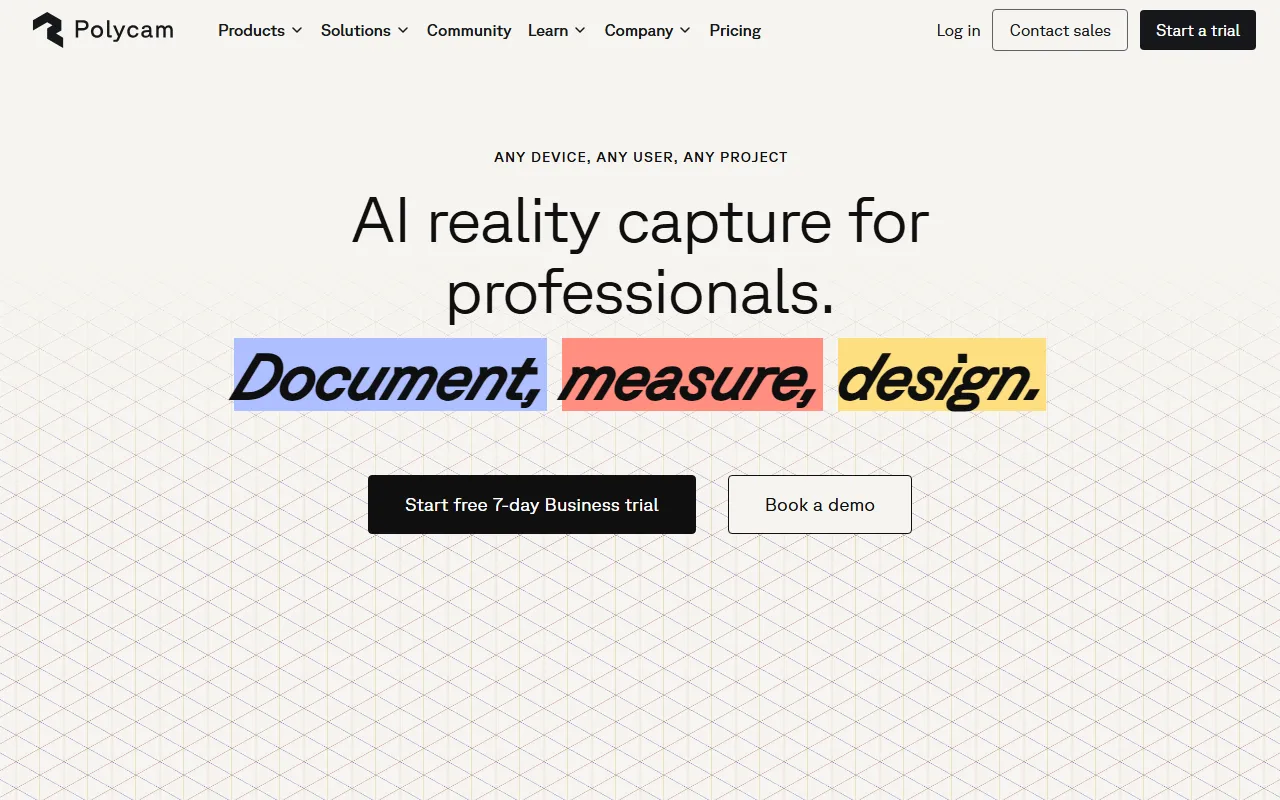
- The official website shows that you can start a 7-day Business trial.
- Business version / enterprise scenarios
- The official website provides demo booking (Book a demo), indicating that it supports business solutions for teams and enterprises.
For specific pricing, plan differences, and feature limitations, it is recommended to refer to the latest pages on the official website.
Frequently Asked Questions
-
Which users is Polycam suitable for?
- It is suitable for architects, engineers, interior designers, product design teams, survey and documentation personnel, as well as individual or enterprise users who need to quickly obtain real-world 3D data.
-
Is it necessary to use a LiDAR device?
- Not necessarily. Polycam also supports photogrammetry; if the device has LiDAR, it is usually more suitable for space scanning and rapid measurement tasks.
-
What can be scanned?
- It can be used to scan objects, rooms, indoor spaces, construction sites, and also process larger-scale scenes together with drone footage.
-
Does it support floor plan output?
- Yes. The official website clearly mentions that it can generate 2D floor plans for on-site documentation and spatial design workflows.
-
Does it support team use?
- Yes. The official website emphasizes that it serves teams of different sizes and provides sharing and collaboration capabilities.
Related Tools
View allHayo is an all-in-one tool that brings together multiple AI capabilities, covering areas such as AI art and information, making it convenient for users to experience various AI application capabilities including generation, browsing, sharing, and expression through a single entry point.
Openart is a creative platform that aggregates AI artwork and prompts, featuring a large collection of images generated by models such as DALL·E 2, Midjourney, and Stable Diffusion, and provides AI image generation functions.
Lucidpic is an AI virtual human photo generation tool that can quickly create high-quality portrait stock images and supports adjusting appearance elements such as clothing, hairstyle, style, and age.
Pixian is an AI image background removal tool that supports free, high-resolution processing and can be used without registration, making it suitable for quickly completing cutouts and image background removal.
PimEyes is a facial recognition reverse search engine that can use a photo to find images of similar faces appearing on the internet, and help users learn which websites their photos may have been published on.
ArtHub is a creative community that aggregates AI-generated artworks and prompts, where users can browse, upload, and share AI-generated images, design works, and related creative inspiration.