
Raycast AI
Chat AssistantsRaycast AI is an AI assistant integrated into the Mac workflow, supporting tasks such as writing, coding, and Q&A, helping users complete information processing and content generation more efficiently in their daily computer use.
About
Overview
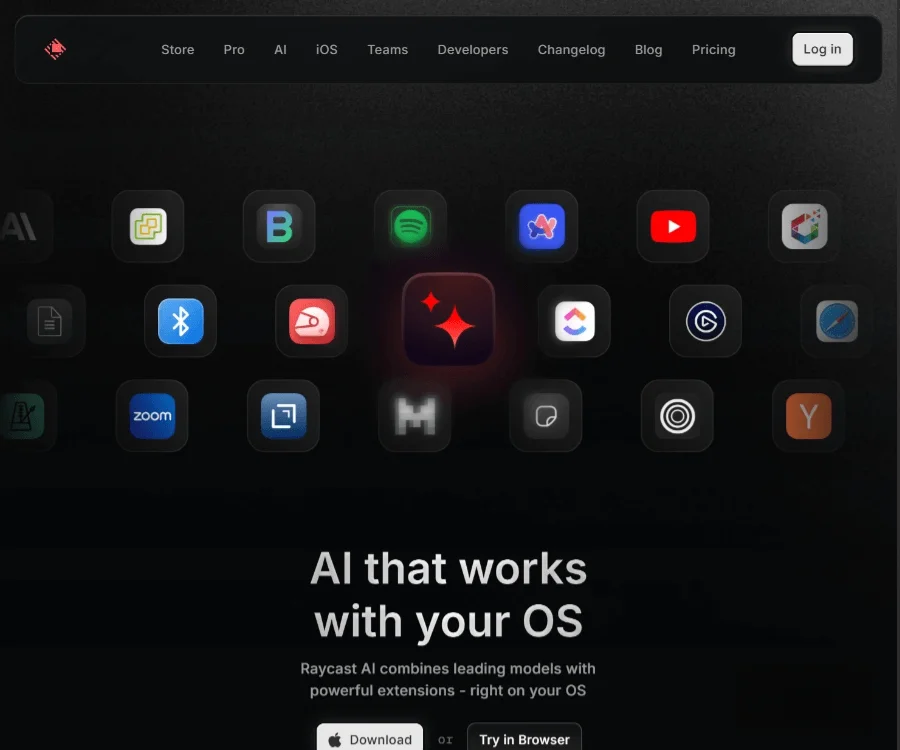
Raycast AI is an AI assistant integrated into Raycast for Mac, positioned as “AI that works alongside the operating system.” It brings large model capabilities directly into the desktop workflow, allowing users to invoke it quickly through keyboard shortcuts and complete tasks such as Q&A, writing refinement, coding assistance, and information organization within the same interface, reducing frequent switching between browsers, chat tools, and local applications.
Compared with standalone web-based AI tools, Raycast AI’s advantage lies in its deep integration with the system-level launcher, extension ecosystem, and daily operations, making it more suitable for high-frequency office work, content creation, and development scenarios. According to information on the official website, it supports a variety of mainstream models and can work with extensions to perform richer workflow operations.
Key Features
- AI Chat conversational assistant: Chat with multiple AI models in a unified interface for Q&A, writing, brainstorming, learning, and schedule planning.
- Multi-model support: Supports models including o3-mini, Claude 3.7 Sonnet, DeepSeek R1, making it convenient to choose different capabilities based on the task.
- Writing and content processing: Can be used for rewriting, summarizing, translation, extracting key points, and correcting copy tone to improve daily writing efficiency.
- Programming assistance: Suitable for development-related tasks such as code explanation, debugging approaches, documentation generation, and script writing.
- Quick AI fast questions: Suitable for one-off questions or temporary queries, allowing users to get answers quickly without opening the full chat window.
- AI Commands command-based operations: Supports preset or custom commands, and can combine selected text, clipboard content, and more to complete batch processing.
- Extension capabilities combined with AI: Can work with the Raycast extension ecosystem to use AI in scenarios such as files, tasks, and knowledge management.
- System-level invocation experience: Can be launched through keyboard shortcuts, integrating into the Mac daily workflow and reducing the cost of switching tools.
Product Pricing
The official website page currently shows Download and Try in Browser entry points, but the publicly captured content does not explicitly list Raycast AI’s specific pricing plans.
If you need to know whether it is included in Raycast Pro, model usage quotas, team plans, or browser trial limitations, it is recommended to visit the official pricing page for the latest information.
Frequently Asked Questions
Who is Raycast AI suitable for?
It is suitable for users who frequently do writing, programming, information retrieval, and efficiency management on Mac, such as content creators, developers, product managers, operations staff, and knowledge workers.
Can Raycast AI only be used on Mac?
Raycast itself is centered on the Mac desktop workflow. The official website also provides a “Try in Browser” entry point, but the full experience is still mainly based on the Raycast desktop environment.
What is the core value of Raycast AI?
Its core value lies in embedding AI capabilities directly into the operating system-level workflow, allowing users to complete more tasks within the familiar launcher and extension environment, rather than frequently switching to separate AI websites or applications.
Related Tools
View allOpenAI is an organization focused on artificial intelligence research and product development, offering a variety of AI capabilities including ChatGPT. Its core areas cover conversational models, generative AI, and intelligent tools for developers and general users.
OpenGPT is a tool platform for building ChatGPT applications based on APIs, supporting capabilities such as multilingual support, instant messaging, speech recognition, and natural language processing, while also providing reference application examples and open-source code.
Monica is a browser assistant based on the ChatGPT API that provides chatting, writing, translation, explanation, and rewriting functions in web environments, helping users handle text work more efficiently.
MyGPT is a ChatGPT API frontend tool that provides a built-in prompt library and chat history features, making it easier for users to handle daily conversations and prompt management in a lighter-weight way.
Merlin is a tool that brings ChatGPT capabilities to everyday web usage scenarios, helping with writing, searching, organizing information, and processing text on common websites to improve online work efficiency.
Snack Prompt is a prompt community for ChatGPT and Bard that supports discovering, liking, sharing, and organizing high-quality prompts, helping users use AI tools more efficiently.