
Slazzer 3.0
Image & DesignSlazzer is an AI-based image background removal tool that can automatically identify the subject and quickly cut out the image, suitable for processing common image assets such as portraits and product photos, helping users obtain transparent background images more efficiently.
About
Overview
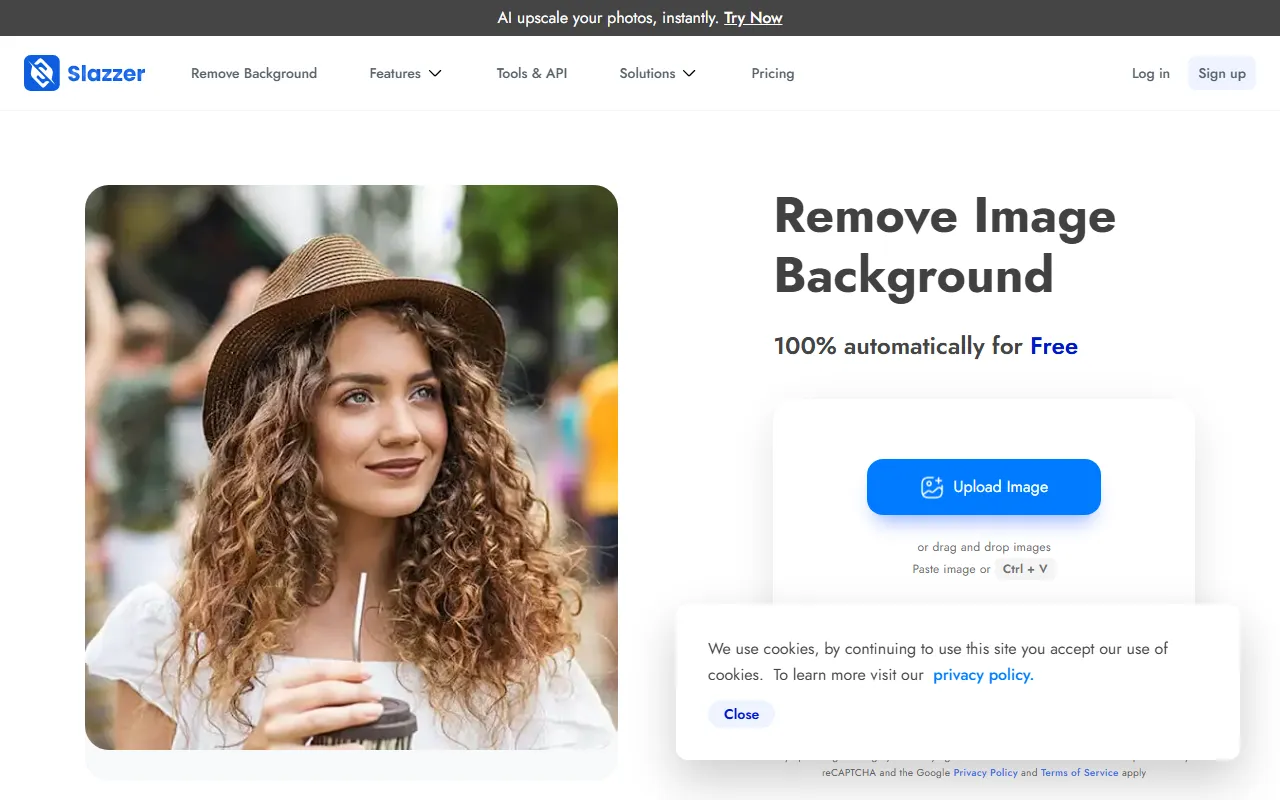
Slazzer 3.0 is an AI background removal tool designed for image processing scenarios, mainly used to automatically identify the subject in an image and generate a transparent background image. Users only need to upload an image, and the system can complete the cutout in a short time, making it suitable for common image processing needs such as portraits, product photos, avatars, and promotional materials.
Compared with traditional manual cutout, Slazzer places more emphasis on efficiency and can reduce the operational cost of pixel-by-pixel selection and edge processing. For scenarios such as e-commerce design, social media visuals, poster creation, and daily image editing, this type of tool can help individual users and teams complete basic image processing workflows more quickly.
Key Features
-
AI Automatic Background Removal
Automatically identifies people, products, or other subjects, and removes the original background to generate image results that can be further edited. -
Fast Cutout Processing
The official website states that background removal can be completed within seconds, making it suitable for workflows with speed requirements. -
Transparent Background Output
Supports obtaining transparent background images, making them convenient for use in e-commerce main images, design layout, presentations, or social media assets. -
Suitable for Multiple Image Scenarios
Can be used for portrait photos, product images, avatar assets, and regular promotional visuals. -
Online Editing-Related Capabilities
The official website displays an editing entry and mentions preview editing and HD editing, making it suitable for continuing to process images after background removal. -
Extended AI Image Tools
According to content captured from the official website, Slazzer also displays some related image enhancement capabilities, including:- AI Upscale
- AI Enhance
- AI Shadow
- AI Re Lighting
- AI Sky Replacement
- AI De-oldify
These features indicate that Slazzer is not only focused on cutout, but is also expanding toward more complete AI image editing.
Pricing
The currently available information shows that Slazzer supports free image background removal, and users can directly upload photos to try it.
However, regarding more detailed plans, usage quotas, HD output limits, or commercial licensing, the currently captured information does not clearly show them, so it is recommended to refer to the latest pricing page on the official website.
FAQ
Who is Slazzer suitable for?
It is suitable for users who need to complete cutouts quickly, including e-commerce operators, designers, content creators, social media operators, as well as ordinary users who need to process ID photos, avatars, or product photos.
What is Slazzer's core advantage?
Its core advantage lies in automation and efficiency. Users do not need to manually trace edges or make precise selections. They only need to upload an image to obtain a background-removed result, which can significantly reduce basic photo editing time.
Besides removing backgrounds, what else can it do?
According to the official website display, Slazzer also provides AI image processing-related capabilities such as image upscaling, enhancement, shadow, re-lighting, and sky replacement, but the specific availability and usage methods of different features are subject to the actual pages on the official website.
Is it suitable for team use?
From the product positioning perspective, Slazzer is suitable for individuals and teams that want to simplify the cutout process and improve image processing efficiency, especially for work scenarios that require batch processing of regular assets.
Related Tools
View allHayo is an all-in-one tool that brings together multiple AI capabilities, covering areas such as AI art and information, making it convenient for users to experience various AI application capabilities including generation, browsing, sharing, and expression through a single entry point.
Openart is a creative platform that aggregates AI artwork and prompts, featuring a large collection of images generated by models such as DALL·E 2, Midjourney, and Stable Diffusion, and provides AI image generation functions.
Lucidpic is an AI virtual human photo generation tool that can quickly create high-quality portrait stock images and supports adjusting appearance elements such as clothing, hairstyle, style, and age.
Pixian is an AI image background removal tool that supports free, high-resolution processing and can be used without registration, making it suitable for quickly completing cutouts and image background removal.
PimEyes is a facial recognition reverse search engine that can use a photo to find images of similar faces appearing on the internet, and help users learn which websites their photos may have been published on.
ArtHub is a creative community that aggregates AI-generated artworks and prompts, where users can browse, upload, and share AI-generated images, design works, and related creative inspiration.