
About
Overview
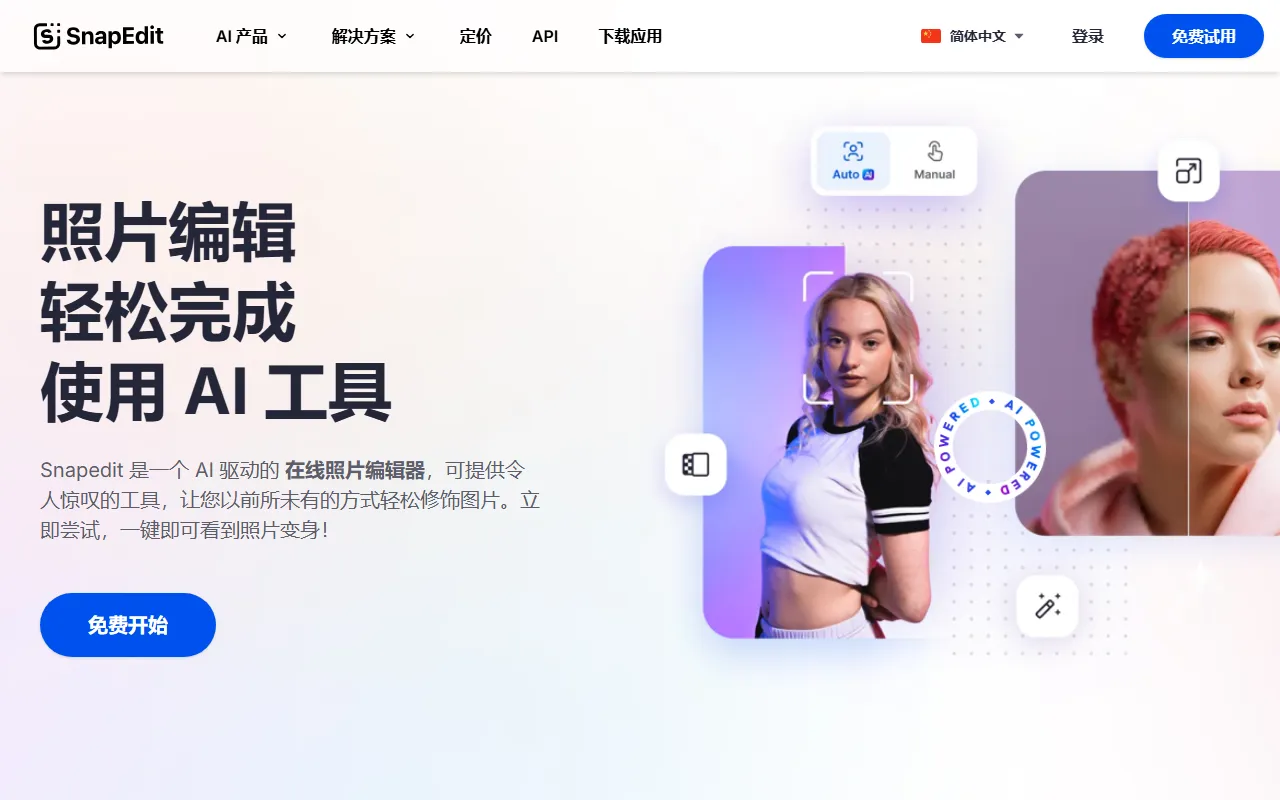
SnapEdit is an AI-based online image editing tool focused on intelligent removal and quick retouching of elements such as objects, text, and backgrounds in photos. Users do not need to master complex photo editing skills to complete common image cleanup and optimization tasks on the web, making it suitable for individual users, content creators, e-commerce sellers, and teams that need to process images quickly.
Based on the information on its official website, SnapEdit not only supports "AI image object removal," but also provides a series of AI editing capabilities such as image enhancement, background removal, skin retouching, text removal, and wire removal, positioning itself as a one-stop online AI image editor.
Key Features
-
AI Object Removal
- Automatically identifies and removes unwanted people, clutter, passersby, or other distracting elements in photos
- Suitable for scenarios such as cleaning up travel photos, optimizing product images, and retouching social media pictures
-
Background Removal
- Remove image backgrounds with one click
- Supports further background replacement, and the official website mentions that multiple background templates are available
-
Image Enhancement
- Used to improve the clarity and overall image quality of blurry photos
- Suitable for low-resolution image restoration and detail enhancement
-
AI Skin Retouching
- Can beautify portrait skin
- Supports removing acne, blemishes, etc., to improve the look of portrait photos
-
Text Removal
- Automatically deletes text content in images
- Suitable for cleaning up screenshots, watermark areas, or re-editing image assets
-
Wire Removal
- Removes power lines and messy line elements in photos
- More practical for scenes such as landscape and architectural photography
-
Online Use
- Can be accessed directly through a browser, with no local installation required to start editing
- The official website also provides App download access and API access
Pricing
The official website page shows a Try for free option and provides access to a Pricing page, but the currently captured content does not display specific plan prices, feature limits, or differences between paid versions.
If you plan to use SnapEdit for frequent photo editing, commercial projects, or team collaboration, it is recommended to visit the official pricing page for further confirmation of:
- Usage limits for the free version
- Export resolution limits
- Whether batch processing is supported
- API calling fees
- Differences in benefits between mobile and web versions
FAQ
-
What is SnapEdit suitable for?
It is suitable for removing passersby, clutter, text, and power lines from photos, or for background removal, image quality enhancement, and basic portrait beautification. -
Do I need to install software?
The official website provides an online editor that can be used directly on the web; it also provides an App download entry. -
Does it only support object removal?
No. In addition to object removal, SnapEdit also supports background removal, image enhancement, skin retouching, text removal, and wire removal. -
Does it offer a free version?
The official website shows that it can be tried for free, but the specific free quota and advanced feature limits are subject to the official pricing page. -
Does it support developer integration?
The official website navigation provides API access, indicating that it has service capabilities for developers or business integration.
Related Tools
View allHayo is an all-in-one tool that brings together multiple AI capabilities, covering areas such as AI art and information, making it convenient for users to experience various AI application capabilities including generation, browsing, sharing, and expression through a single entry point.
Openart is a creative platform that aggregates AI artwork and prompts, featuring a large collection of images generated by models such as DALL·E 2, Midjourney, and Stable Diffusion, and provides AI image generation functions.
Lucidpic is an AI virtual human photo generation tool that can quickly create high-quality portrait stock images and supports adjusting appearance elements such as clothing, hairstyle, style, and age.
Pixian is an AI image background removal tool that supports free, high-resolution processing and can be used without registration, making it suitable for quickly completing cutouts and image background removal.
PimEyes is a facial recognition reverse search engine that can use a photo to find images of similar faces appearing on the internet, and help users learn which websites their photos may have been published on.
ArtHub is a creative community that aggregates AI-generated artworks and prompts, where users can browse, upload, and share AI-generated images, design works, and related creative inspiration.