
Switchboard Canvas
Image & DesignSwitchboard Canvas is a suite of media tools for content creation, offering automatic image generation, templates, and translation features to help users handle image production and multilingual content more efficiently.
About
Overview
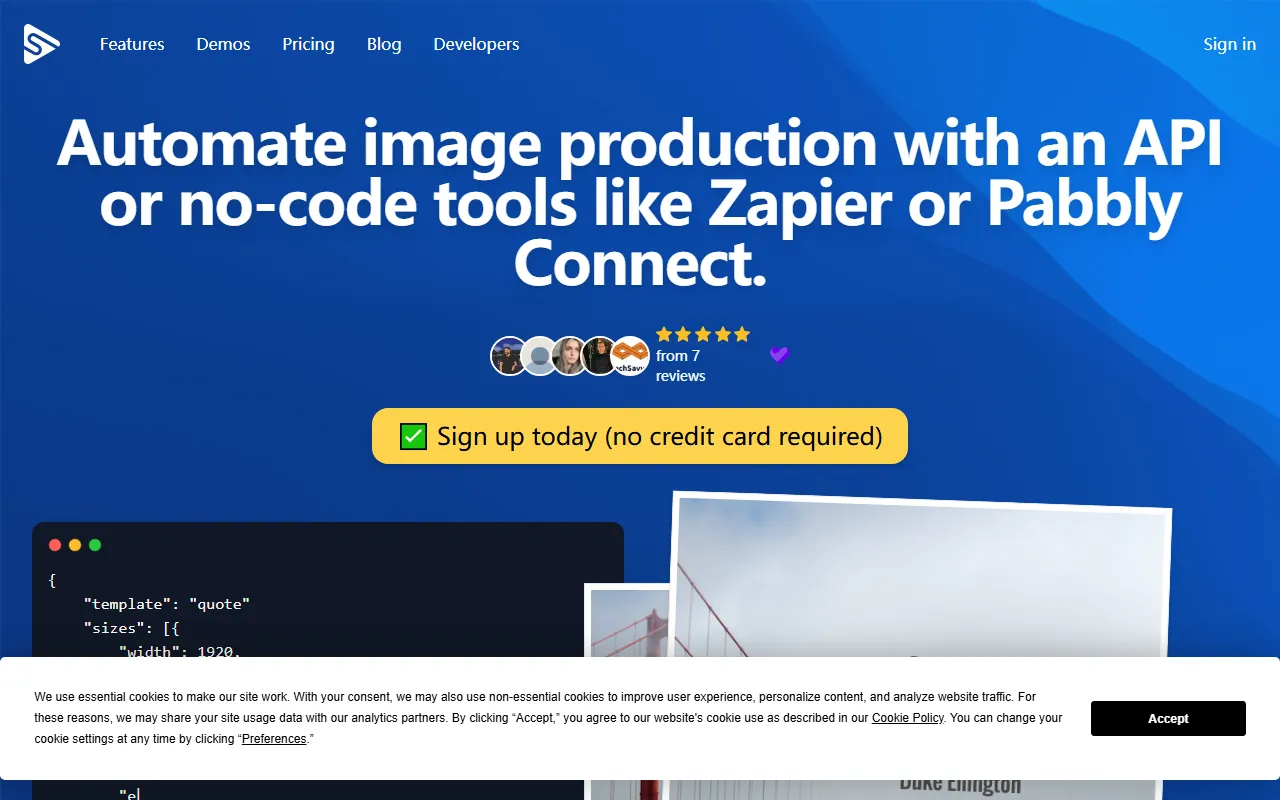
Switchboard Canvas is an AI image and design tool focused on content production and visual asset automation, with a strong emphasis on generating images in bulk through APIs or no-code automation tools. It is suitable for teams and individuals who need to frequently create marketing posters, social media graphics, blog header images, and multilingual content assets.
Based on the information on its official website, the core capability of Switchboard Canvas is not just "making images," but combining template design, image generation, and workflow automation. Users can first design responsive templates on the web, then automatically fill titles, descriptions, main images, and other content into templates through API, Zapier, Pabbly Connect, and other methods, quickly generating assets in multiple sizes or versions, thereby reducing repetitive design work.
Main Features
-
API-driven automatic image generation
- Supports creating image assets in bulk through API
- Can automatically inject content fields into templates for generating cover images, promotional graphics, and more
-
No-code workflow integration
- Can be used together with no-code tools such as Zapier and Pabbly Connect
- Suitable for scenarios such as marketing automation and content publishing workflow integration
-
Template designer
- Provides a web-based template design tool
- Allows instant preview during the design process, making it easy to quickly adjust layouts
-
Responsive templates
- Supports fixing elements in specified positions
- Can preview display effects under different resolutions, making it convenient to generate images in multiple sizes
-
Import brand assets
- Supports uploading images and fonts
- Helps maintain a consistent brand visual style and is suitable for enterprise or team collaboration
-
Smart text fitting
- Text can automatically fill containers
- Better suited for template scenarios where title length is not fixed and content needs to be dynamically replaced
-
Generate multiple assets in a single call
- After templates are prepared, multiple image assets can be generated through a single API call
- Helps improve bulk production efficiency
Product Pricing
No clear pricing plan information was provided in the content captured from the official website.
What can currently be confirmed is:
- Registration for trial is supported
- The official website states that no credit card is required to get started
If you need detailed pricing, usage limits, team plans, or enterprise-level support, it is recommended to visit the official pricing page or check the dashboard after registering.
Frequently Asked Questions
Who is Switchboard Canvas suitable for?
It is suitable for marketing teams, content operations, social media editors, design collaborators, and users who need to generate multiple versions of visual assets in bulk.
Is it more of a design tool or an automation tool?
From the product positioning, Switchboard Canvas is more of a combined tool for "design templates + automated generation." It is not purely manual design software, but emphasizes template reuse and process automation.
Does it support bulk image generation?
Yes. The official website information mentions that image production can be carried out through API, and that multiple assets can be generated in a single API call.
Can it be used without writing code?
Yes. In addition to the API method, it also supports use with no-code tools such as Zapier and Pabbly Connect, making it suitable for non-technical users to build automated workflows.
Related Tools
View allHayo is an all-in-one tool that brings together multiple AI capabilities, covering areas such as AI art and information, making it convenient for users to experience various AI application capabilities including generation, browsing, sharing, and expression through a single entry point.
Openart is a creative platform that aggregates AI artwork and prompts, featuring a large collection of images generated by models such as DALL·E 2, Midjourney, and Stable Diffusion, and provides AI image generation functions.
Lucidpic is an AI virtual human photo generation tool that can quickly create high-quality portrait stock images and supports adjusting appearance elements such as clothing, hairstyle, style, and age.
Pixian is an AI image background removal tool that supports free, high-resolution processing and can be used without registration, making it suitable for quickly completing cutouts and image background removal.
PimEyes is a facial recognition reverse search engine that can use a photo to find images of similar faces appearing on the internet, and help users learn which websites their photos may have been published on.
ArtHub is a creative community that aggregates AI-generated artworks and prompts, where users can browse, upload, and share AI-generated images, design works, and related creative inspiration.