
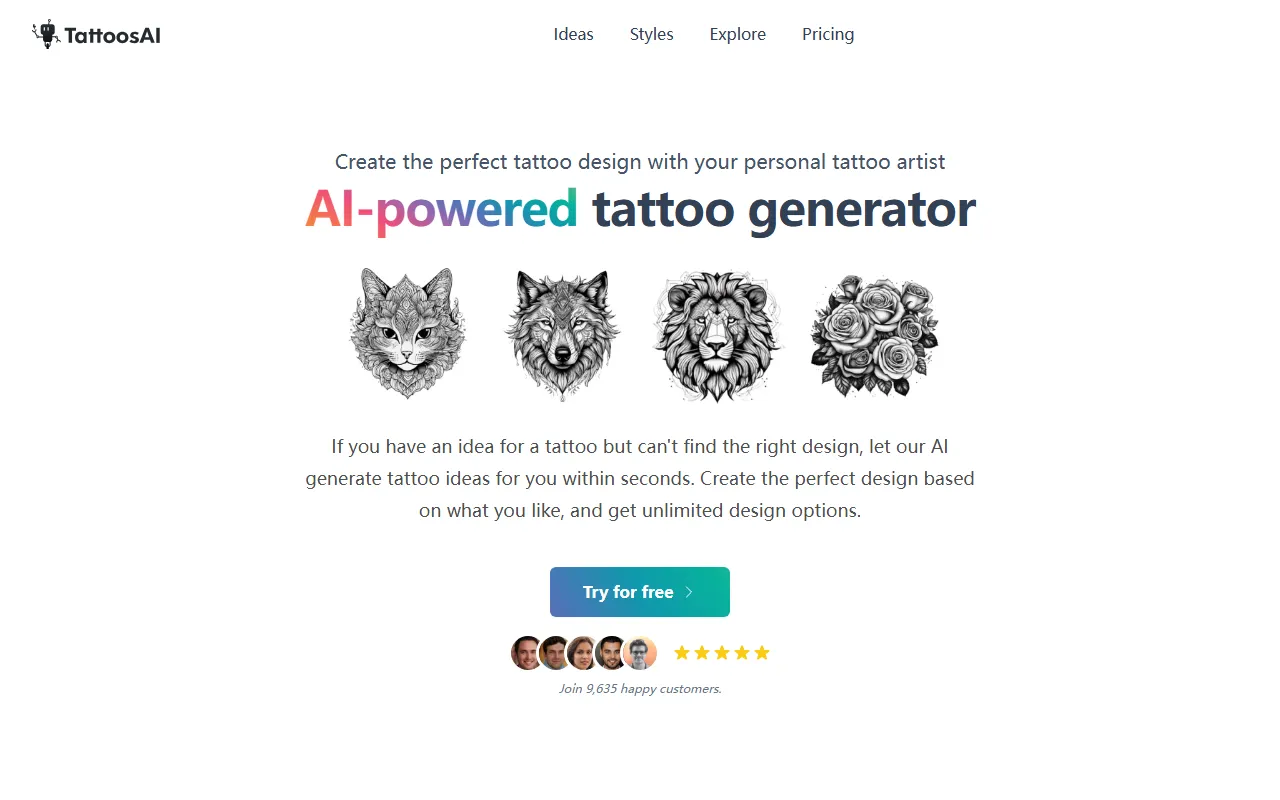
Tattoos AI
Image & DesignTattoos AI is an AI tattoo design tool that can quickly generate tattoo patterns based on users' ideas and preferences, helping them find inspiration or form a more specific design direction.
About
Overview
Tattoos AI is an AI design tool for tattoo idea generation, suitable for users who already have an initial idea but cannot yet find suitable pattern references. Users only need to enter a tattoo theme, elements, or preference descriptions, and the system can generate corresponding tattoo design options within seconds, helping them quickly obtain visual inspiration.
Based on the information on the official website, the product emphasizes a "personal AI tattoo designer" experience, supporting the generation of multiple design results based on user descriptions, with choices across different styles and color directions. It is suitable for early-stage tattoo inspiration exploration, plan comparison, and use as reference material when communicating design intent with a tattoo artist.
Main Features
-
Text-to-tattoo design generation
- Enter a sentence or a more detailed creative description to generate corresponding tattoo design options.
- Supports relatively flexible expression, making it easier for users to turn abstract ideas into specific visual directions.
-
Style selection
- Tattoo styles can be selected before generation.
- Official website examples mention support for style directions such as dotwork and minimalist, making it convenient to filter results according to aesthetic preferences.
-
Color preference settings
- Color-related options can be selected during the generation process to help produce design results closer to expectations.
-
Multiple output options
- Provides a large number of selectable results, suitable for comparing different compositions, element combinations, and presentation methods.
- For users who have not yet decided on a final pattern, this helps narrow down the design direction more quickly.
-
Fast creative exploration
- The process from entering an idea to obtaining design results is relatively short, making it suitable for repeatedly trying different keyword and description combinations.
- It can be used as an inspiration tool before formally working with a tattoo artist on the final draft.
Product Pricing
According to the official website navigation, Tattoos AI provides a Pricing page, and the homepage displays a Try for free entry, indicating that the product may offer a free trial or partial free access.
However, the currently captured content does not show clear specific package prices, generation limits, or paid tier details. If you need the latest pricing, trial scope, or commercial use rules, it is recommended to visit the official pricing page directly.
Frequently Asked Questions
Who is Tattoos AI suitable for?
It is suitable for people who want a tattoo but do not yet have a clear pattern plan, and also for users who already have a theme idea and want to quickly see different visual expressions.
Is the process complicated?
According to the official website introduction, the process is divided into 3 steps: enter an idea, choose style and color, and generate a tattoo design. Overall, it is relatively straightforward.
Can it be used to communicate with a tattoo artist?
Yes. It is more suitable as early-stage inspiration reference and communication material, helping users express more clearly the elements, style, and composition direction they want.
Can the generated result be used directly as the final tattoo draft?
The official website content mainly emphasizes "creative generation" and "design exploration." For actual tattoo execution, it is usually still recommended to combine it with revisions and finalization by a professional tattoo artist, so it can fit body placement, size, and line feasibility.
Related Tools
View allHayo is an all-in-one tool that brings together multiple AI capabilities, covering areas such as AI art and information, making it convenient for users to experience various AI application capabilities including generation, browsing, sharing, and expression through a single entry point.
Openart is a creative platform that aggregates AI artwork and prompts, featuring a large collection of images generated by models such as DALL·E 2, Midjourney, and Stable Diffusion, and provides AI image generation functions.
Lucidpic is an AI virtual human photo generation tool that can quickly create high-quality portrait stock images and supports adjusting appearance elements such as clothing, hairstyle, style, and age.
Pixian is an AI image background removal tool that supports free, high-resolution processing and can be used without registration, making it suitable for quickly completing cutouts and image background removal.
PimEyes is a facial recognition reverse search engine that can use a photo to find images of similar faces appearing on the internet, and help users learn which websites their photos may have been published on.
ArtHub is a creative community that aggregates AI-generated artworks and prompts, where users can browse, upload, and share AI-generated images, design works, and related creative inspiration.