
TimeMaster.ai
Chat AssistantsTimeMaster.ai is an automated time tracking tool that can identify ongoing work on your computer, automatically categorize activities, tag projects, and generate time logs, reducing the burden of manually recording time.
About
Overview
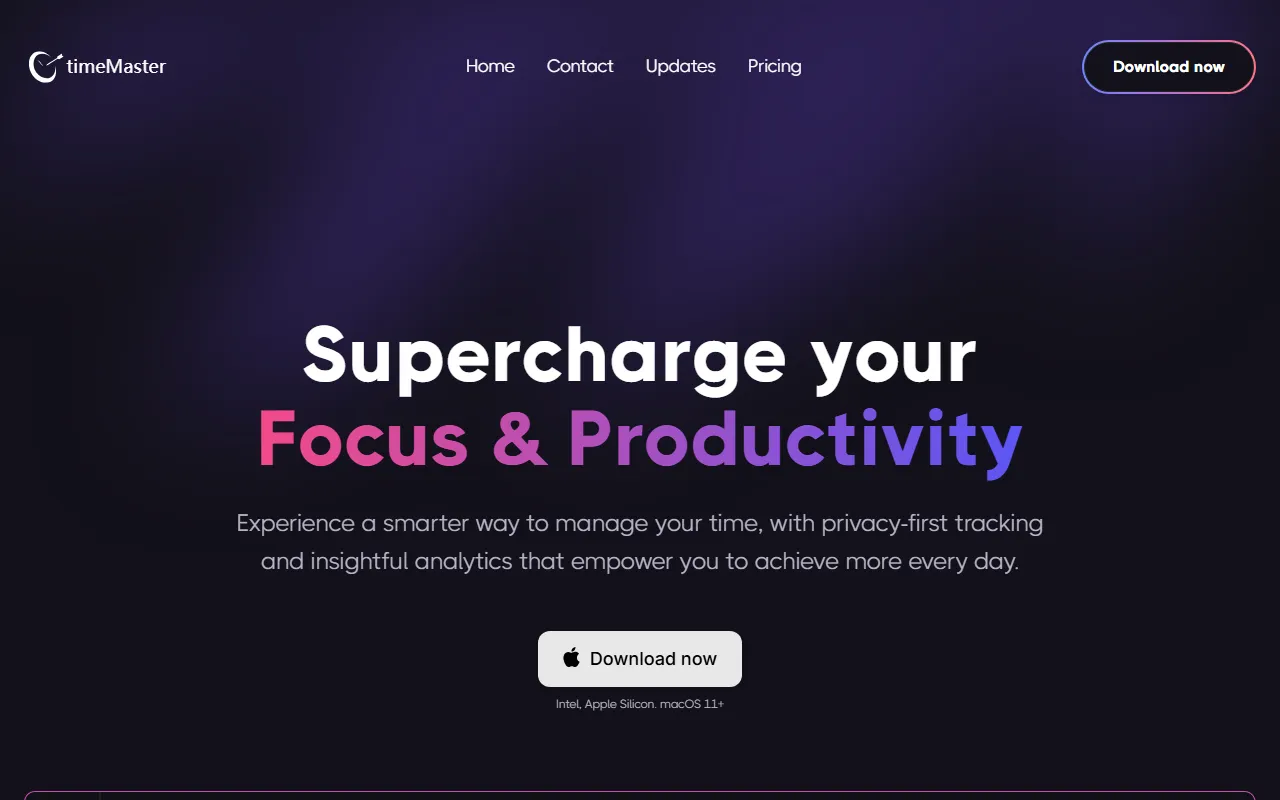
TimeMaster.ai is an AI time tracking tool for individuals and teams, with the core feature of automatically recording work activities on your computer, helping users reduce the burden of manually filling in work hours. According to the official website, it emphasizes a privacy-first tracking approach and provides activity analysis and time insights to help users better understand time investment, focus duration, and usage across different apps and websites.
This tool is suitable for people who want to improve time management efficiency, such as freelancers, consultants, developers, designers, and users who need to track project hours and review work input. It supports use on macOS, Windows, and Linux devices, and the official website currently clearly displays macOS download information (supporting Intel, Apple Silicon, macOS 11+).
Key Features
-
Automatic time tracking
- Automatically identifies activity content on the computer, reducing the operational cost of manually recording time.
- Continuously organizes time segments during the work process to generate more complete time logs.
-
Activity recognition and categorization
- Can identify the apps and websites currently in use.
- Categorizes activities to make it easier to view time allocation across different types of work.
-
Project and tag management
- Supports associating activities with projects or tags.
- Suitable for organizing work-hour records by client, task, or work topic.
-
Time log generation
- Automatically summarizes activity data to form time logs.
- Helps with subsequent work-hour statistics, project reviews, and efficiency analysis.
-
Manual additions and adjustments
- In addition to automatic tracking, it also supports manually adding activities, projects, and tags.
- Convenient for users to correct missing records or optimize categorization results.
-
Focus and productivity analysis
- The official website shows data dimensions such as total duration, average duration, and focus duration.
- It also allows users to view commonly used apps, websites, and project input for analyzing work habits.
-
Cross-platform support
- Suitable for Windows, Mac OS, and Linux.
- The official website currently highlights download information for the macOS version.
Pricing
The currently available materials do not clearly list public pricing information. If you need to learn about plans, trial policies, or payment methods, it is recommended to visit the official website for the latest details:
https://www.timemaster.ai
FAQ
Who is TimeMaster.ai suitable for?
It is suitable for users who need to automatically track working time and reduce manual timekeeping operations, such as freelancers, consultants, developers, designers, and people who need project work-hour management.
Which systems does it support?
The available information shows support for Windows, Mac OS, and Linux. The official website currently clearly states that the macOS download version supports Intel, Apple Silicon and requires macOS 11+.
Is it fully automatic?
It is centered on automatic tracking and can automatically identify computer activities and generate time records; at the same time, it also supports manually adding activities, projects, and tags to correct or improve record content.
What can it record?
According to the available information, TimeMaster.ai can record app and website usage, activity categorization, project attribution, and analytical data such as total duration, average duration, and focus duration.
Does it emphasize privacy protection?
The official website description mentions that it adopts a privacy-first tracking concept, indicating that the product values the privacy and management approach of users' time data in its design.
Related Tools
View allOpenAI is an organization focused on artificial intelligence research and product development, offering a variety of AI capabilities including ChatGPT. Its core areas cover conversational models, generative AI, and intelligent tools for developers and general users.
OpenGPT is a tool platform for building ChatGPT applications based on APIs, supporting capabilities such as multilingual support, instant messaging, speech recognition, and natural language processing, while also providing reference application examples and open-source code.
Monica is a browser assistant based on the ChatGPT API that provides chatting, writing, translation, explanation, and rewriting functions in web environments, helping users handle text work more efficiently.
MyGPT is a ChatGPT API frontend tool that provides a built-in prompt library and chat history features, making it easier for users to handle daily conversations and prompt management in a lighter-weight way.
Merlin is a tool that brings ChatGPT capabilities to everyday web usage scenarios, helping with writing, searching, organizing information, and processing text on common websites to improve online work efficiency.
Snack Prompt is a prompt community for ChatGPT and Bard that supports discovering, liking, sharing, and organizing high-quality prompts, helping users use AI tools more efficiently.