
About
Overview
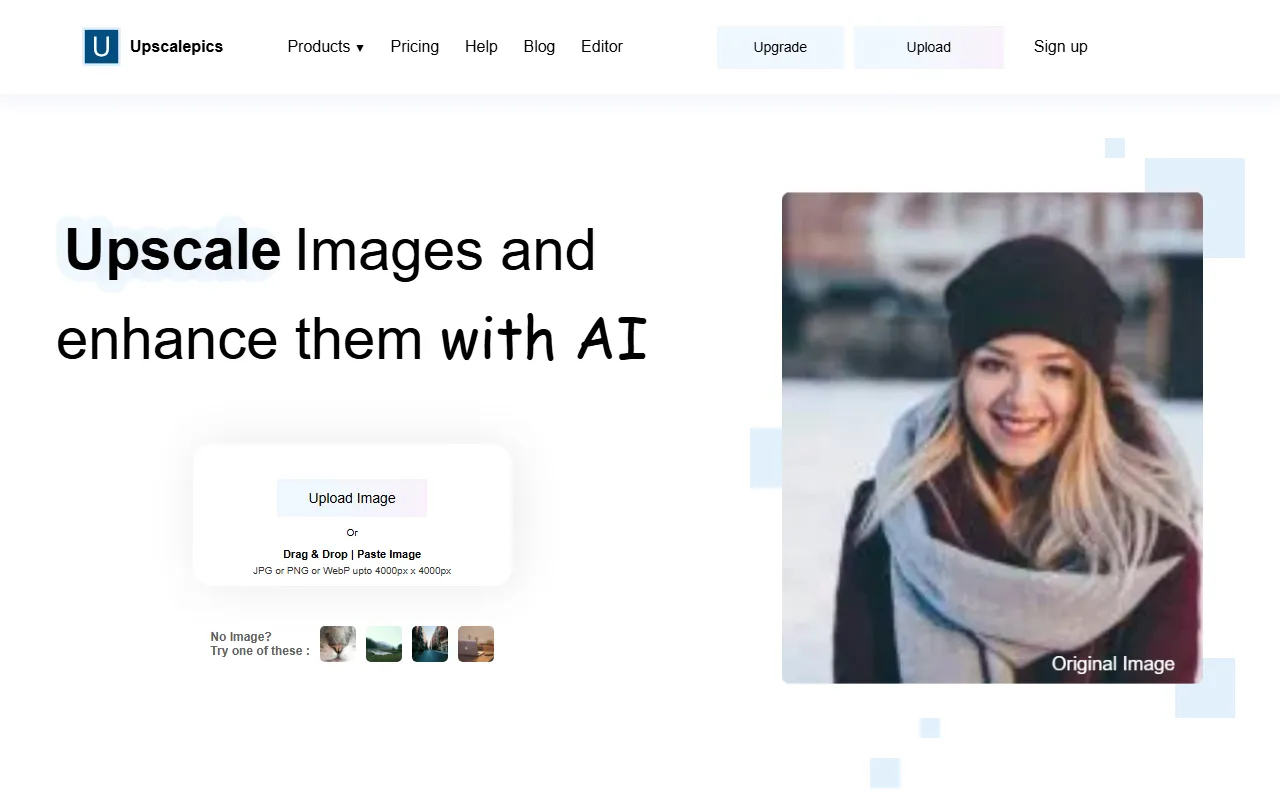
Upscalepics is an online AI lossless image upscaling tool for image processing scenarios, mainly used to improve image resolution and clarity. Users do not need to install software; they can upload images directly on the webpage for upscaling. It is suitable for scenarios such as old photo restoration, low-resolution image optimization, e-commerce image enhancement, and improving everyday design assets.
The core value of this type of tool lies in enlarging image size while minimizing the blur, jagged edges, and detail loss caused by traditional interpolation-based upscaling. For users who need to quickly improve image appearance and output quality, Upscalepics provides a relatively lightweight and convenient online solution.
Main Features
-
AI Image Upscaling
- Supports online upscaling of low-resolution images to improve image size and usability.
- Compared with ordinary scaling methods, it places more emphasis on detail supplementation and clarity optimization.
-
Lossless Enhancement
- Tries to preserve the original image content during the upscaling process and reduce obvious distortion.
- Suitable for image processing needs with relatively high image quality requirements.
-
Online Use
- No need to download or install local software; just open the webpage to upload and process images.
- More friendly for temporary and lightweight image optimization tasks.
-
Clarity Optimization
- In addition to simply enlarging image size, it is also suitable for improving issues such as blur and insufficient detail.
- Can be used to improve the visual appearance of avatars, product images, illustrations, or old pictures.
-
Suitable for Various Use Cases
- E-commerce product image optimization
- Social media image enhancement
- Design asset upscaling
- Old photo or low-definition image enhancement
Pricing
No clear pricing information is currently provided in the publicly collected information.
Since this tool is an online service, for whether it provides a free quota, whether it distinguishes between a basic version and a paid version, and export resolution limits, please refer to the latest information on the official website.
FAQ
Who is Upscalepics suitable for?
It is suitable for ordinary users who need to quickly improve image resolution, and also for people such as designers, e-commerce operators, and content creators who need to process image assets.
Do I need to install software to use it?
Based on the existing information, Upscalepics is an online image upscaling tool and can usually be used directly through a browser without installing an additional client.
What is the difference between it and ordinary image scaling?
Ordinary scaling usually simply stretches pixels and easily causes blur; AI image upscaling tools try to enhance edges and details through algorithms, making the enlarged image look clearer.
Does it support all image types?
The information collected from the official website does not clearly list the specific supported formats and limits. For the actual uploadable image formats, size limits, and output specifications, please refer to the current instructions on the official website.
Related Tools
View allHayo is an all-in-one tool that brings together multiple AI capabilities, covering areas such as AI art and information, making it convenient for users to experience various AI application capabilities including generation, browsing, sharing, and expression through a single entry point.
Openart is a creative platform that aggregates AI artwork and prompts, featuring a large collection of images generated by models such as DALL·E 2, Midjourney, and Stable Diffusion, and provides AI image generation functions.
Lucidpic is an AI virtual human photo generation tool that can quickly create high-quality portrait stock images and supports adjusting appearance elements such as clothing, hairstyle, style, and age.
Pixian is an AI image background removal tool that supports free, high-resolution processing and can be used without registration, making it suitable for quickly completing cutouts and image background removal.
PimEyes is a facial recognition reverse search engine that can use a photo to find images of similar faces appearing on the internet, and help users learn which websites their photos may have been published on.
ArtHub is a creative community that aggregates AI-generated artworks and prompts, where users can browse, upload, and share AI-generated images, design works, and related creative inspiration.