
VanceAI Image Resizer
Image & DesignAn online image resizing tool launched by VanceAI
About
Overview
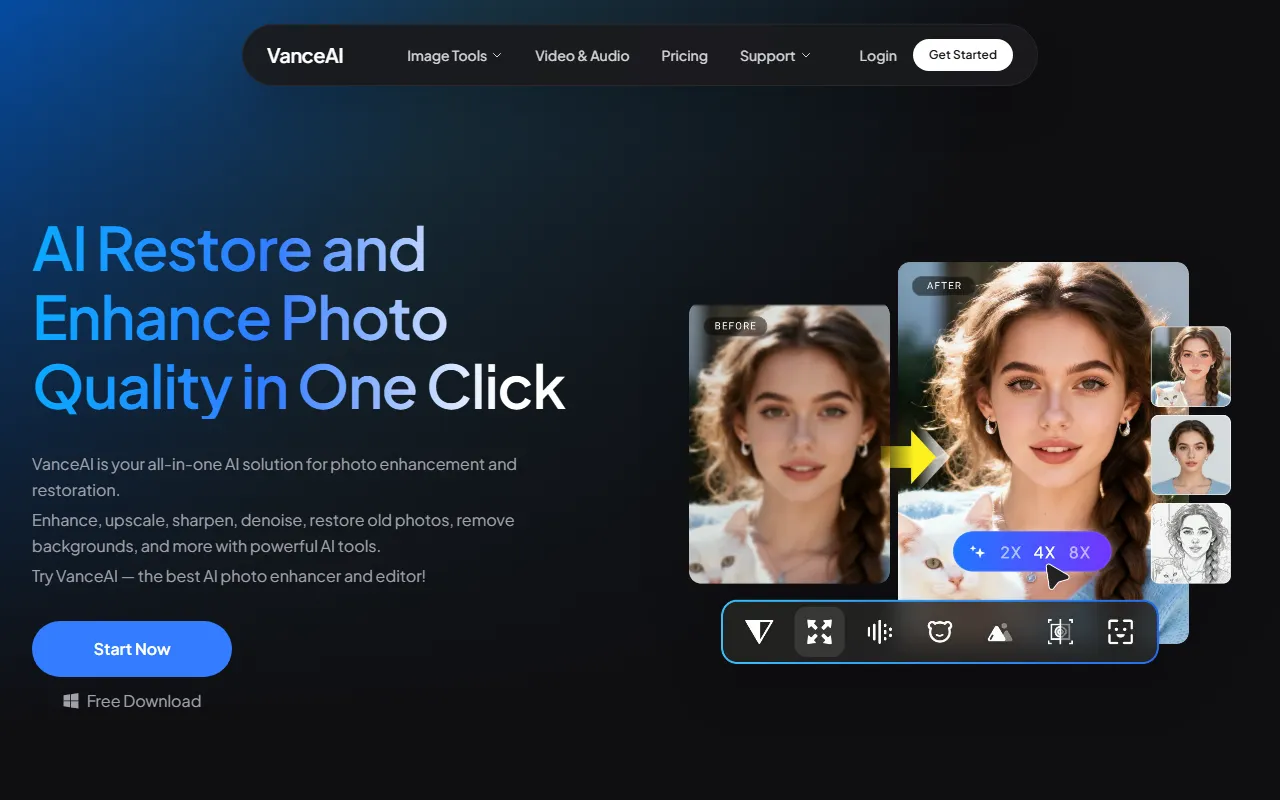
VanceAI Image Resizer is an online image size adjustment tool provided by VanceAI, mainly used to quickly modify an image’s width, height, resolution, or output size. It is suitable for scenarios such as e-commerce image processing, social media asset adaptation, and webpage image optimization. As part of VanceAI’s image processing product lineup, it complements tools such as image enhancement, lossless upscaling, sharpening, and denoising, helping users preserve image clarity and detail as much as possible while resizing.
Based on the overall product information on the official website, VanceAI focuses on AI image enhancement and editing, offering capabilities including upscaling, sharpening, denoising, background removal, and old photo restoration. Image Resizer is more focused on basic size processing and is suitable for users who want to complete image specification adjustments online without installing local software.
Key Features
-
Online image resizing
- Supports directly modifying image dimensions through a webpage, making it convenient to quickly meet image size requirements for different platforms.
-
Suitable for various image processing scenarios
- Can be used for resizing needs such as social media cover images, product main images, blog illustrations, avatars, and display images.
-
Can be used together with AI image enhancement tools
- As part of the VanceAI product ecosystem, it can be combined with tools such as its AI Upscaler, Sharpener, and Denoiser to further optimize image quality.
-
Improves processing efficiency
- For users unfamiliar with professional design software, the online tool can simplify the image resizing process.
-
Suitable for basic image optimization workflows
- Completes basic processing through the workflow of upload, adjust, and export, making it suitable for lightweight daily use.
Pricing
At present, based on the provided information, the VanceAI Image Resizer page does not clearly provide a standalone pricing description.
The VanceAI official website mainly presents a full suite of AI image enhancement and editing tools. For whether there is a free trial, whether it uses a credit system or a subscription model, it is recommended to refer to the latest information on its official website.
You can visit the official website here:
FAQ
Who is VanceAI Image Resizer suitable for?
It is suitable for individual users, content creators, e-commerce operators, design support staff, and others who need to quickly modify image sizes, especially in scenarios where they do not want to install complex software and hope to complete operations online.
What is the difference between it and lossless image upscaling?
Image resizing usually focuses on modifying the output specifications of an image, while lossless upscaling focuses more on preserving clarity and detail as much as possible when enlarging an image. If users need to significantly increase resolution, it is more suitable to use it together with VanceAI’s AI Image Upscaler.
Can it only be used for single size adjustments?
Based on the current information, it is mainly used for online image size adjustment, but whether it supports features such as batch processing, custom ratios, and fixed templates depends on the actual official website page.
Does it require download and installation?
According to the current introduction, this is an online tool, which can usually be used directly in a browser without local installation.
Related Tools
View allHayo is an all-in-one tool that brings together multiple AI capabilities, covering areas such as AI art and information, making it convenient for users to experience various AI application capabilities including generation, browsing, sharing, and expression through a single entry point.
Openart is a creative platform that aggregates AI artwork and prompts, featuring a large collection of images generated by models such as DALL·E 2, Midjourney, and Stable Diffusion, and provides AI image generation functions.
Lucidpic is an AI virtual human photo generation tool that can quickly create high-quality portrait stock images and supports adjusting appearance elements such as clothing, hairstyle, style, and age.
Pixian is an AI image background removal tool that supports free, high-resolution processing and can be used without registration, making it suitable for quickly completing cutouts and image background removal.
PimEyes is a facial recognition reverse search engine that can use a photo to find images of similar faces appearing on the internet, and help users learn which websites their photos may have been published on.
ArtHub is a creative community that aggregates AI-generated artworks and prompts, where users can browse, upload, and share AI-generated images, design works, and related creative inspiration.