
Voila
Writing & TextVoila is an AI browser assistant available for Chrome, Edge, and Firefox. It supports writing, Q&A, information retrieval, and concept explanation, and can extend its usage through custom actions to improve daily work efficiency.
About
Overview
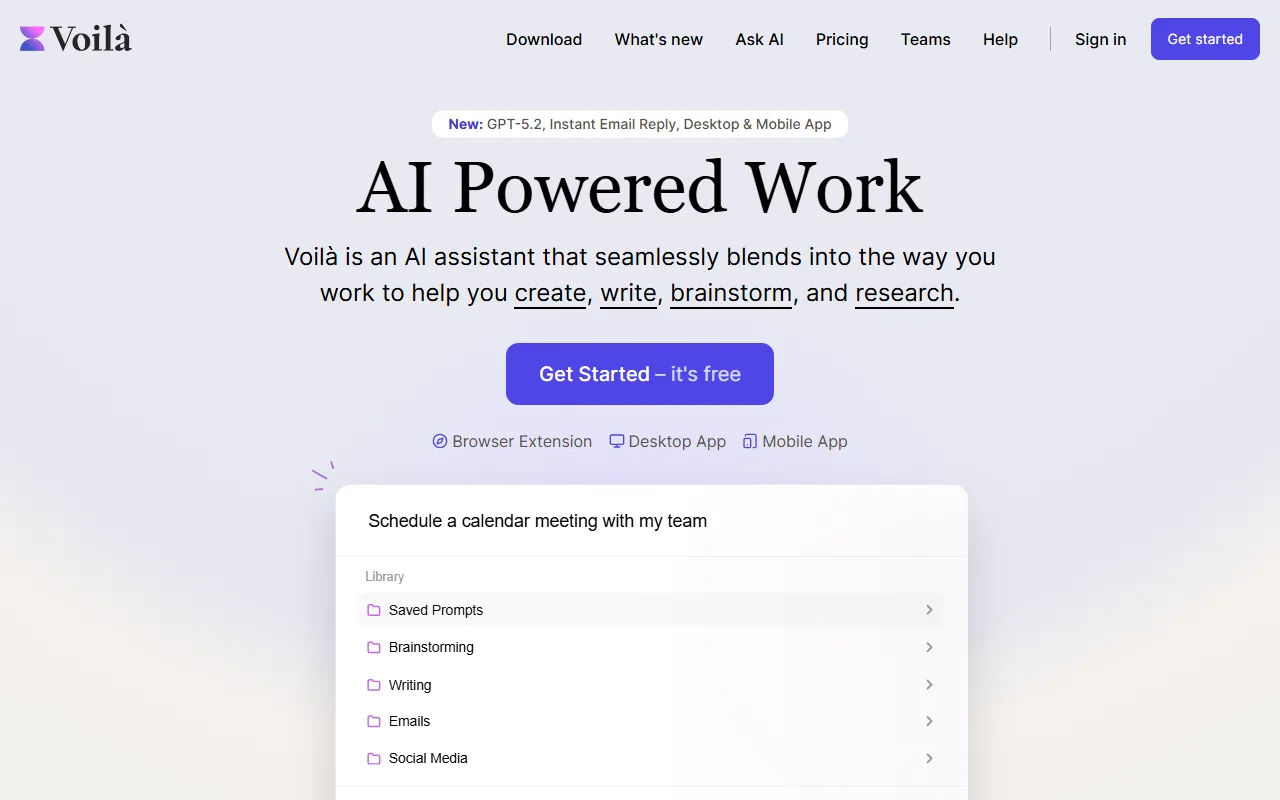
Voila is an AI assistant designed for daily office work and content production scenarios, offering browser extensions, desktop, and mobile versions, allowing users to call AI capabilities directly within their existing workflows. It supports quick use while browsing web pages, writing, organizing information, and researching materials, reducing the cost of frequently switching between applications.
According to information on the official website, Voila focuses on "create, write, brainstorm, research and automate," that is, it centers on creation, writing, brainstorming, research, and automation. The product currently emphasizes support for GPT 5 and provides features such as Instant Email Reply and Saved Prompts, making it suitable for users who need to process text, emails, and materials frequently.
Key Features
-
AI writing assistance
- Supports generating and polishing various types of text content, such as blog posts, papers, and documents for different business scenarios.
- Suitable for text creation in fields such as product, user experience, marketing, engineering, sales, advertising, and SEO.
-
Chat Q&A and concept explanation
- Can be used as an AI conversational assistant to help answer questions, explain concepts, and assist in understanding complex information.
- Suitable for instant Q&A needs during web reading, learning and research, and work.
-
Information retrieval and research support
- Directly provides information organization and research assistance capabilities while browsing web pages.
- Can reduce the time spent switching back and forth between searching, copying, and organizing.
-
Brainstorming and idea generation
- Provides support for Brainstorming scenarios, used for idea expansion, topic organization, and content framework planning.
- Suitable for content planning, marketing creativity, and daily proposal ideation.
-
Email handling
- The official website mentions support for Instant Email Reply, which can be used to improve email reply efficiency.
- Suitable for users who need to handle work emails frequently.
-
Social media content support
- Provides Social Media-related capabilities, suitable for social content writing and text generation scenarios.
-
Saved prompts
- Supports Saved Prompts, making it easy to accumulate commonly used instructions and reuse them.
- More friendly for users with fixed writing templates or standardized workflows.
-
Custom actions
- Supports creating custom actions to adapt to different personal or team workflows.
- Suitable for advanced users who need to embed AI capabilities into fixed processes.
-
Available across multiple platforms
- Provides Chrome, Edge, and Firefox browser extensions, and supports a Desktop App and Mobile App.
- Convenient for continuous use across different devices and scenarios.
Product Pricing
Currently available information shows that Voila supports getting started for free.
The official website page does not clearly display complete plan pricing, feature limits, or details of advanced versions. For specific fees and quotas, it is recommended to refer to the official pricing page.
FAQ
-
Who is Voila suitable for?
- Suitable for content creators, office users, researchers, marketers, and people who need to handle text and emails frequently.
-
Is Voila standalone software or a plugin?
- It not only provides browser extensions, but also desktop and mobile applications.
-
Which browsers can Voila be used in?
- Existing materials show that it supports Chrome, Edge, and Firefox.
-
What are Voila's core capabilities?
- They mainly include writing, chat Q&A, brainstorming, research support, email replies, and prompt management.
-
What model does Voila use?
- The current official website summary mentions support for GPT 5; earlier materials also mention that it runs based on OpenAI's GPT models.
Related Tools
View allJunia.AI is an AI content creation tool that supports article and image generation, offering bulk writing, multi-purpose templates, article editing, and export features, making it suitable for daily content production and organization.
This is an AI writing and detection tool with features such as link building and content editing.
SlidesAI is an AI-based text-to-presentation tool that can automatically extract key points from input text, generate an outline, and organize slide content, helping users create presentations faster. It currently works with Google Slides.
MidJourney Prompt Helper is an open-source prompt assistance tool that helps users understand and combine MidJourney prompts through a visual approach, making it easier to explore different styles and more complex image generation instructions.
Octie.ai is an AI tool for everyday business writing, mainly used to quickly generate text content such as emails and product descriptions, helping users reduce repetitive writing work and improve writing efficiency.
PlotPrompts is an AI writing inspiration tool for novel creation, mainly providing suggestions for plots, character settings, and story structure to help authors quickly obtain story ideas that can be further developed.