
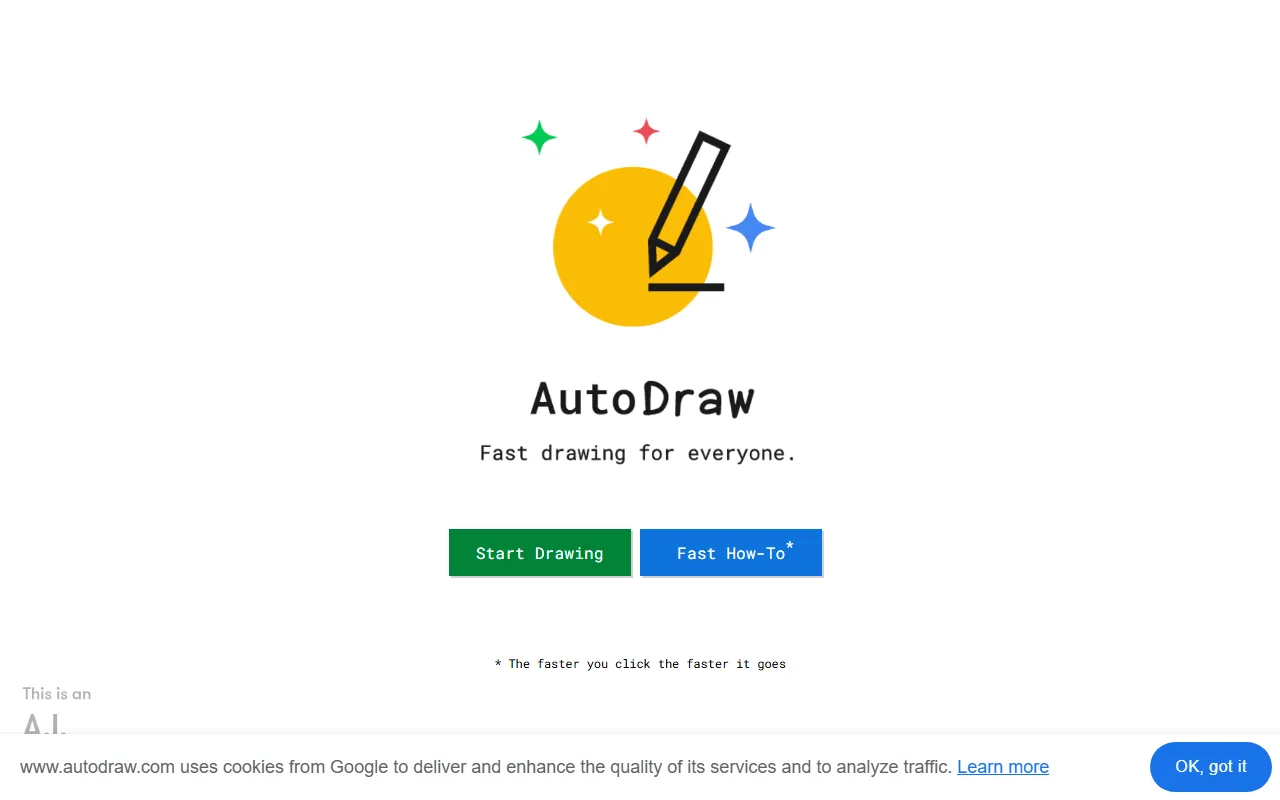
AutoDraw
DevelopmentAn AI-powered quick sketching and drawing tool launched by Google
About
Overview
AutoDraw is an AI-assisted drawing tool launched by Google, aimed at users who want to quickly complete simple drawings, diagrams, and sketch creation. It combines machine learning with graphic assets provided by artists: when a user casually sketches a shape on the canvas, the system guesses the object you want to draw based on the strokes and provides more standardized and visually appealing graphic suggestions to help you complete the drawing faster.
The core advantages of this tool lie in its “low barrier to entry” and “high efficiency.” Even without a drawing background, users can quickly create clear images through simple doodling, making it suitable for scenarios such as everyday expression, light design, classroom presentations, sticky note sketches, or children’s drawing introduction.
Key Features
-
AI smart sketch recognition
- Users only need to casually draw a rough outline, and AutoDraw will automatically recognize possible objects and recommend related graphics at the top.
-
Automatically replace with standardized illustrations
- After recognition, users can replace hand-drawn sketches with cleaner, artist-drawn patterns with one click, improving the readability and visual appeal of the image.
-
Fast drawing experience
- The tool emphasizes “Fast drawing for everyone,” making it suitable for scenarios where ideas need to be expressed quickly, rather than complex professional creation.
-
Basic drawing tools
- It provides common canvas operation capabilities, such as free drawing, adding color, inserting shapes, text input, and other basic editing methods for refining simple works.
-
Suitable for various usage scenarios
- It can be used to create simple diagrams, assist classroom board writing, make concept drafts, create images for social sharing, as well as for children and non-professional users to do light drawing practice.
-
Direct use on the web
- It can be accessed through a browser without installing complex software, resulting in a relatively low barrier to use.
Pricing
Currently, public information shows that AutoDraw can be used directly online, and the official website does not display clear paid subscription details. Please refer to the official website page for actual usage rules and availability.
Frequently Asked Questions
Who is AutoDraw suitable for?
It is suitable for ordinary users without a professional drawing background who want to quickly create clear diagrams, and it is also suitable for teachers, students, content creators, and children for light drawing.
Is AutoDraw a professional design tool?
No. AutoDraw is more oriented toward quick sketches and simple visual expression. It is suitable for lightweight drawing scenarios and does not replace professional illustration or design software.
What is the core feature of AutoDraw?
Its biggest feature is using machine learning to recognize users’ hand-drawn sketches and recommend more standardized graphics, helping users complete drawings at lower cost.
Does it need to be downloaded and installed?
According to the official website information, AutoDraw is mainly provided as a web-based tool and can usually be accessed and used directly through a browser.
Related Tools
View allLiner.ai is a tool that lets users build and deploy machine learning models without programming, suitable for users without a machine learning background to quickly turn training data into integrable models.
Pico is a GPT-4-based text-to-app tool that lets users quickly create simple web applications by describing their needs in natural language, making it suitable for people who have product ideas but do not have programming skills.
Imagica is a no-code AI application development platform that supports users in building AI applications without writing code, and combines real-time data with multimodal capabilities to complete interactive product design.
WidgetsAI is a no-code widget platform for building AI applications, supporting the creation, embedding, and white-labeling of AI components, suitable for teams or individuals who want to quickly integrate AI capabilities without programming.
ComfyUI is a modular graphical interface tool for Stable Diffusion that uses a node-based workflow design, making it easier for users to control the image generation process in greater detail.
Lightning AI is a development framework for building and deploying models and full-stack AI applications, providing capabilities such as training, serving, and hyperparameter optimization to help developers reduce infrastructure configuration work.