
About
Overview
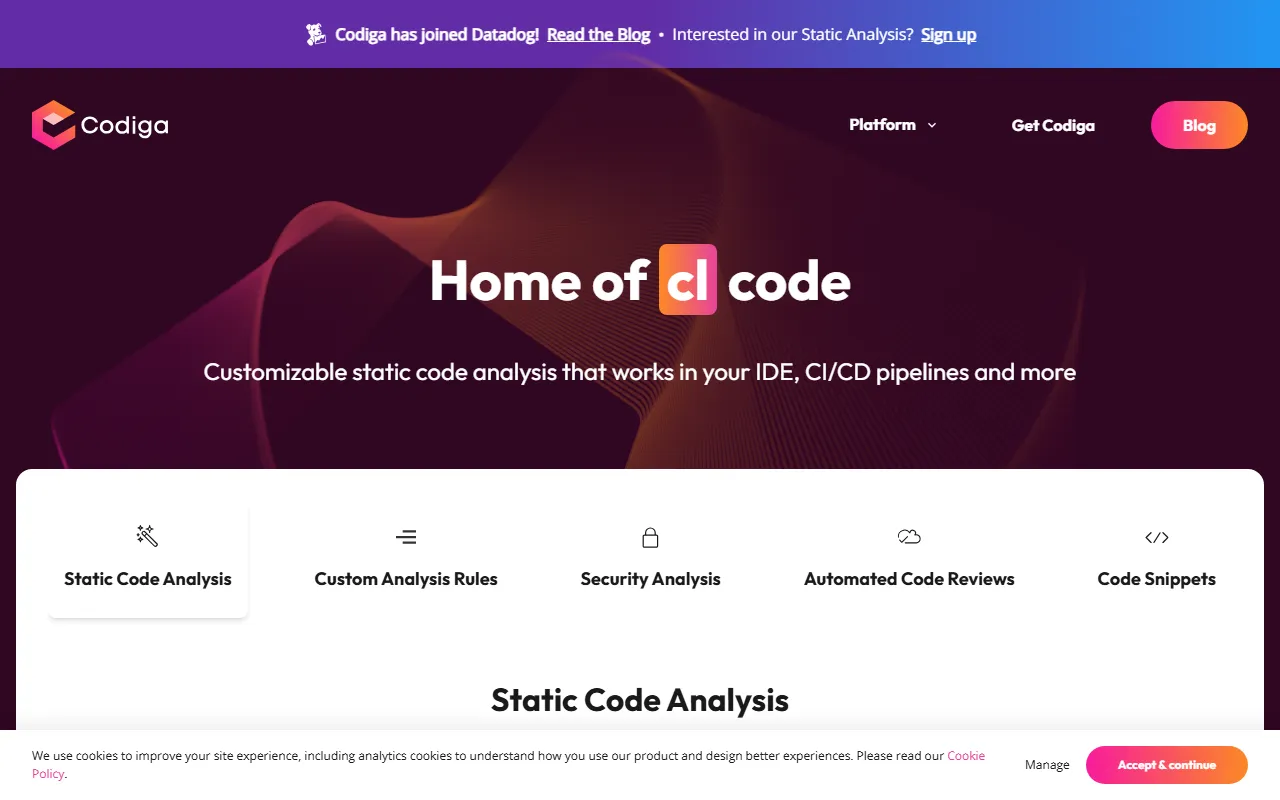
Codiga is an AI-assisted static code analysis tool for developers and teams, focused on real-time code checking and issue remediation suggestions during coding. It can integrate with multiple development environments and code hosting platforms, including VS Code, JetBrains, Visual Studio, GitHub, GitLab, and Bitbucket, helping teams continuously improve code quality, security, and consistency across IDE and CI/CD workflows.
Based on the information on its official website, Codiga’s core capabilities are concentrated in static code analysis, custom rules, security detection, automated code review, and code snippet reuse. Its positioning is suitable for development teams that want to identify issues early in development, reduce security vulnerabilities, and unify team coding standards.
Key Features
-
Real-time static code analysis
- Analyze code instantly in the IDE
- Detect potential errors, code smells, and standards issues as early as possible
- Support viewing remediation suggestions directly during development
-
Automatic fixes and issue handling
- Provide one-click fixes for some vulnerabilities and coding issues
- Help developers reduce the cost of manual investigation and repeated modifications
-
Security analysis
- Support rule detection for common security risks
- The official website mentions coverage of common security issue categories such as OWASP Top 10, MITRE CWE, and SANS/CWE Top 25
- Suitable for identifying potential vulnerabilities early in daily development
-
Custom analysis rules
- Create, test, and share custom static analysis rules
- The official website states that rules can be designed relatively quickly in the browser
- Suitable for implementing internal coding standards and quality requirements across teams
-
Automated code review
- Can be used for automated checks in code repositories and development workflows
- Support assisting code review on platforms such as GitHub, GitLab, and Bitbucket
-
Code snippet management
- Provide code snippet-related capabilities to make it easier for developers to reuse common code patterns
- Help improve development efficiency and consistency
-
Multi-platform integration
- Support IDEs, code hosting platforms, and CI/CD workflows
- Make it easier to embed code quality and security checks into existing development workflows
Pricing
The currently available public crawl information does not clearly show specific pricing plans. If you need to learn about the pricing models for personal, team, or enterprise editions, it is recommended to visit the official pricing page or contact the official team for the latest information.
FAQ
Who is Codiga suitable for?
It is suitable for individual developers, technical teams, code security owners, and organizations that want to strengthen code quality control during the development stage.
Which development environments does Codiga support?
According to the official website, it supports VS Code, JetBrains, Visual Studio, as well as platforms such as GitHub, GitLab, and Bitbucket.
What are Codiga’s core advantages?
Its main characteristics are real-time analysis, support for security rule detection, customizable rules, and integration into IDE and CI/CD workflows, making it suitable for continuous code quality governance.
Is Codiga only for security checks?
No. In addition to security analysis, it also supports static code analysis, team rule management, automated code review, and code snippets.
Related Tools
View allLiner.ai is a tool that lets users build and deploy machine learning models without programming, suitable for users without a machine learning background to quickly turn training data into integrable models.
Pico is a GPT-4-based text-to-app tool that lets users quickly create simple web applications by describing their needs in natural language, making it suitable for people who have product ideas but do not have programming skills.
Imagica is a no-code AI application development platform that supports users in building AI applications without writing code, and combines real-time data with multimodal capabilities to complete interactive product design.
WidgetsAI is a no-code widget platform for building AI applications, supporting the creation, embedding, and white-labeling of AI components, suitable for teams or individuals who want to quickly integrate AI capabilities without programming.
ComfyUI is a modular graphical interface tool for Stable Diffusion that uses a node-based workflow design, making it easier for users to control the image generation process in greater detail.
Lightning AI is a development framework for building and deploying models and full-stack AI applications, providing capabilities such as training, serving, and hyperparameter optimization to help developers reduce infrastructure configuration work.