
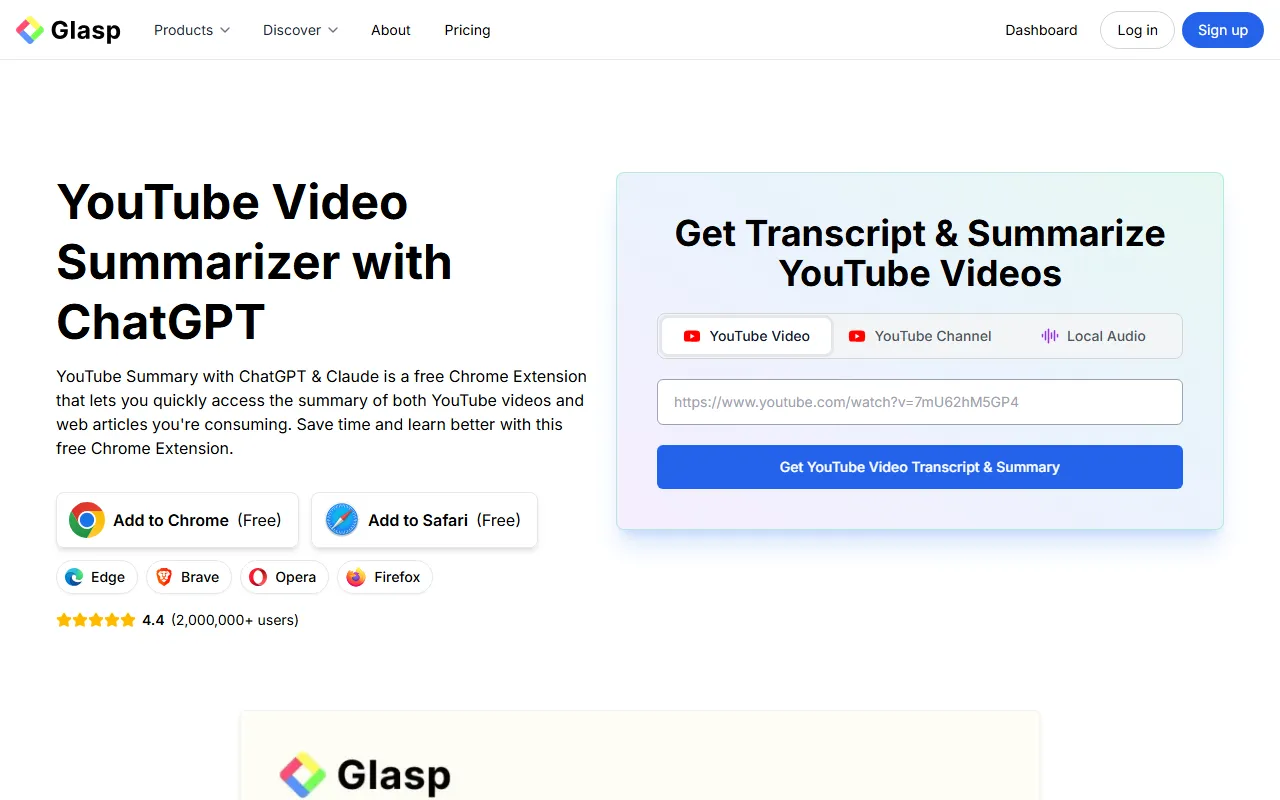
Glasp YouTube Summarizer
DevelopmentGlasp YouTube Summarizer is a tool for summarizing YouTube video content. By combining a Chrome extension with GPT capabilities, it helps users quickly extract key points from videos and obtain learning information more efficiently.
About
Overview
Glasp YouTube Summarizer is an AI tool for YouTube video summarization and transcription. It supports quickly obtaining a video's core content, key points, and subtitle text by pasting a video link or installing a browser extension. It combines the capabilities of multiple large models and can be used to improve the efficiency of video learning, content previewing, and information organization.
This tool is suitable for students, researchers, knowledge-focused content consumers, and users who often watch tutorials, interviews, and course videos. Before watching in full, users can first understand a video's topic through the summary; during learning, they can also use the transcription content for note organization and key-point review. In addition to YouTube videos, official information also shows that it supports summarizing web articles.
Key Features
-
YouTube video summarization
- Enter a YouTube video link to generate an AI summary, helping you quickly grasp the video's main idea and key content.
-
Video subtitles/transcript generation
- Supports obtaining video transcripts, making it easier to search, extract, and organize video information.
-
Key point extraction
- Can extract core viewpoints from long videos, reducing the time required to watch them in full, and is suitable for courses, lectures, interviews, and similar content.
-
Timestamped summaries
- The official page mentions support for summaries with timestamps, making it easier to locate key segments by chapter.
-
Multi-model support
- Official descriptions show that it can combine models such as ChatGPT, Claude, Gemini, Mistral to generate summary content.
-
Multiple ways to use
- Supports pasting a URL for direct summarization, and also supports use via an installed Chrome extension.
- The official website content also shows support for Safari, as well as browser environments such as Edge, Brave, Opera, and Firefox.
-
Supports multilingual transcription
- The official website mentions that multilingual video transcripts can be obtained, making it suitable for cross-language learning and material organization.
-
Extended to web content summarization
- In addition to YouTube videos, this tool can also be used for web article summarization, making it suitable for unified management of information input from different sources.
Pricing
According to the latest public information on the official website:
- Basic features are available for free
- Free installation of the Chrome extension is provided
- Free installation of the Safari version is provided
- The official website explicitly states: No registration is required for basic use
At present, the captured content does not show more detailed information about paid plans, subscription tiers, or pricing for advanced features. If you need the latest pricing, it is recommended to check the official website.
FAQ
-
Can Glasp YouTube Summarizer only be used for YouTube?
No. According to the official website, in addition to YouTube videos, it also supports summarizing web articles. -
Is it necessary to install the extension to use it?
Not necessarily. The official website shows that you can paste a URL directly to get a summary, or use it through a browser extension. -
Can I get the full subtitle content?
Yes. The tool supports generating or extracting video transcripts, making them convenient to copy, read, and organize. -
What usage scenarios is it suitable for?
It is suitable for scenarios such as video previewing, course learning, interview overviews, knowledge point extraction, note organization, and key review. -
Is it free?
The official website shows that basic features are free and that no registration is required for basic use; however, more complete package information is subject to the latest page on the official website.
Related Tools
View allLiner.ai is a tool that lets users build and deploy machine learning models without programming, suitable for users without a machine learning background to quickly turn training data into integrable models.
Pico is a GPT-4-based text-to-app tool that lets users quickly create simple web applications by describing their needs in natural language, making it suitable for people who have product ideas but do not have programming skills.
Imagica is a no-code AI application development platform that supports users in building AI applications without writing code, and combines real-time data with multimodal capabilities to complete interactive product design.
WidgetsAI is a no-code widget platform for building AI applications, supporting the creation, embedding, and white-labeling of AI components, suitable for teams or individuals who want to quickly integrate AI capabilities without programming.
ComfyUI is a modular graphical interface tool for Stable Diffusion that uses a node-based workflow design, making it easier for users to control the image generation process in greater detail.
Lightning AI is a development framework for building and deploying models and full-stack AI applications, providing capabilities such as training, serving, and hyperparameter optimization to help developers reduce infrastructure configuration work.