
Label Studio
DevelopmentLabel Studio is an open-source data labeling platform launched by Human Signal (formerly Heartext). The project has nearly 14,000 stars on GitHub and can help developers fine-tune large language models, prepare training data, or validate AI models.
About
Overview
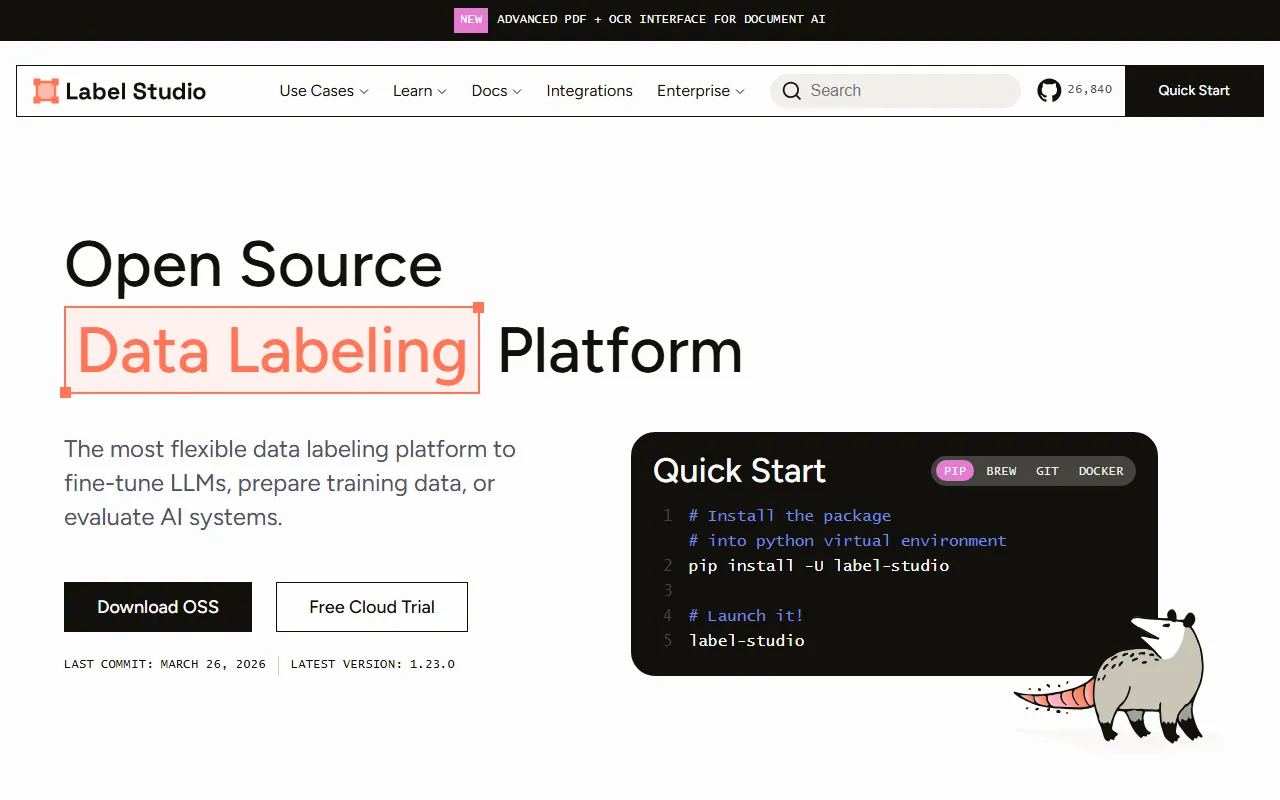
Label Studio is an open-source data labeling platform launched by Human Signal, suitable for building and optimizing data workflows for various AI models. It can be used to fine-tune large language models, prepare training data, and evaluate and validate model outputs. The tool supports local deployment and offers a high degree of flexibility, making it suitable for R&D teams, data labeling teams, and machine learning engineers.
The official website positions it as a "flexible annotation tool for all data types," serving scenarios such as computer vision, natural language processing, speech, audio, and video. For teams that need to customize annotation interfaces, manage multi-project tasks, or connect to existing ML pipelines, Label Studio is a mature open-source choice.
Key Features
-
Supports multiple data types
- Can annotate text, images, audio, video, time series, and other data
- Suitable for tasks such as NLP, CV, speech recognition, and multimodal applications
-
Flexible annotation interface configuration
- Supports customizing annotation interfaces through templates and configurable layouts
- Annotation methods can be adjusted according to dataset structure and business workflows
-
Machine learning-assisted annotation
- Can integrate an ML backend and use model predictions for pre-annotation or assisted annotation
- Helps improve annotation efficiency and reduce repetitive manual work
-
Multi-project and multi-user collaboration
- Can manage multiple projects, task types, and usage scenarios on the same platform
- Suitable for team collaboration and parallel processing of different datasets
-
Easy integration into AI workflows
- Provides APIs, Webhooks, and a Python SDK
- Can be used for operations such as authentication, project creation, task import, and prediction result management
-
Multiple installation methods
- Supports deployment via
pip, Homebrew, Git source code, and Docker - A common startup method is to run
label-studioafter installation, then access the interface throughhttp://localhost:8080/
- Supports deployment via
Pricing
According to information on the official website, Label Studio provides an open-source version (OSS) that can be downloaded for free and self-hosted. The official website also offers a Free Cloud Trial, indicating that it also provides a cloud trial option.
- Open-source version: Free
- Cloud service: Free trial available
- Enterprise or advanced version: The official website page does not explicitly list specific prices in the currently captured content. It is recommended to visit the official website to view the latest plans
Frequently Asked Questions
Who is Label Studio suitable for?
It is suitable for machine learning engineers, data science teams, AI application developers, and teams that need data labeling, model evaluation, and training data management.
What data types does Label Studio support?
It supports multiple types such as text, images, audio, video, and time series, covering most mainstream AI data labeling needs.
Can it be deployed locally?
Yes. The official website provides multiple installation methods such as pip, Brew, Git, and Docker, making it suitable for deployment in local or server environments.
Does it support integration with existing AI/ML systems?
Yes. Label Studio provides APIs, a Python SDK, and Webhooks, making it convenient to connect to existing data processing and model training workflows.
Related Tools
View allLiner.ai is a tool that lets users build and deploy machine learning models without programming, suitable for users without a machine learning background to quickly turn training data into integrable models.
Pico is a GPT-4-based text-to-app tool that lets users quickly create simple web applications by describing their needs in natural language, making it suitable for people who have product ideas but do not have programming skills.
Imagica is a no-code AI application development platform that supports users in building AI applications without writing code, and combines real-time data with multimodal capabilities to complete interactive product design.
WidgetsAI is a no-code widget platform for building AI applications, supporting the creation, embedding, and white-labeling of AI components, suitable for teams or individuals who want to quickly integrate AI capabilities without programming.
ComfyUI is a modular graphical interface tool for Stable Diffusion that uses a node-based workflow design, making it easier for users to control the image generation process in greater detail.
Lightning AI is a development framework for building and deploying models and full-stack AI applications, providing capabilities such as training, serving, and hyperparameter optimization to help developers reduce infrastructure configuration work.